


Magic Water Puzzle
Play on PC with BlueStacks – the Android Gaming Platform, trusted by 500M+ gamers.

Page Modified on: Mar 4, 2026
Play Magic Water Puzzle on PC
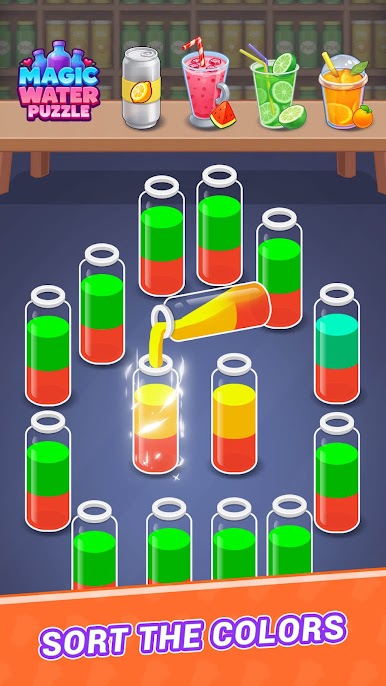
Brain Training: Color sorting and puzzle solving go hand in hand, allowing you to have fun while also developing your logic and observation skills.
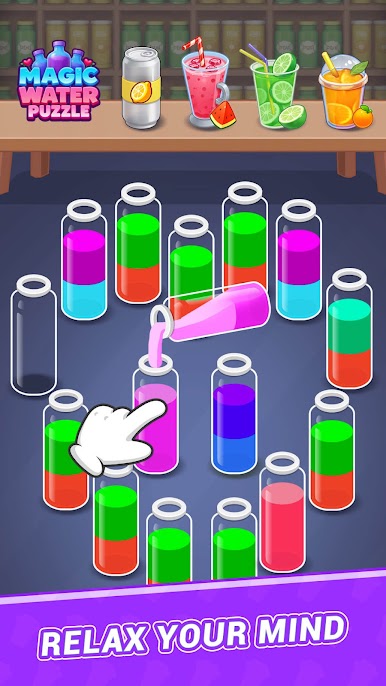
Stress Relief: Tap the bottle and watch the water flow and blend for a relaxing and focused experience.
Visual & Auditory Enjoyment: Vibrant water colors, the sound of clattering glass, and immersive music = a double delight.
🌟 Game Highlights
Endless Levels: Constantly updated water sorting levels and limited-time events provide a constant challenge.
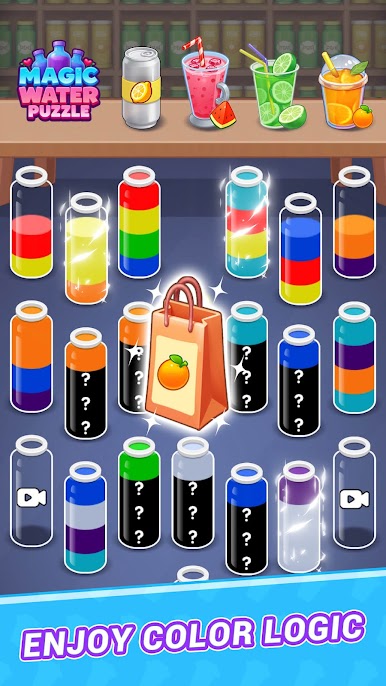
Progressive Difficulty: From easy to hidden bottles, the difficulty increases, ensuring there's never a dull moment.
Immersive Experience: Rippling water and crisp sound effects keep you hooked with every tap.
🎮 Gameplay and Strategy
Tap to Start: Easily pour water and enjoy instant stress relief.
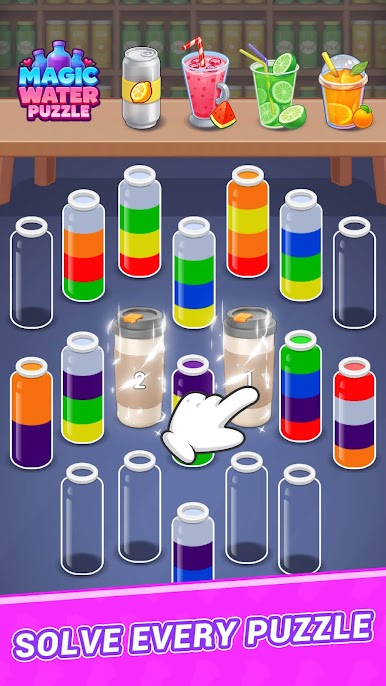
Clever Use of Empty Bottles: Unlock new possibilities and solve puzzles.
🛠 Useful Tools
Clear: Instantly reduce the difficulty!
Undo: Made a mistake? Easily take a step back.
Extra empty bottles: a lifesaver in a pinch!
✨ Download Magic Water Puzzle Now ✨
Relax in a colorful world and unlock endless levels using logic and wit!
Play Magic Water Puzzle on PC. It’s easy to get started.
-
Download and install BlueStacks on your PC
-
Complete Google sign-in to access the Play Store, or do it later
-
Look for Magic Water Puzzle in the search bar at the top right corner
-
Click to install Magic Water Puzzle from the search results
-
Complete Google sign-in (if you skipped step 2) to install Magic Water Puzzle
-
Click the Magic Water Puzzle icon on the home screen to start playing

