

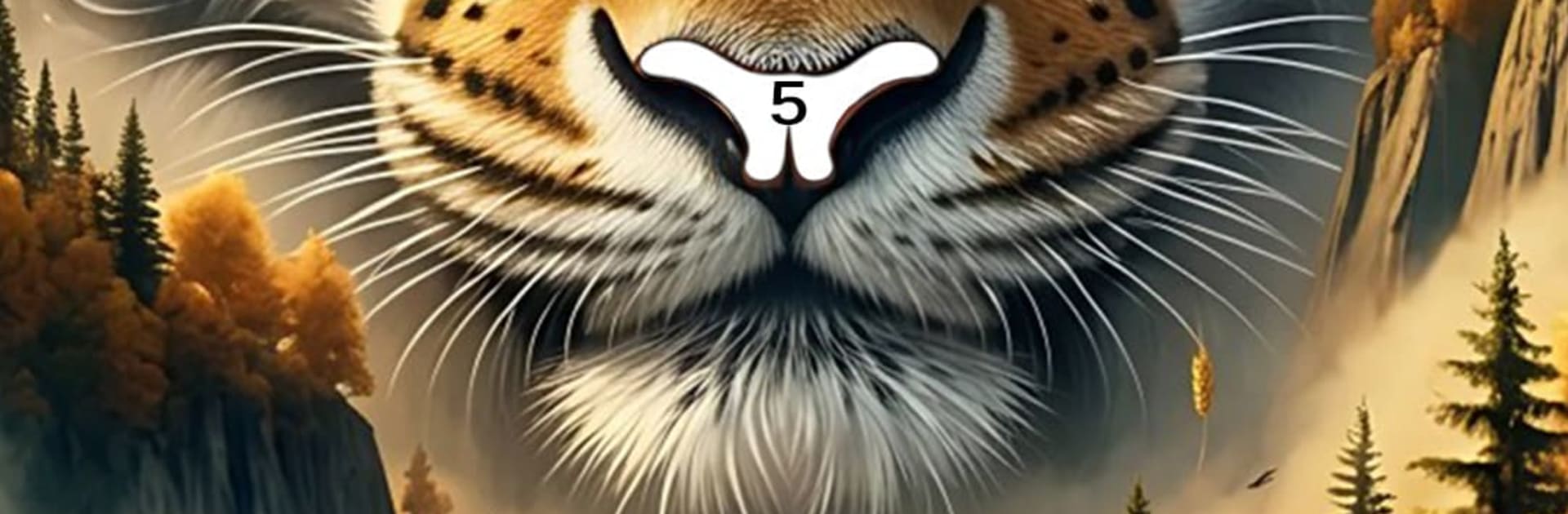
Magical Animal Coloring Book
Play on PC with BlueStacks – the Android Gaming Platform, trusted by 500M+ gamers.

Page Modified on: Jun 16, 2026
Play Magical Animal Coloring Book on PC or Mac
Bring your A-game to Magical Animal Coloring Book, the Casual game sensation from LoveColoring Game. Give your gameplay the much-needed boost with precise game controls, high FPS graphics, and top-tier features on your PC or Mac with BlueStacks.
About the Game
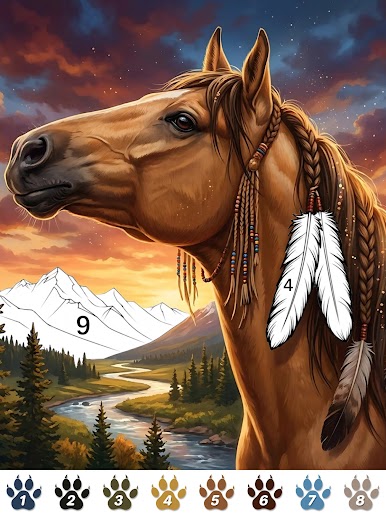
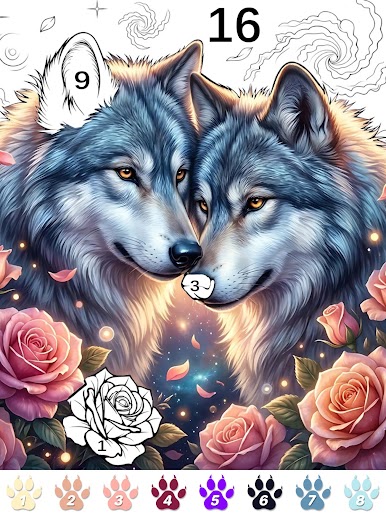
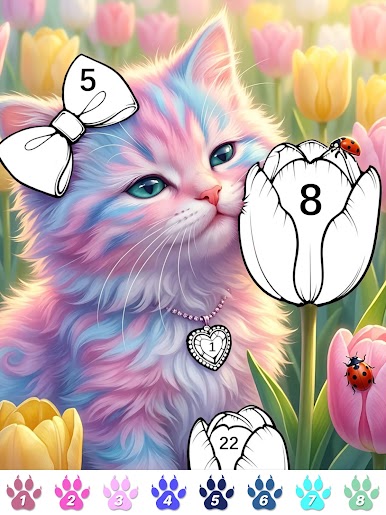
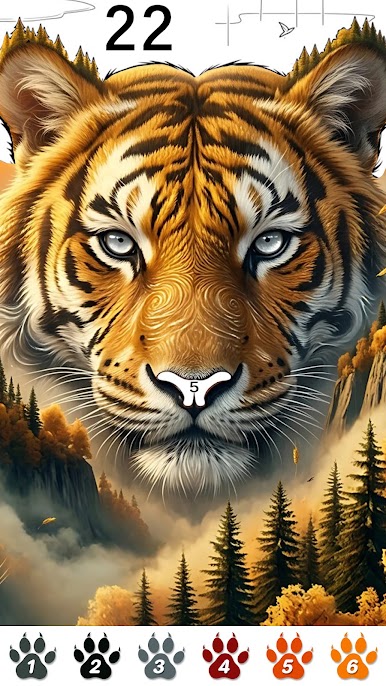
Magical Animal Coloring Book turns busy moments into calm ones with a simple idea: color beautiful animals, one number at a time. This Casual paint-by-number experience blends cute pets, wild creatures, and whimsical beasts with gentle, nature-inspired scenes. Got a few spare minutes? It’s an easy way to slow down, focus, and make something you’re proud to share.
Game Features
- Tap-to-color ease: Follow the numbers and fill each space with a tap—no art skills required. The controls are smooth and intuitive, so your focus stays on the picture, not the process.
- A whole menagerie: Color cozy cats and dogs, elegant horses and farm buddies, foxes and wolves, deer and bears, fluttering birds and butterflies, ocean life, and even mythical creatures.
- Gentle, stress-free flow: Settle into a calming rhythm as each section clicks into place. Watch scenes gradually bloom with color and feel that little spark of accomplishment as you finish.
- Themes for every mood: Explore forests, oceans, and farms, flip through warm pet portraits, wander into fantasy realms, or pick seasonal pieces and holiday-inspired artwork.
- Helpful coloring tools: Use built-in aids to handle tiny details and tricky corners. Save your progress automatically and finish at your own pace without pressure.
- Save and share: Keep your completed art in a personal gallery, then show it off to friends on your favorite social platforms whenever you like.
- Fresh pages often: New animals and themes are added regularly, so there’s always another picture waiting when you’re ready for a quick creative break.
- Play your way: Great for beginners and longtime color-by-number fans alike—short sessions or long, phone or tablet. Prefer a bigger canvas? You can color on BlueStacks for extra screen space and comfy controls.
Ready to top the leaderboard? We bet you do. Let precise controls and sharp visuals optimized on BlueStacks lead you to victory.
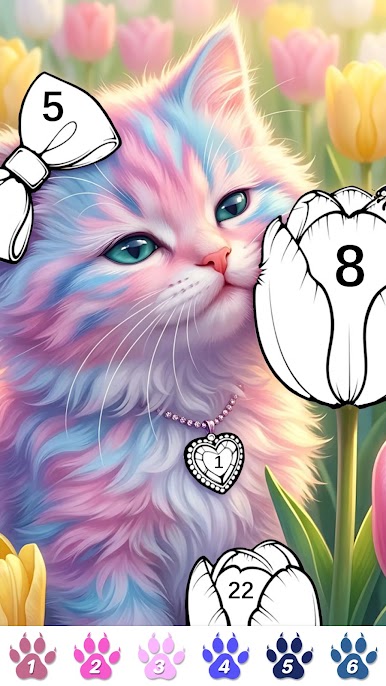

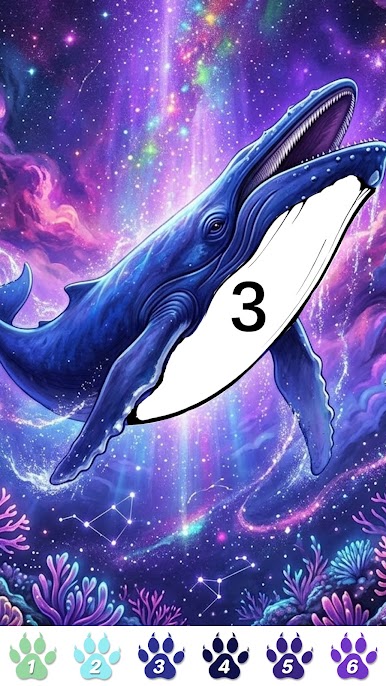
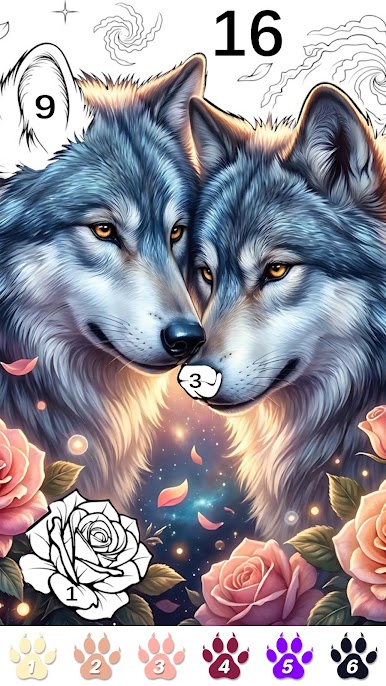
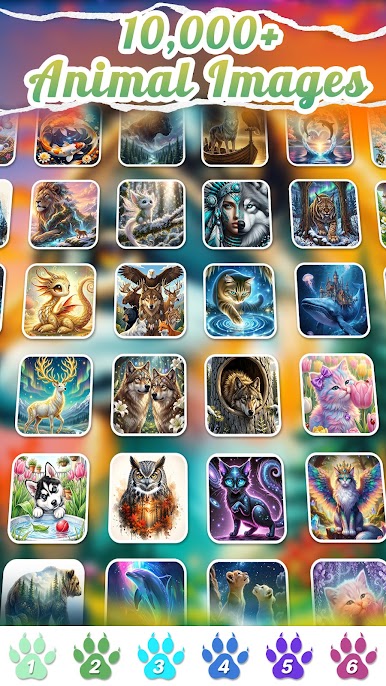

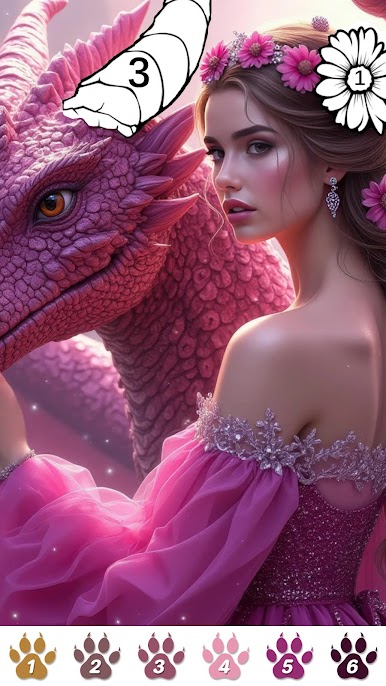

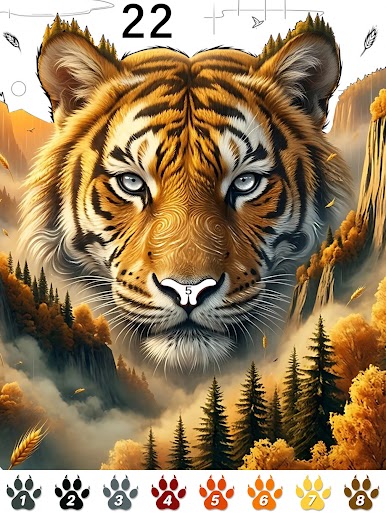
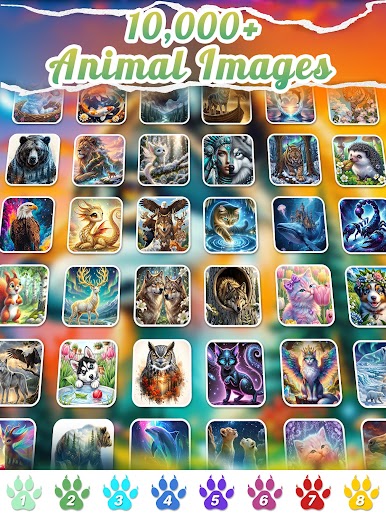
Play Magical Animal Coloring Book on PC. It’s easy to get started.
-
Download and install BlueStacks on your PC
-
Complete Google sign-in to access the Play Store, or do it later
-
Look for Magical Animal Coloring Book in the search bar at the top right corner
-
Click to install Magical Animal Coloring Book from the search results
-
Complete Google sign-in (if you skipped step 2) to install Magical Animal Coloring Book
-
Click the Magical Animal Coloring Book icon on the home screen to start playing

