


Magic Car
Play on PC with BlueStacks – the Android Gaming Platform, trusted by 500M+ gamers.

Page Modified on: Nov 14, 2025
Main Magic Car on PC
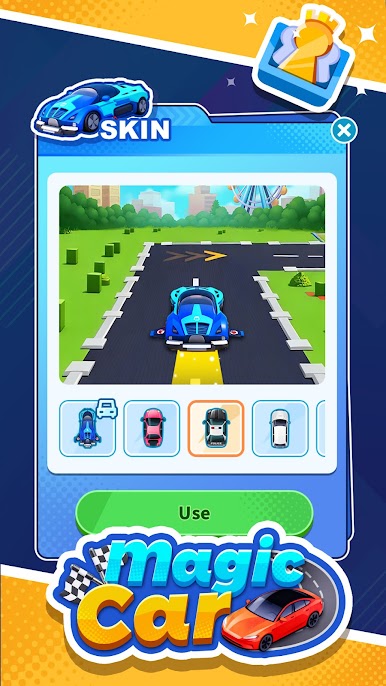
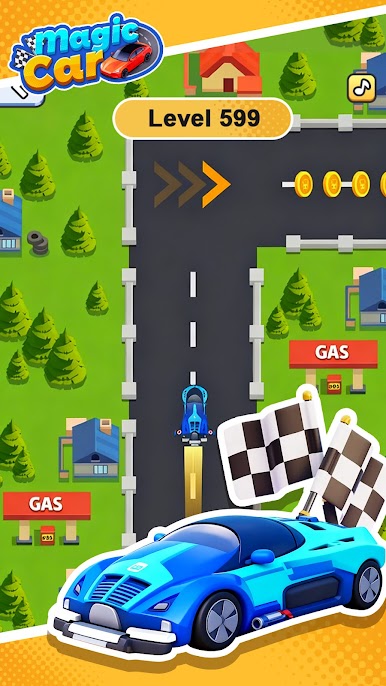
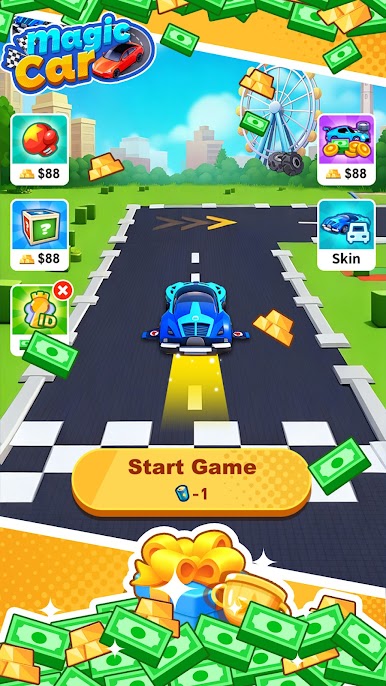
Jump into a fast-paced driving challenge where every second counts!
Simple to play, exciting to master — drift, dodge, and speed your way through countless thrilling tracks. Whether you’ve got a minute or an hour, Magic Car makes every moment fun and rewarding!
🌟 Game Highlights
🎮 Easy Controls, Instant Fun
Just tap to steer and brake! Master the art of smooth drifting and perfect timing to avoid traffic and become the ultimate road legend.
🚗 Quick Rounds, Anytime Play
Each track takes only a few moments to complete. Perfect for your coffee break, commute, or anytime you want a burst of speed and excitement!
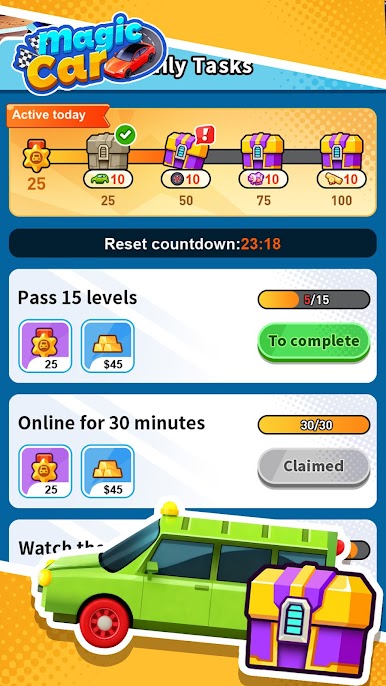
🎁 Daily Missions, Endless Rewards
Complete daily challenges, watch short ads, and earn continuous rewards. More play means more surprises waiting for you every day!
🏭 Factory Orders, Double Earnings
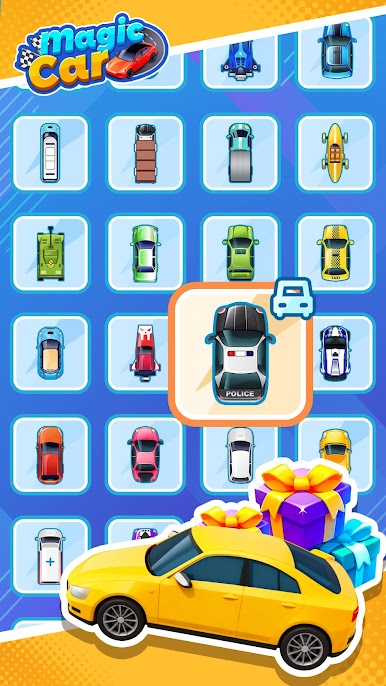
Use the special “Factory Order” system to exchange items earned in levels for coins. Boost your income and level up your garage faster than ever!
💰 Win and Earn
Beat levels, collect coins, and stack up your rewards! Continuous wins unlock even bigger bonuses and surprise rewards.
Get ready for the ultimate casual racing adventure!
Download Magic Car now, hit the accelerator, and race your way to fun, excitement, and real rewards!
Play Magic Car on PC. It’s easy to get started.
-
Download and install BlueStacks on your PC
-
Complete Google sign-in to access the Play Store, or do it later
-
Look for Magic Car in the search bar at the top right corner
-
Click to install Magic Car from the search results
-
Complete Google sign-in (if you skipped step 2) to install Magic Car
-
Click the Magic Car icon on the home screen to start playing

