


Magic Eden:Chaos Era
Play on PC with BlueStacks – the Android Gaming Platform, trusted by 500M+ gamers.

Page Modified on: May 12, 2022
Overview
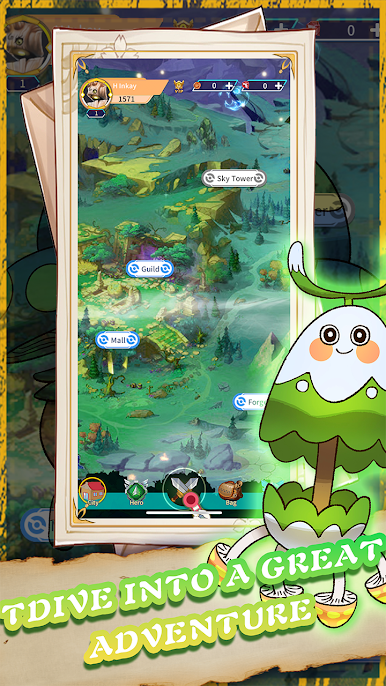
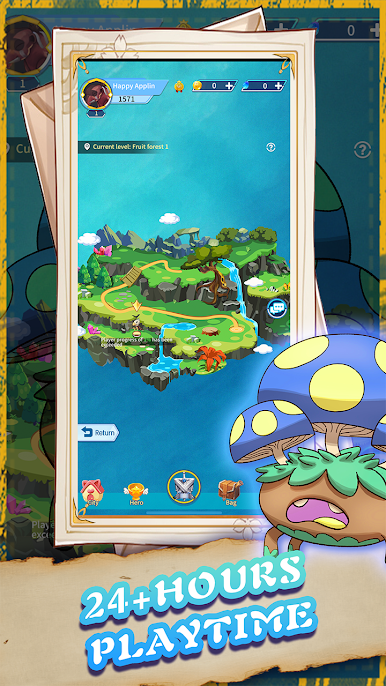
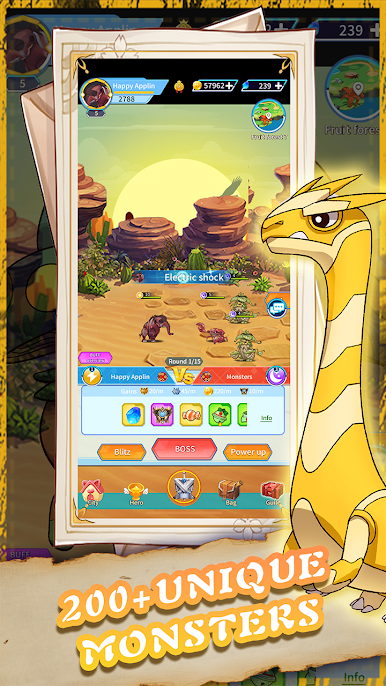
In the game, players play as a novice trainer to step through the map, collect elf partners, form trade unions, conquer gymnasiums, and take risks on the road to become the master of domestication!
【Game Features】
① Classic game style restores the characteristic gameplay
Retain the most classic gameplay of the game, and the optimized picture style is matched with various cute pet partners, giving you the best childhood memories!
②Casual on-hook gameplay, easy multiplayer interaction
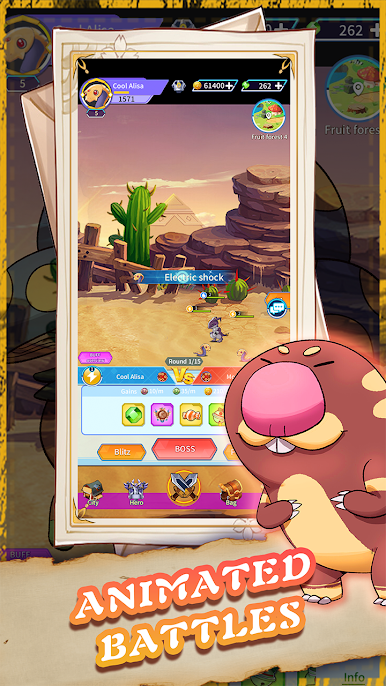
Hang up to fight, easy to develop, perfect social and guild system, friends help each other, fight side by side, and build the strongest guild!
③New strategy gameplay to cultivate the strongest team
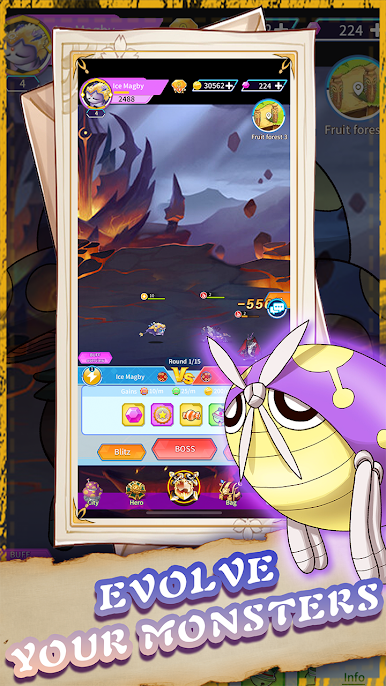
The elves grow and fight each other, unique map support, different skills and attribute matching, I wish you a trip to the gym!
Play Magic Eden:Chaos Era on PC. It’s easy to get started.
-
Download and install BlueStacks on your PC
-
Complete Google sign-in to access the Play Store, or do it later
-
Look for Magic Eden:Chaos Era in the search bar at the top right corner
-
Click to install Magic Eden:Chaos Era from the search results
-
Complete Google sign-in (if you skipped step 2) to install Magic Eden:Chaos Era
-
Click the Magic Eden:Chaos Era icon on the home screen to start playing

