

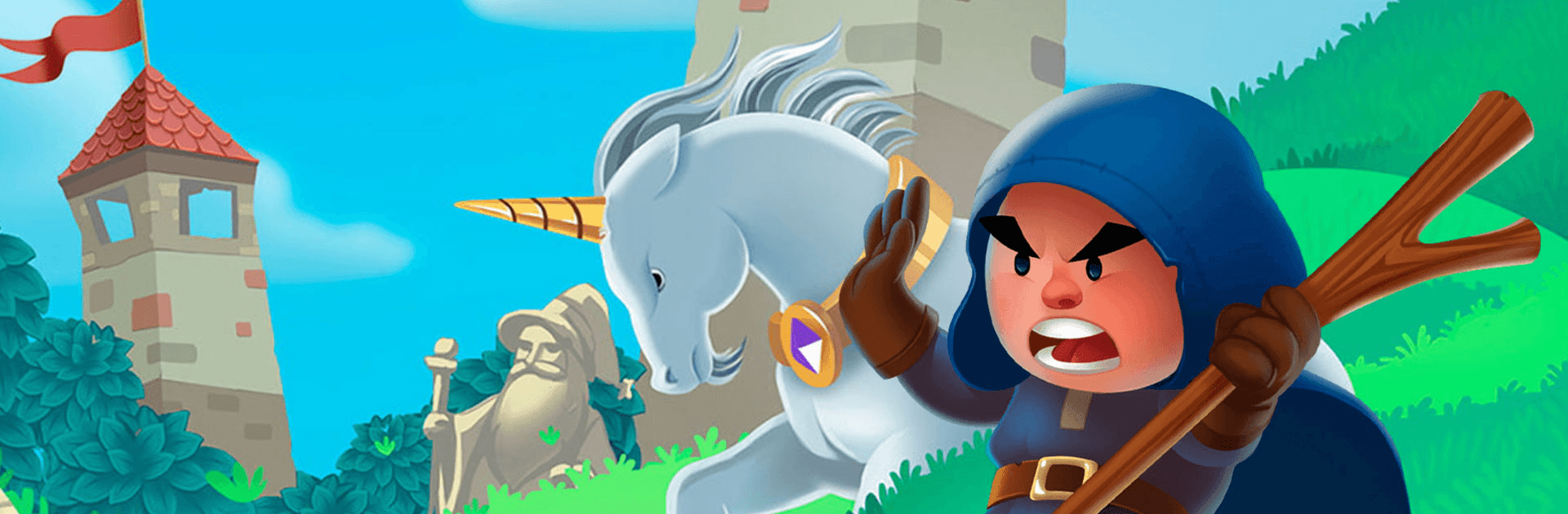
Magic Wars: Wizards Battle
Play on PC with BlueStacks – the Android Gaming Platform, trusted by 500M+ gamers.

Page Modified on: Dec 27, 2025
Play Magic Wars: Wizards Battle on PC or Mac
Magic Wars: Wizards Battle is an action game developed by Artox Media inc. BlueStacks app player is the best platform to play this Android game on your PC or Mac for an immersive gaming experience.
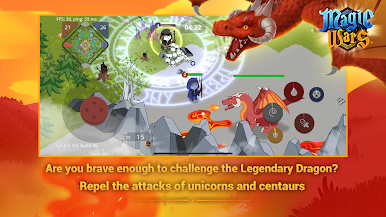
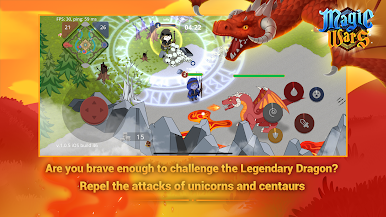
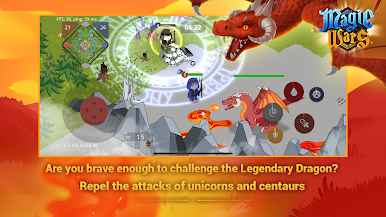
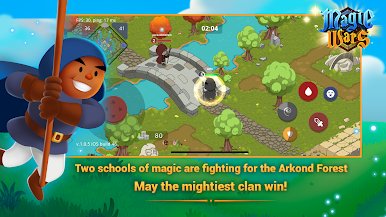
Download Magic Wars: Wizards Battle on PC to discover the secrets that lie deep down in the thicket of the dark forest. Team up with your friends from real life and battle your enemies. Are you ready for some action? Download Magic Wars: Wizards Battle on PC now.
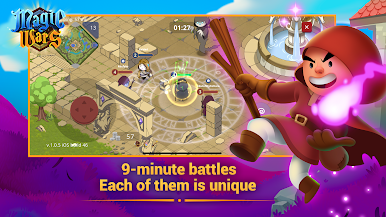
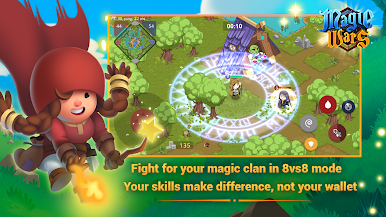
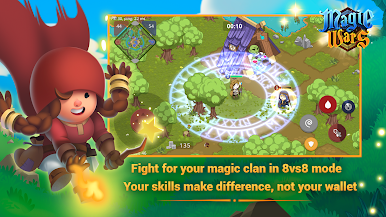
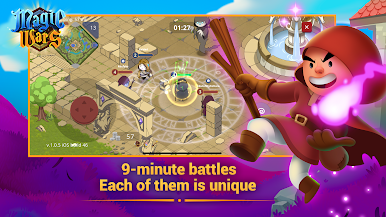
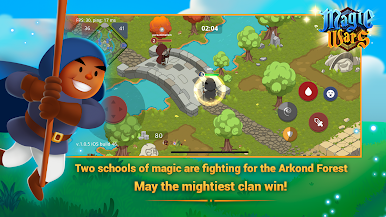
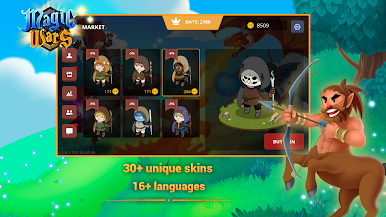
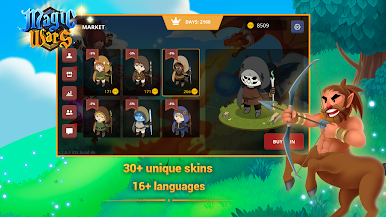
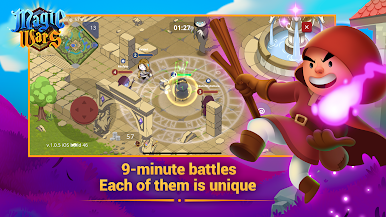
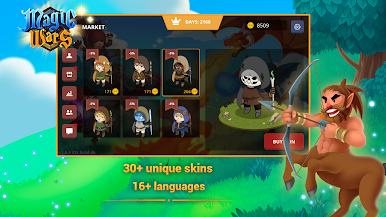
In this action game, you and your allies are to fight against the rival team. You can choose heroes from an interesting heroes roster. You can also better express yourself with skins to make your avatar look original, you can simply earn the skins by playing the game. Also, you can buy fashionable things to show other wizards who the stylish boss is. You are guaranteed to enjoy some of the hottest PvP experiences with an exciting 8vs8 mode.
Also, by eliminating other players, you can gain rewards that you can use to purchase items in stores which would make you more powerful. Plus, you can play alone or together with friends. You could also join or create a clan to find teammates and new friends.





Play Magic Wars: Wizards Battle on PC. It’s easy to get started.
-
Download and install BlueStacks on your PC
-
Complete Google sign-in to access the Play Store, or do it later
-
Look for Magic Wars: Wizards Battle in the search bar at the top right corner
-
Click to install Magic Wars: Wizards Battle from the search results
-
Complete Google sign-in (if you skipped step 2) to install Magic Wars: Wizards Battle
-
Click the Magic Wars: Wizards Battle icon on the home screen to start playing

