


MCAT Prep by Magoosh
Play on PC with BlueStacks – the Android Gaming Platform, trusted by 500M+ gamers.

Page Modified on: Oct 4, 2023
Run MCAT Prep by Magoosh on PC or Mac
Multitask effortlessly on your PC or Mac as you try out MCAT Prep by Magoosh, a Education app by Magoosh on BlueStacks.
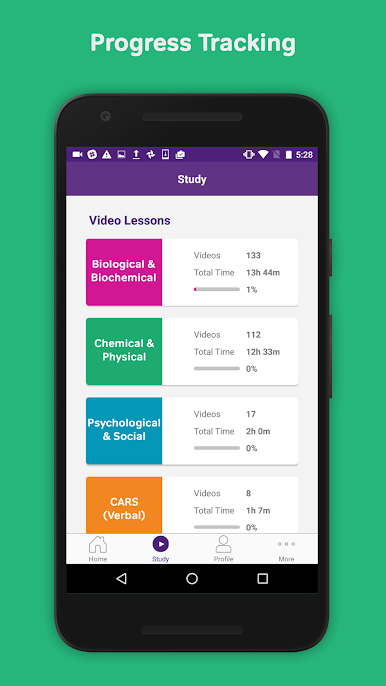
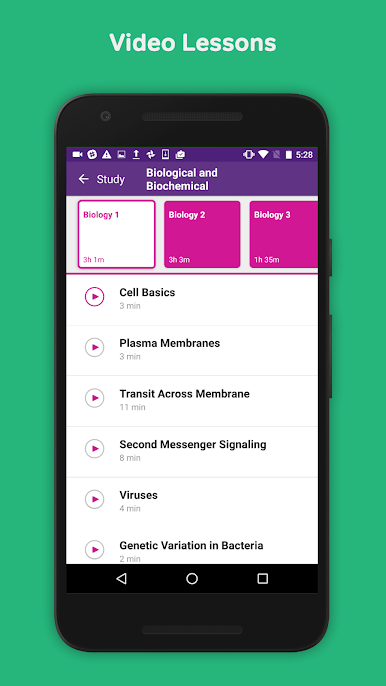
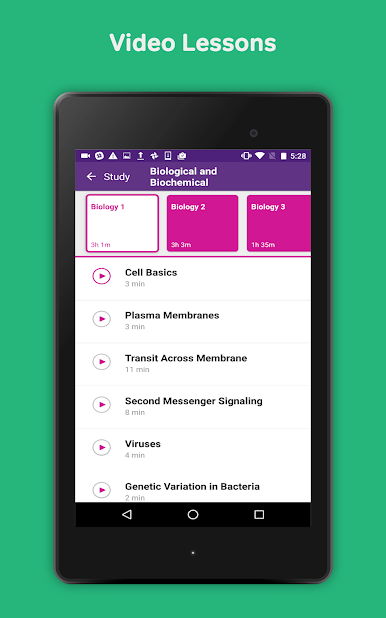
MCAT Prep by Magoosh is basically like having a whole stash of study tools in one place and, when running it on something like BlueStacks on a PC, it just feels so much easier to get through big chunks of review. There are a ton of short video lessons that break down tricky topics — everything from biochem to physics and psych — and they’re all made so you don’t totally zone out. The way lessons are broken into little chapters makes it less overwhelming, plus the videos are actually clear and not drowning in unnecessary info, which is nice when trying to tackle science subjects that get heavy fast.
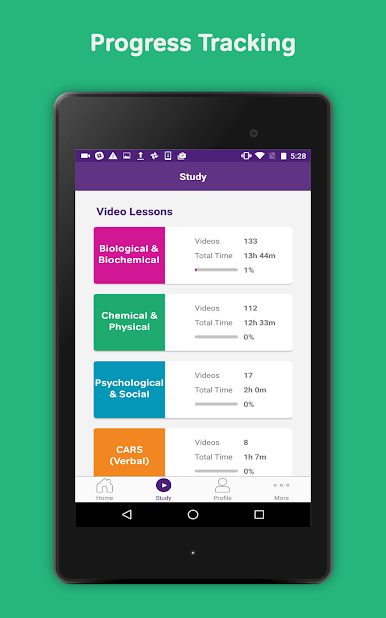
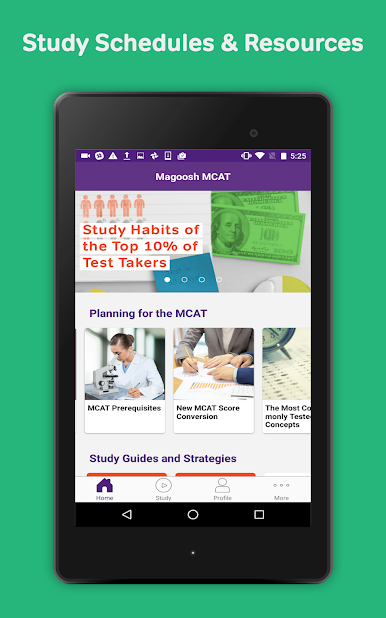
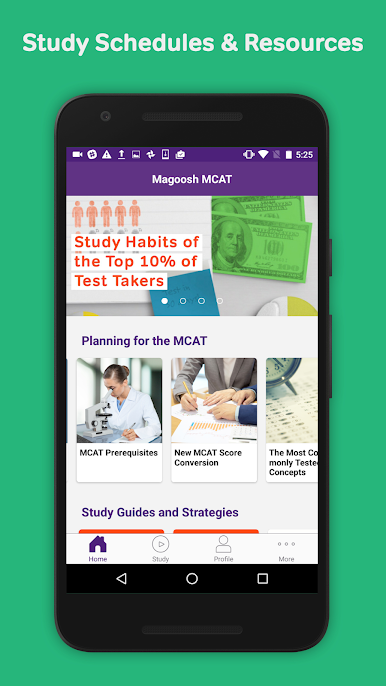
There’s a progress tracker that keeps you on top of what you’ve already done, and if you’re using a PC, it’s way simpler to see everything at a glance without fussing with a tiny phone screen. The study schedules are helpful for figuring out what to focus on each day, and a bunch of the content is available offline, which is perfect when internet is spotty. There are both free trial lessons and way more if you decide to upgrade, so it’s easy to test out what works. All combined, it really just lays out the important stuff — articles, tutor options, practice — so anyone studying the MCAT isn’t left wondering where to start or what to do next.
BlueStacks gives you the much-needed freedom to experience your favorite apps on a bigger screen. Get it now.
Play MCAT Prep by Magoosh on PC. It’s easy to get started.
-
Download and install BlueStacks on your PC
-
Complete Google sign-in to access the Play Store, or do it later
-
Look for MCAT Prep by Magoosh in the search bar at the top right corner
-
Click to install MCAT Prep by Magoosh from the search results
-
Complete Google sign-in (if you skipped step 2) to install MCAT Prep by Magoosh
-
Click the MCAT Prep by Magoosh icon on the home screen to start playing

