


mail.com: Email app & Cloud
Play on PC with BlueStacks – the Android Gaming Platform, trusted by 500M+ gamers.

Page Modified on: Mar 4, 2026
Run mail.com: Email app & Cloud on PC or Mac
Upgrade your experience. Try mail.com: Email app & Cloud, the fantastic Communication app from 1&1 Mail & Media Inc, from the comfort of your laptop, PC, or Mac, only on BlueStacks.
About the App
Looking for a straightforward way to keep your email and files in one secure spot? mail.com: Email app & Cloud is built for folks who want their messages, contacts, documents, and photos easy to get to—whenever, wherever. With the touch of a button, you’re in your inbox, sorting, replying, and storing everything important. Simple, fuss-free, and always at your fingertips, whether you’re at home or on the move.
App Features
-
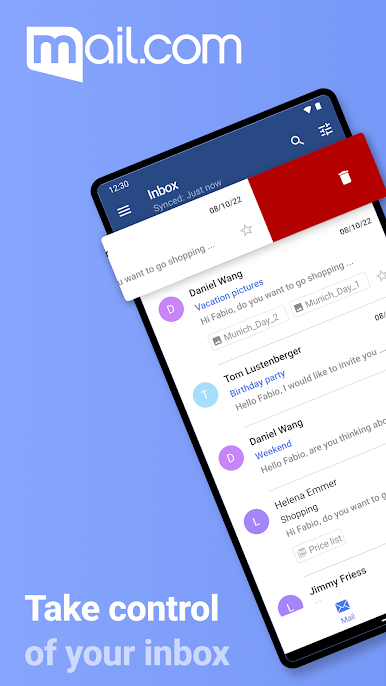
All-in-One Email Access
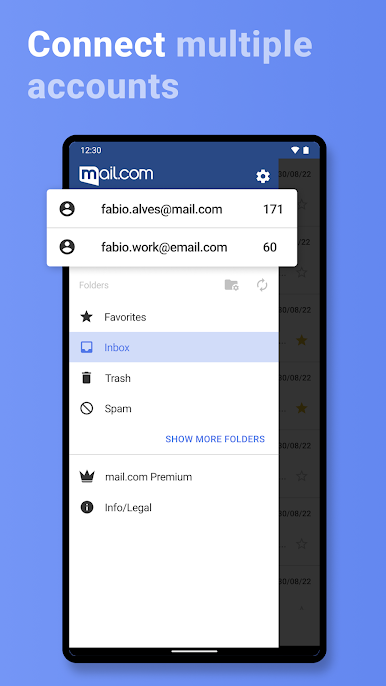
Manage multiple email accounts and addresses—no juggling between apps. Check messages, reply, organize your folders, and find contacts, all in one tab. -
Seamless Cloud Storage
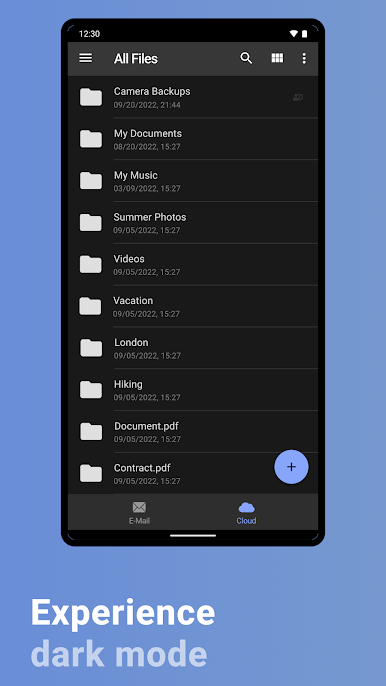
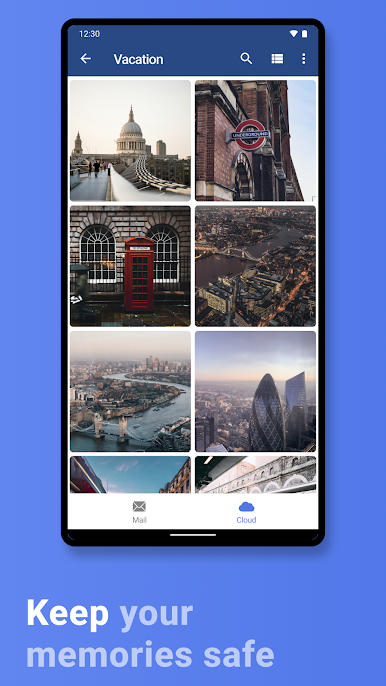
With 2GB of included cloud space, you can upload, back up, and access photos or documents right from your phone. Want to save memories as you make them? Turn on automatic photo backup and they’ll sync to your cloud straight from your device. -
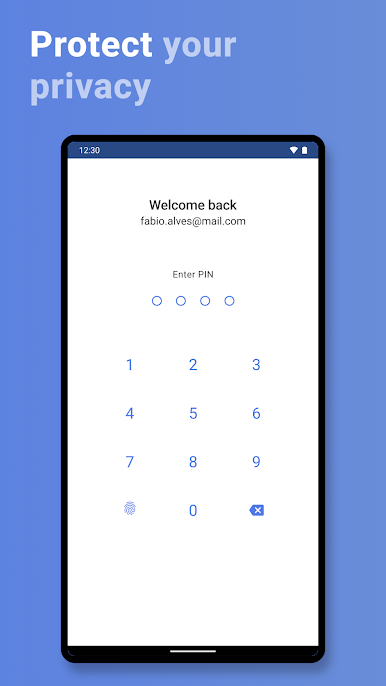
Tight Security
Your privacy’s a priority here. Keep your conversations locked down with PIN, fingerprint, or facial recognition—whatever your Android supports. The app also uses TLS and SSL so your emails are encrypted as they travel. -
Custom Alerts
Set up how (or if) you get notified. Whether you want a custom sound, gentle vibration, or silent updates, it’s your call. Stay on top of new emails with push notifications, or keep things quiet on your own terms. -
Quick Search & Smart Tools
Lost an email? Just tap the search icon. Need to blast through your spam? There’s a button for that too. Writing a new message or attaching a file is never more than a tap away. -
Flexible Email Creation
Make a new email address in seconds, straight from the app. Choose from over 100 domains to get an address that feels right—maybe even a little fun. -
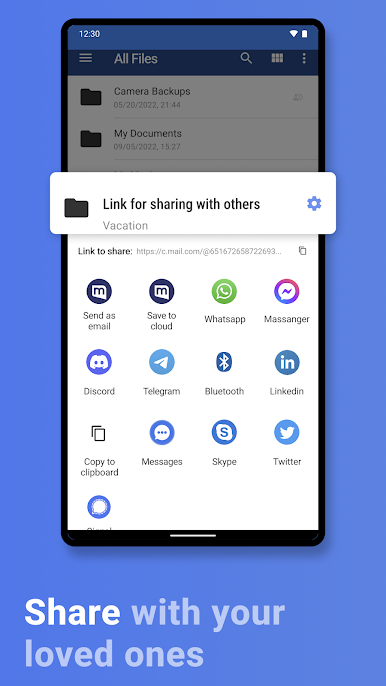
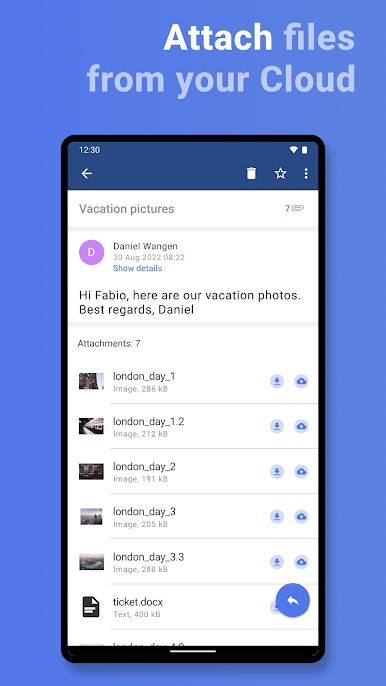
Effortless Sharing & Sync
Easily move documents or photos from your cloud straight into an email. Contact lists and folders auto-sync between your mail.com app and webmail, so everything’s up to date. -
Device Integration
Link your existing contacts by syncing with your phone’s address book, if you want. The app adapts to the way you organize your digital life.
Want to try mail.com: Email app & Cloud from 1&1 Mail & Media Inc on your PC? BlueStacks makes it easy to run everything on a bigger screen if that’s your thing.
Ready to experience mail.com: Email app & Cloud on a bigger screen, in all its glory? Download BlueStacks now.

Play mail.com: Email app & Cloud on PC. It’s easy to get started.
-
Download and install BlueStacks on your PC
-
Complete Google sign-in to access the Play Store, or do it later
-
Look for mail.com: Email app & Cloud in the search bar at the top right corner
-
Click to install mail.com: Email app & Cloud from the search results
-
Complete Google sign-in (if you skipped step 2) to install mail.com: Email app & Cloud
-
Click the mail.com: Email app & Cloud icon on the home screen to start playing

