


Chinese Pinyin Game / Mr.Panda
Play on PC with BlueStacks – the Android Gaming Platform, trusted by 500M+ gamers.

Page Modified on: Aug 3, 2025
Run Pinyin Master ~ Chinese Pinyin Game ~ on PC or Mac
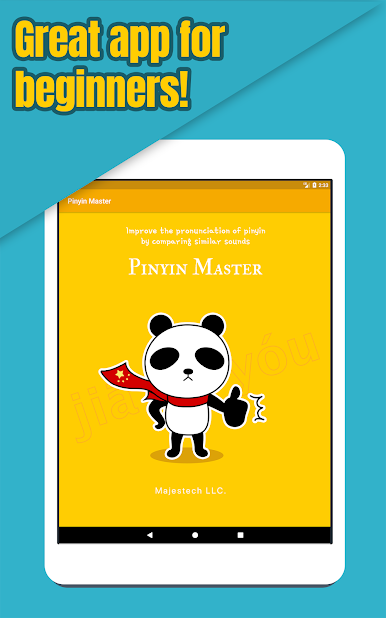
Multitask effortlessly on your PC or Mac as you try out Pinyin Master ~ Chinese Pinyin Game ~, a Education app by Majestech LLC. on BlueStacks.
About the App
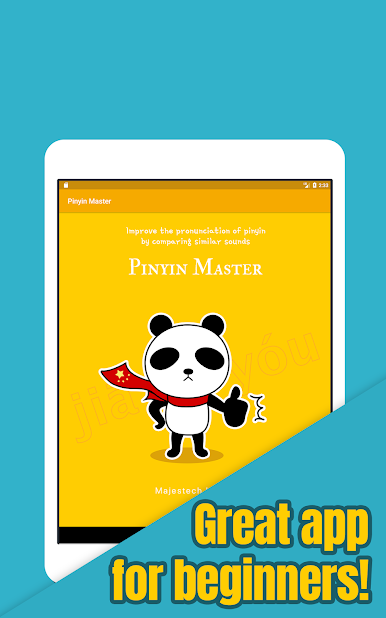
Ever wanted to get better at pronouncing Chinese pinyin or just feel more confident listening to Mandarin? Pinyin Master ~ Chinese Pinyin Game ~ makes it easy and fun to sharpen your ear for those tricky sounds. Majestech LLC. cooked up this app for learners who want a no-fuss way to practice and finally get those subtle pronunciations right. No need to stress—just bring your curiosity and jump in, whether you’re just starting out or want to brush up your skills.
App Features
-
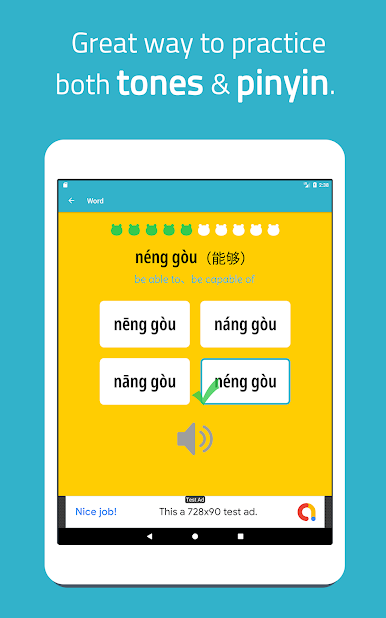
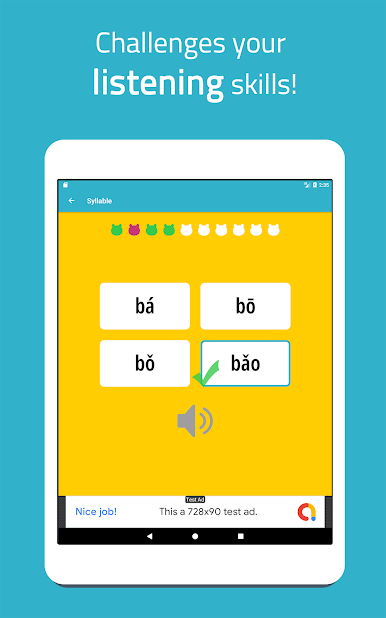
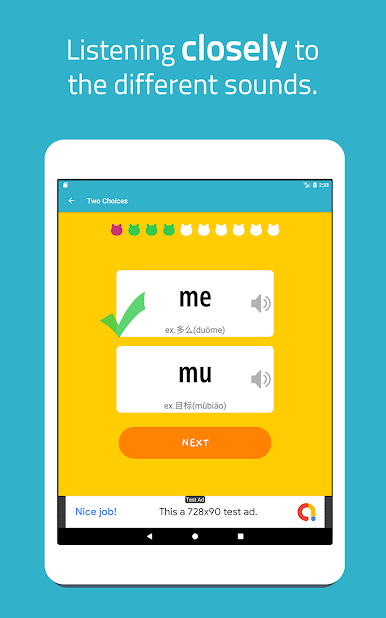
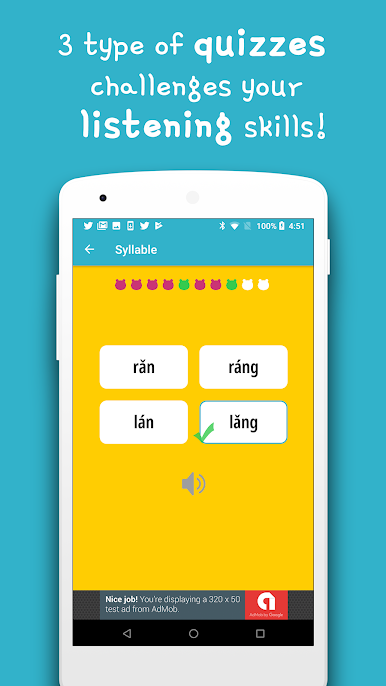
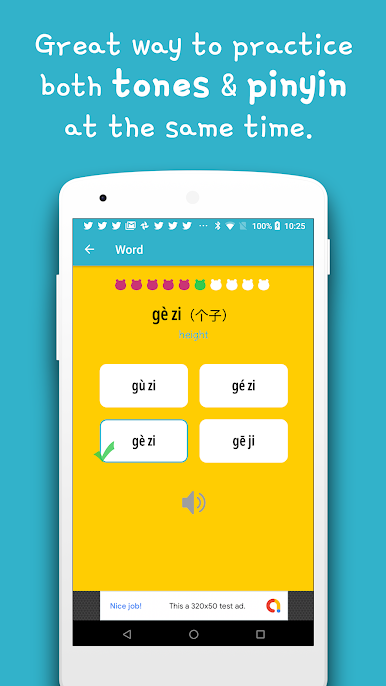
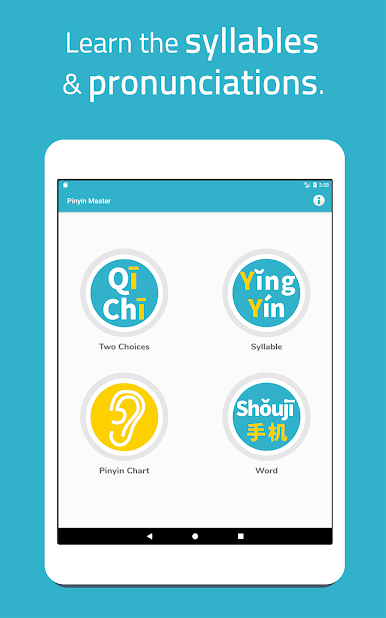
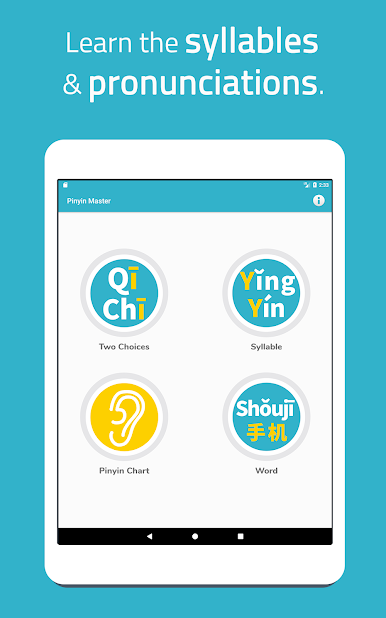
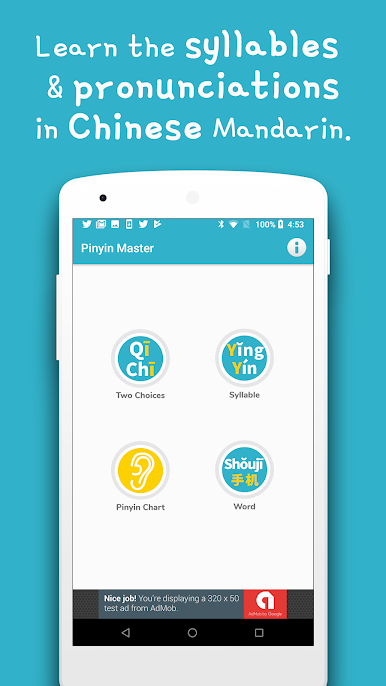
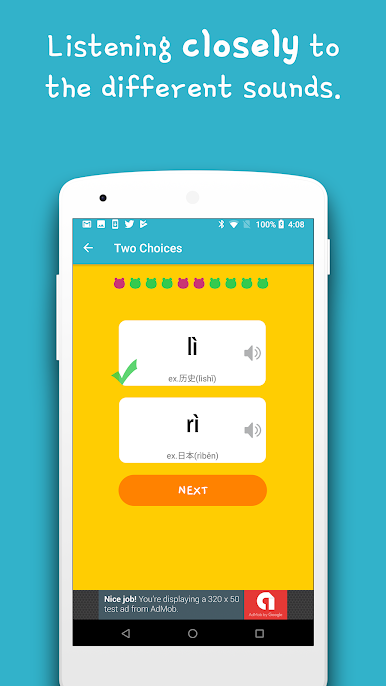
Interactive Pronunciation Quiz
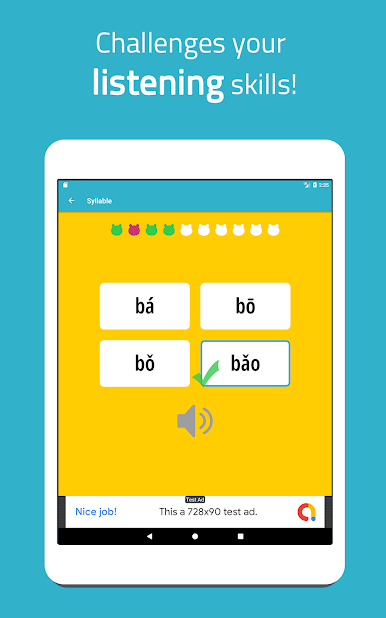
Listen closely to a native-speaker style voice and guess which pinyin you’re hearing. The app gives you instant feedback—if you’re right, you’ll know, but if you mix up a sound, you’ll catch it quickly. -
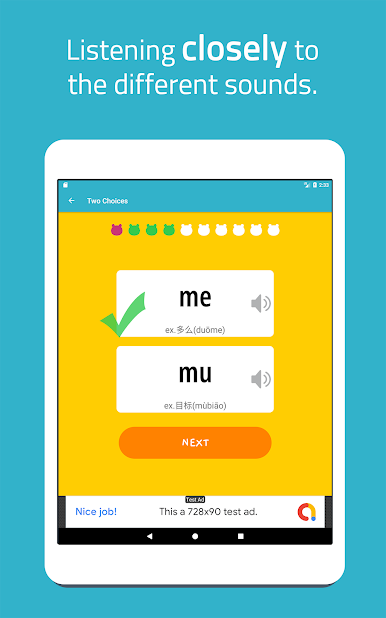
Focus on Similar-Sounding Syllables
Tired of mixing up sounds like ‘zh’ and ‘j’? The mini-games are set up to highlight pinyin that trip most folks up, making it easier to nail Chinese pronunciation over time. -
Quick, Repeatable Rounds
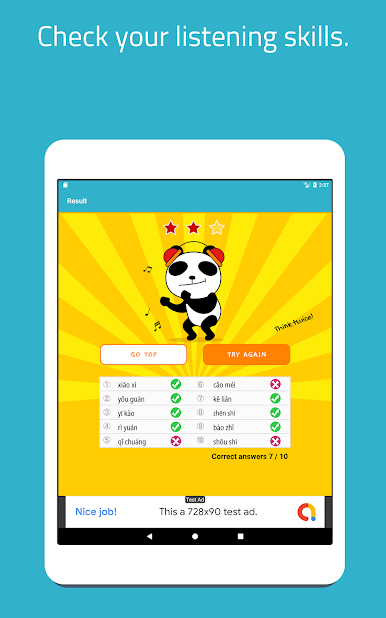
Each quiz comes as a set of ten questions, so practice never feels overwhelming. Want to check your progress halfway through? Tap a button—the app shows your results then and there. -
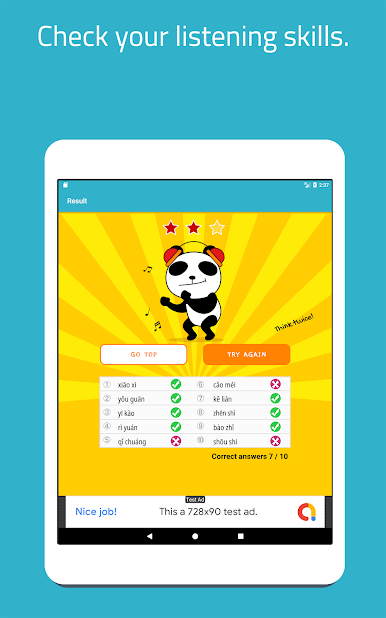
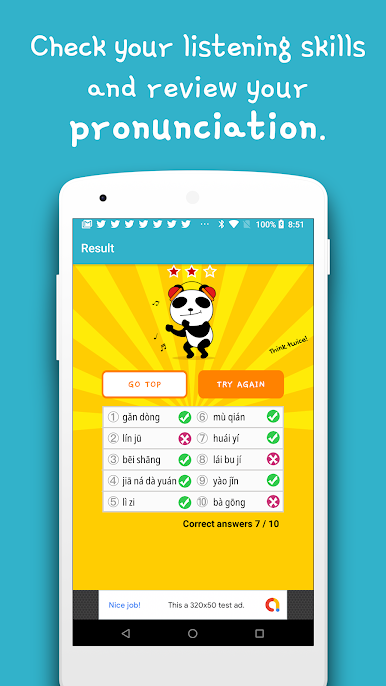
Clear Results and Progress Tracking
See how you’re doing after every round. Instantly spot what you’ve mastered and what you might want to replay before moving on. -
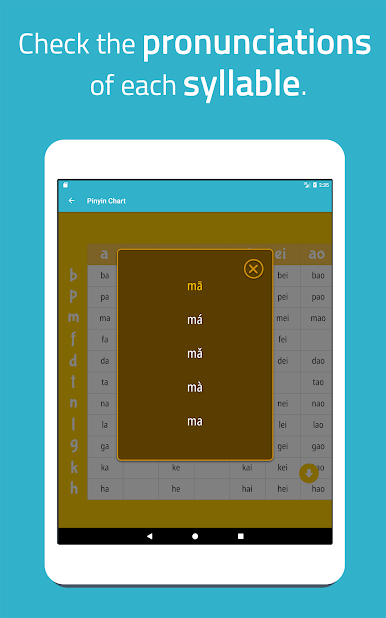
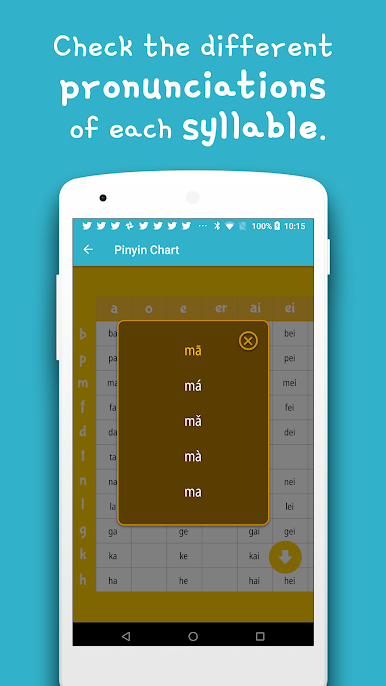
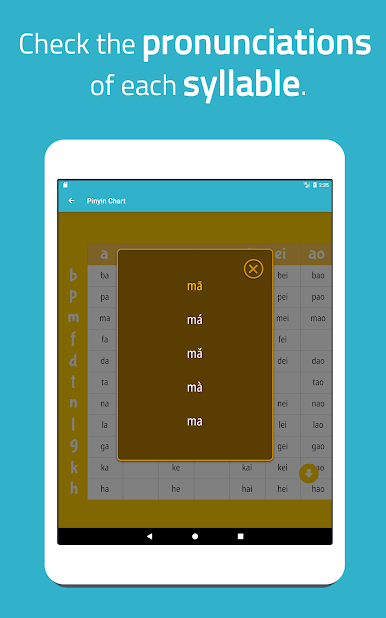
Handy Pinyin Chart
Built right in: a reference chart just like you’d find in a Chinese textbook. You can scroll around, reveal different sections, and even tap each pinyin to hear exactly how it’s supposed to sound. -
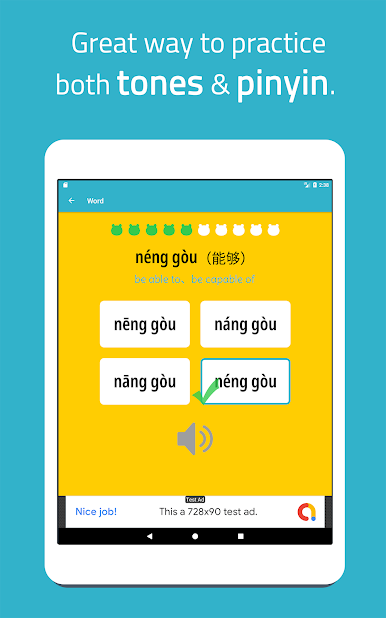
Four-Tone Practice
Get a feel for Mandarin’s four tones by pressing any blue syllable on the chart—they’ll all play back with the right pitch. Super helpful if tones are your stumbling block. -
Easy to Use, Quick to Restart
The game flows smoothly from one question to the next—no menus or confusing steps. Just answer, listen, and learn, one tap at a time. -
Optimized for Android and BlueStacks
Whether you’re practicing on your phone or using BlueStacks on your laptop, everything runs seamlessly so you can focus on improving your Chinese comprehension.
BlueStacks gives you the much-needed freedom to experience your favorite apps on a bigger screen. Get it now.
Play Chinese Pinyin Game / Mr.Panda on PC. It’s easy to get started.
-
Download and install BlueStacks on your PC
-
Complete Google sign-in to access the Play Store, or do it later
-
Look for Chinese Pinyin Game / Mr.Panda in the search bar at the top right corner
-
Click to install Chinese Pinyin Game / Mr.Panda from the search results
-
Complete Google sign-in (if you skipped step 2) to install Chinese Pinyin Game / Mr.Panda
-
Click the Chinese Pinyin Game / Mr.Panda icon on the home screen to start playing

