


Mods for Minecraft: Master mod
Play on PC with BlueStacks – the Android Gaming Platform, trusted by 500M+ gamers.

Page Modified on: Jul 23, 2025
Run Mods for Minecraft: Master mod on PC or Mac
Multitask effortlessly on your PC or Mac as you try out Mods for Minecraft: Master mod, a Tools app by MCPE mods maker on BlueStacks.
About the App
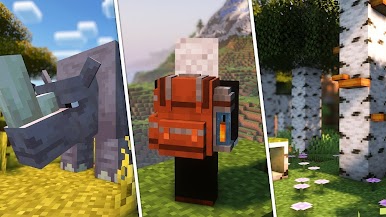
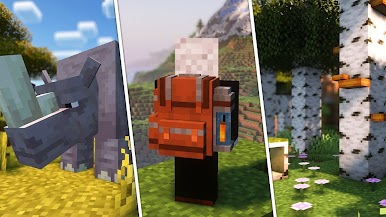
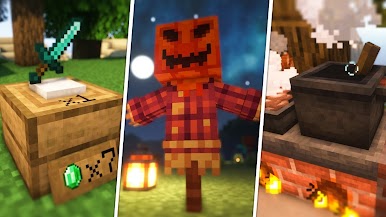
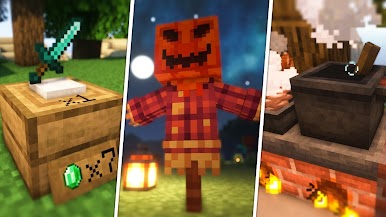
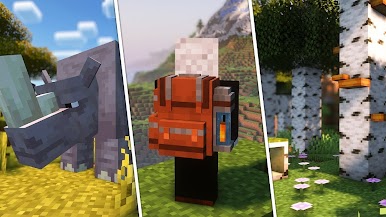
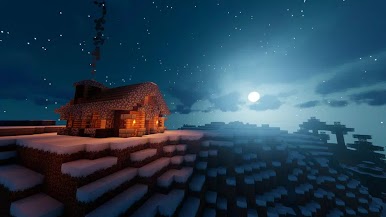
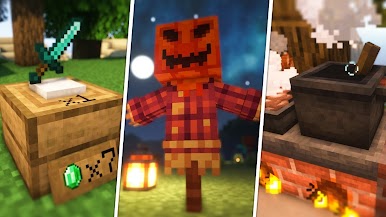
If you’re the kind of Minecraft fan who loves exploring endless new stuff, Mods for Minecraft: Master mod by MCPE mods maker makes it ridiculously easy to shake things up in your worlds. This is your go-to companion for adding fresh content—think new skins, crazy weapons, wild creatures, custom maps, and more—straight into both Minecraft PE and Bedrock Edition. Love tweaking your survival experience or want to try out some jaw-dropping shaders? You’ll find just about everything, all in one easy-to-navigate spot.
App Features
-
Fresh Add-Ons and Mods
Browse an ever-growing collection of add-ons—from awesome animals and powerful weapons, to cars, armor, and fantasy creatures. There’s always something new to install with just a few taps. -
Unique Maps and Worlds
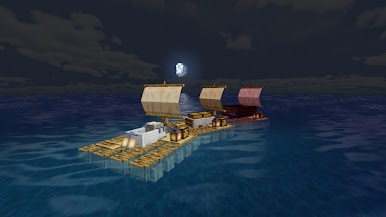
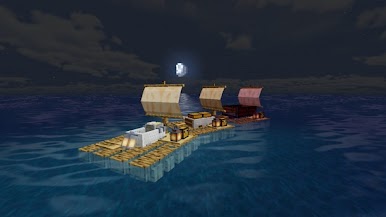
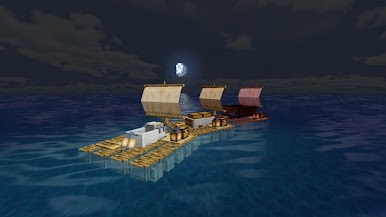
In the mood for adventure? Grab horror maps, wilderness explorations, or even jump into Sonic-inspired worlds. The app keeps exploring Minecraft from getting stale. -
Exciting Skins
Switch up your look anytime with tons of skins, including fan-favorite characters and totally original designs. Install skins right from the app in seconds. -
Cool Furniture and Decorations
Customize your spaces with modern or vanilla-style furniture. Some pieces are even functional—picture actually sitting on your new in-game sofa. -
Vehicles and Moving Builds
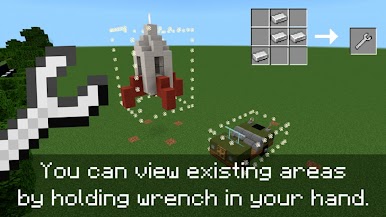
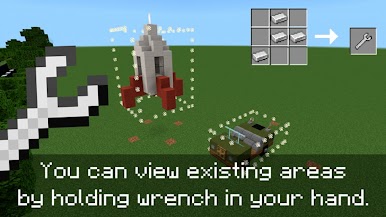
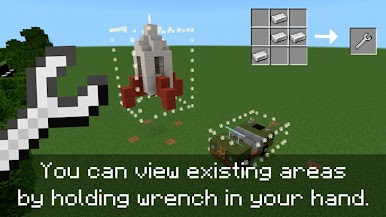
Craving more than just walking everywhere? Try out minecars, wagons, or even build moving rooms and elevators for a new way to get around. -
Challenging Creatures & Bosses
Add new monsters, some friendly, some absolutely fierce. Encounter unique mobs or test yourself against tougher bosses for an extra gameplay twist. -
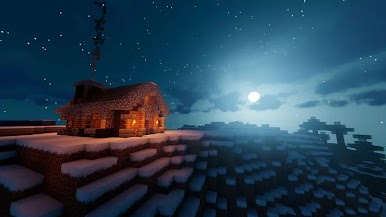
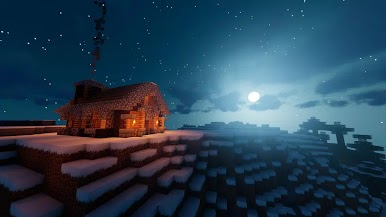
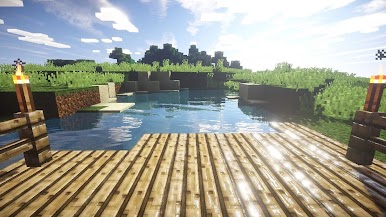
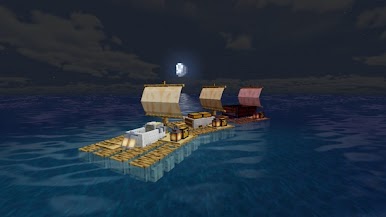
Realistic Shaders & Textures
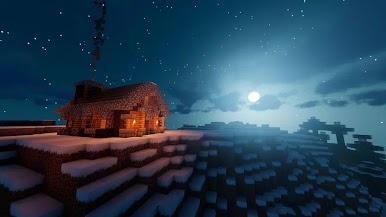
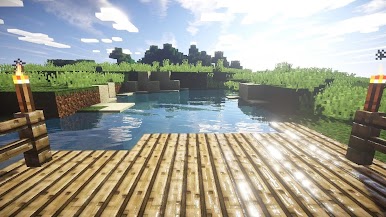
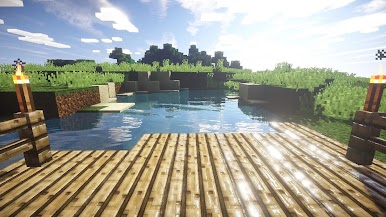
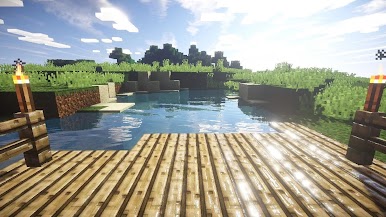
Want better visuals? Apply new shaders and textures to make your Minecraft world pop with detail and atmosphere. -
Instant Download and Install
No confusing steps or setups. Mods, skins, and maps are ready to go in just a few taps—you’ll spend less time fiddling, more time playing. -
Bonus: BlueStacks Compatibility
If you ever want to see your epic new mods on a bigger screen, the app also works well when you’re using BlueStacks on your PC or Mac. -
All-in-One Access
Whether you’re hunting for the best TNT mods, armor that gives you wild new powers, or just something fun and wacky to try, everything’s right here, easy to browse and install.
Every feature is designed to make tweaking your Minecraft PE or Bedrock world simple, fast, and—most importantly—fun.
Ready to experience Mods for Minecraft: Master mod on a bigger screen, in all its glory? Download BlueStacks now.
Play Mods for Minecraft: Master mod on PC. It’s easy to get started.
-
Download and install BlueStacks on your PC
-
Complete Google sign-in to access the Play Store, or do it later
-
Look for Mods for Minecraft: Master mod in the search bar at the top right corner
-
Click to install Mods for Minecraft: Master mod from the search results
-
Complete Google sign-in (if you skipped step 2) to install Mods for Minecraft: Master mod
-
Click the Mods for Minecraft: Master mod icon on the home screen to start playing

