


Class of 09 : The Re-Up
Play on PC with BlueStacks – the Android Gaming Platform, trusted by 500M+ gamers.

Page Modified on: Nov 4, 2026
Main Class of 09 : The Re-Up on PC
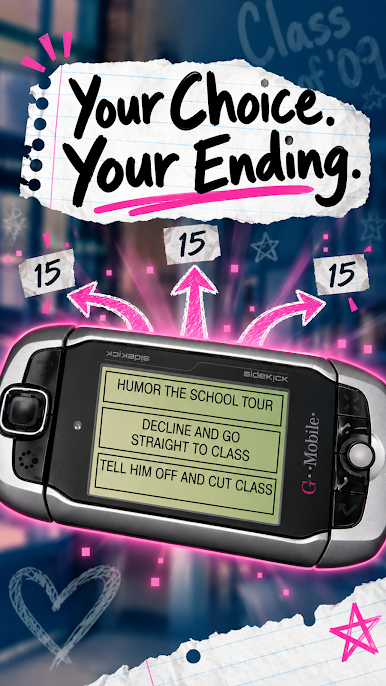
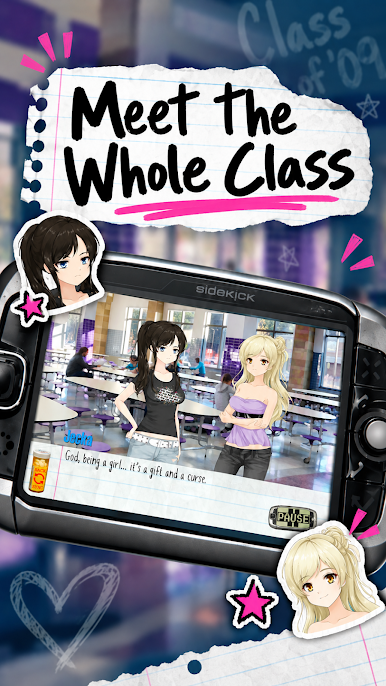
Class of 09 gives you a branching story with 15 different endings, full voice acting and a nostalgic look built around the paper notebooks, pill-bottle buttons and Sidekick phones of 2007.
★ WHY PLAY Class of 09
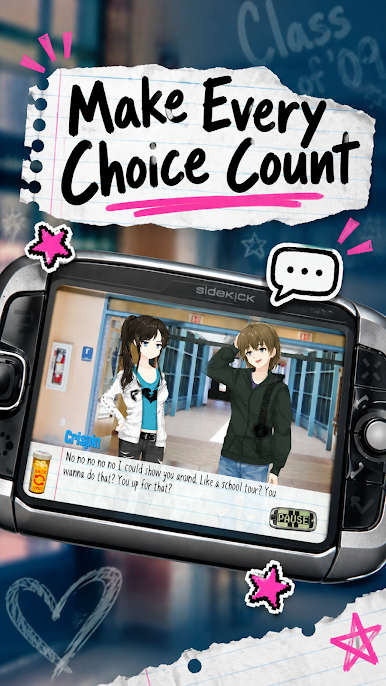
• Branching story: more than 50 choices, 15 endings, many paths to find
• Fully voiced scenes with timed, readable subtitles
• Hand-drawn anime-style characters and real school locations: hallways, cafeteria, gym, barcade and home
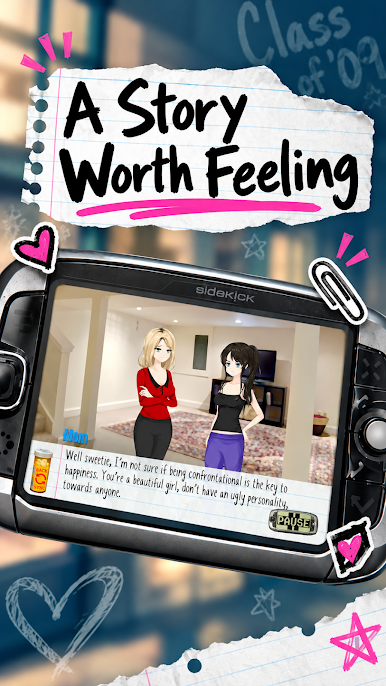
• Retro 2007 Sidekick phone menus, notebook-paper dialogue boxes and pixel-style messages
• Collect all ending messages on your phone and unlock the final video message
• Save and load anywhere, with autosave at your choices
• Plays offline in landscape on phones and tablets
★ HOW Class of 09 WORKS
Tap to advance the story. When the Sidekick phone appears, pick your answer. Some choices are small, and some close a path for good. Replay Class of 09 to uncover every ending and every message.
★ A STORY ABOUT 2007
Class of 09 is a drama about friendship, rumors, pressure and growing up in the late 2000s. It is a serious story told with dark humor, and it deals with difficult subjects honestly.
★ CONTENT NOTICE
Class of 09 is for mature audiences. It contains strong language, bullying, harassment, drug and alcohol references, sexual references and depictions of violence and suicide. It is a work of fiction and not suitable for children. The game contains ads, and some are optional rewarded ads that you choose to watch.
★ OPTIONAL REWARDS
Watch an optional ad to go back to your last choice after an ending, to see a hint about which choices lead to a new ending, or to preview a locked ending message.
Download Class of 09 and see how your senior year ends. Which Class of 09 ending will you find first?

Play Class of 09 : The Re-Up on PC. It’s easy to get started.
-
Download and install BlueStacks on your PC
-
Complete Google sign-in to access the Play Store, or do it later
-
Look for Class of 09 : The Re-Up in the search bar at the top right corner
-
Click to install Class of 09 : The Re-Up from the search results
-
Complete Google sign-in (if you skipped step 2) to install Class of 09 : The Re-Up
-
Click the Class of 09 : The Re-Up icon on the home screen to start playing

