


Space Player: Your Video World
Play on PC with BlueStacks – the Android Gaming Platform, trusted by 500M+ gamers.

Page Modified on: Oct 21, 2026
Main Space Player: Your Video World on PC
📺 Key Features:
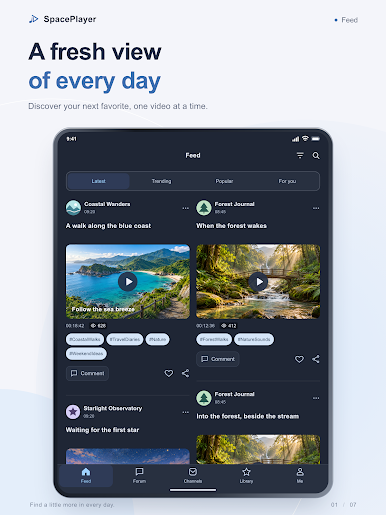
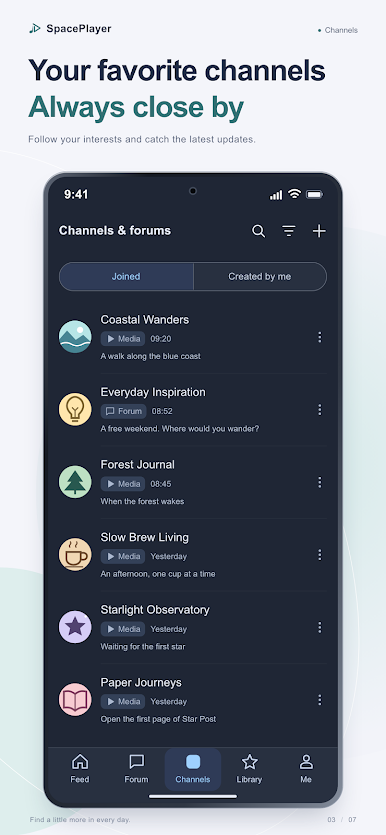
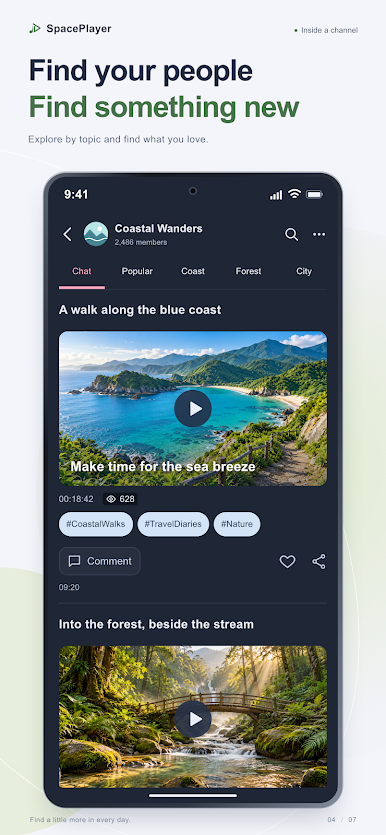
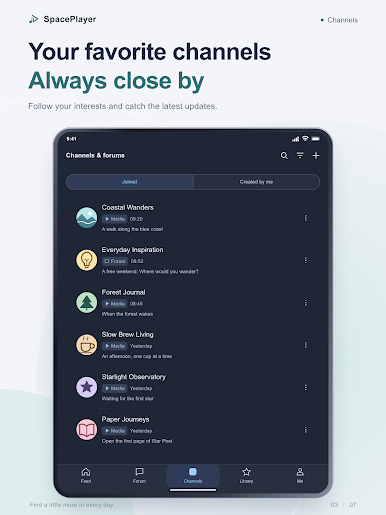
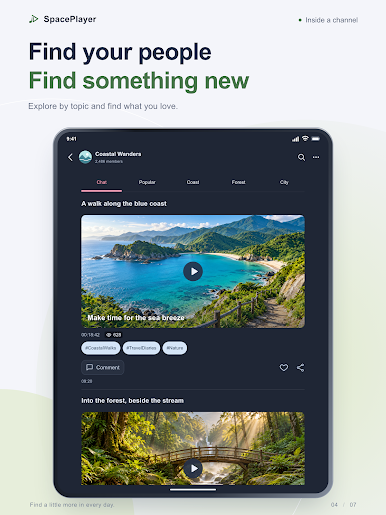
◆ Create and Explore Channels
Start your own video channels around any topic
Search and join public channels that match your interests
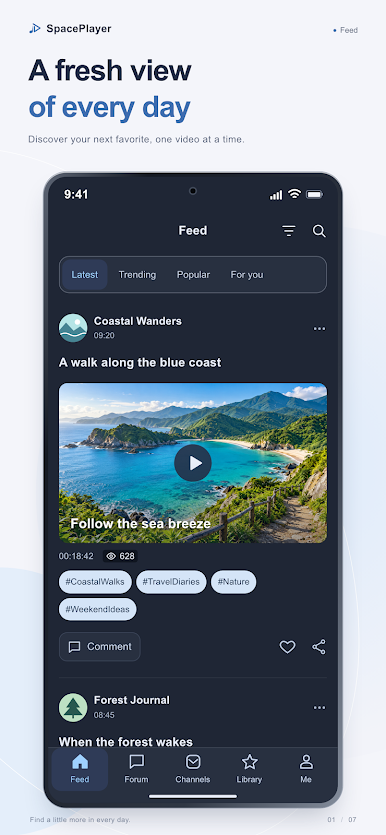
Follow channels to stay updated with new uploads
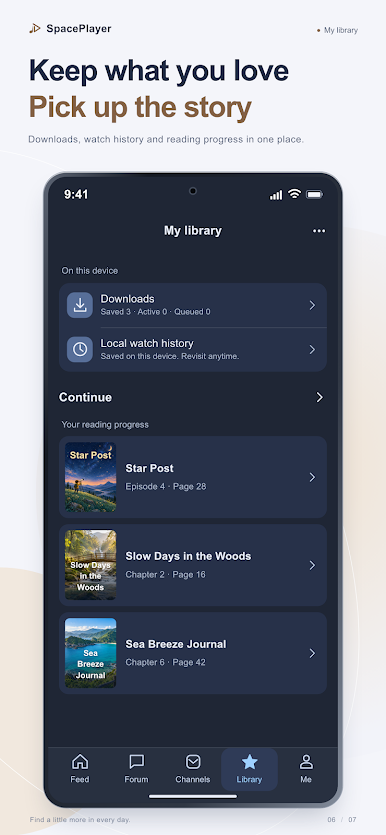
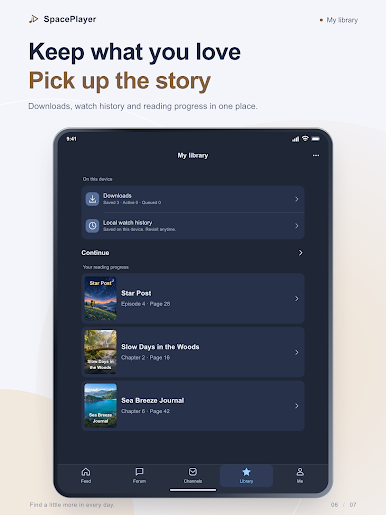
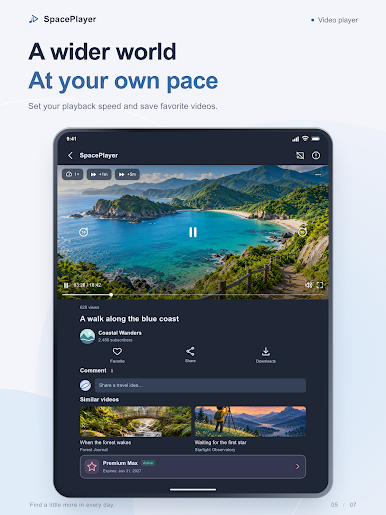
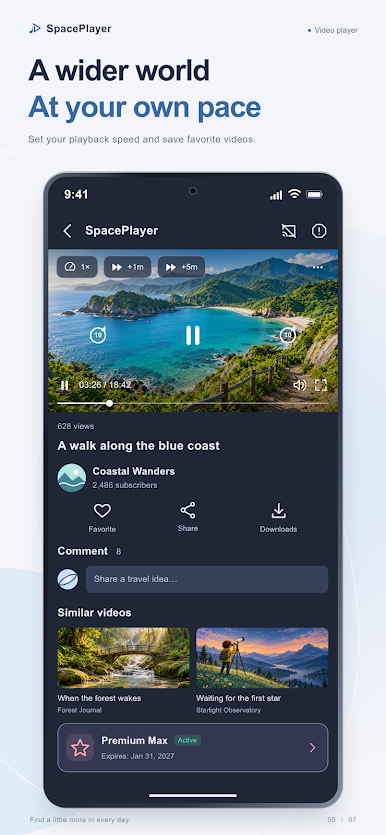
◆ Save and Download Your Favorites
Add videos to your personal “Favorites” list for quick access
Download videos for offline viewing when internet isn’t available
◆ Powerful Multimedia Player
Quality Control: Switch between 480p, 720p, and 1080p for the best viewing experience
Playback Speed: Adjust playback from 0.25x to 4x – perfect for learning or fast viewing
Share Easily: Instantly share videos with friends via link or message
Fullscreen Support: Watch streaming or downloaded videos in full-screen mode for maximum immersion
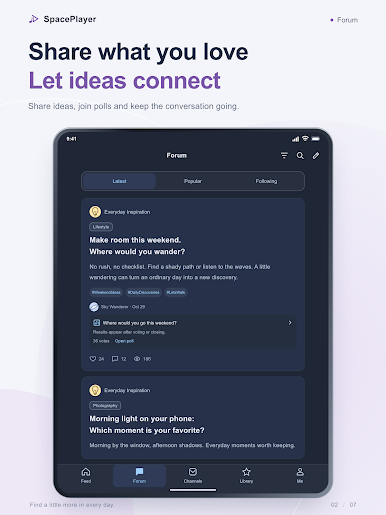
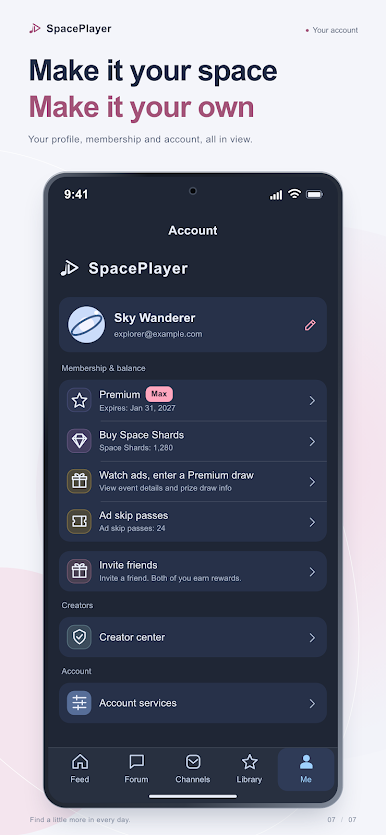
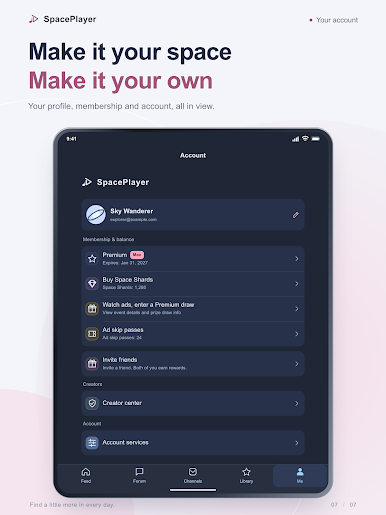
◆ Intuitive, Clean Interface
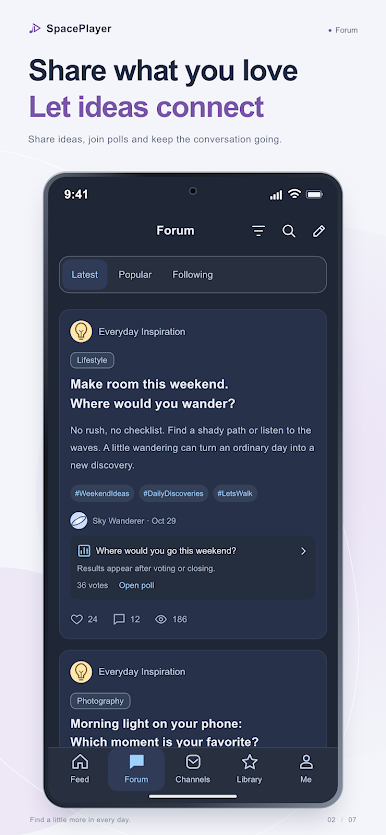
Minimalist design with easy navigation for a smooth, user-friendly experience
🔒 Disclaimer
Space Player provides a platform for users to share and organize videos. Please ensure you have the rights to use and share any video content uploaded to channels. The app is not responsible for unauthorized sharing or copyright violations.
Privacy Policy:
https://space-player.cc/privacy/
Terms of Service:
https://space-player.cc/terms/
Play Space Player: Your Video World on PC. It’s easy to get started.
-
Download and install BlueStacks on your PC
-
Complete Google sign-in to access the Play Store, or do it later
-
Look for Space Player: Your Video World in the search bar at the top right corner
-
Click to install Space Player: Your Video World from the search results
-
Complete Google sign-in (if you skipped step 2) to install Space Player: Your Video World
-
Click the Space Player: Your Video World icon on the home screen to start playing

