

Bus Simulator Indonesia
Play on PC with BlueStacks – the Android Gaming Platform, trusted by 500M+ gamers.

Page Modified on: Jun 10, 2026
Main Bus Simulator Indonesia on PC
Below are some of Bus Simulator Indonesia top features:
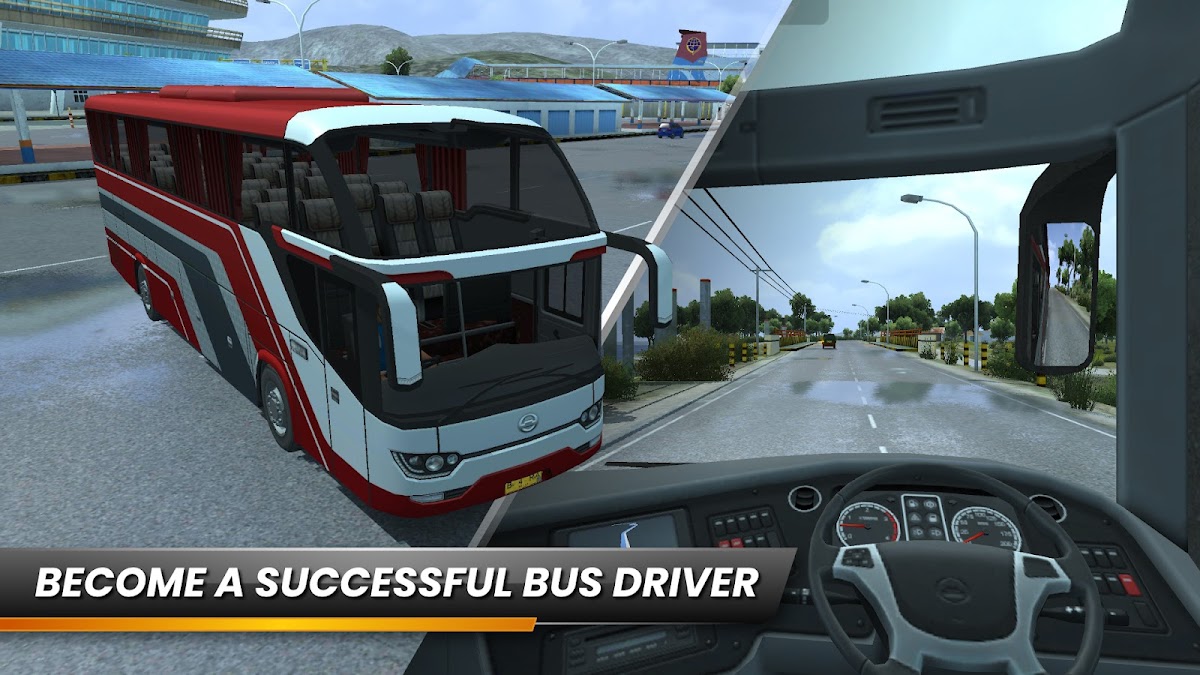
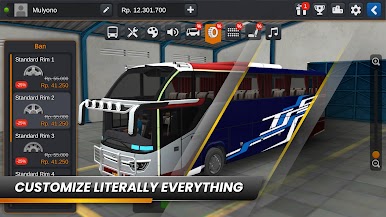
- Design your own livery
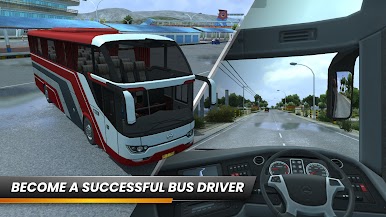
- Very easy and intuitive control
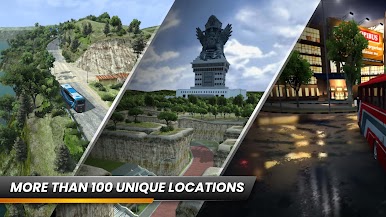
- Authentic Indonesian cities and places
- Indonesian Buses
- Cool and fun honks
- “Om Telolet Om!” (Uncle, honk your horn, uncle! https://www.wsj.com/articles/honk-it-up-uncle-indonesias-bus-horns-capture-global-attention-1482399670)
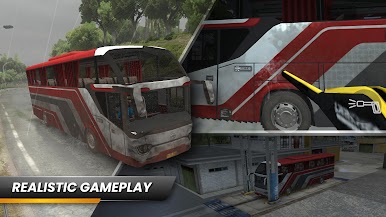
- High quality and detailed 3D graphics
- No obstructive ads while driving
- Leaderboard
- Data saved online
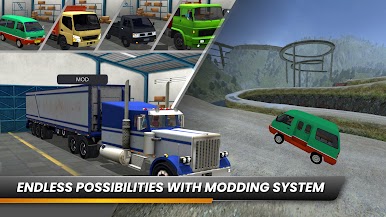
- Use your own 3D model using vehicle mod system
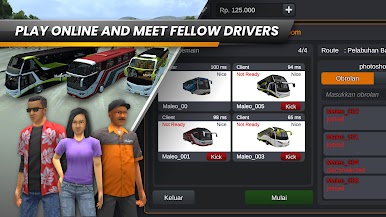
- Online multiplayer convoy
With the release of Bus Simulator Indonesia in 2017, this is only the beginning, we have been and will always be updating the game and improving players experience. So, what are you waiting for? Download and play game Bus Simulator Indonesia now!
Emoji icons provided free by emojione.com.

Play Bus Simulator Indonesia on PC. It’s easy to get started.
-
Download and install BlueStacks on your PC
-
Complete Google sign-in to access the Play Store, or do it later
-
Look for Bus Simulator Indonesia in the search bar at the top right corner
-
Click to install Bus Simulator Indonesia from the search results
-
Complete Google sign-in (if you skipped step 2) to install Bus Simulator Indonesia
-
Click the Bus Simulator Indonesia icon on the home screen to start playing

