

QR Code Reader & Scanner App
Play on PC with BlueStacks – the Android Gaming Platform, trusted by 500M+ gamers.

Page Modified on: Nov 30, 2025
Run QR Code Reader Free - QR Reader For Android on PC or Mac
Why limit yourself to your small screen on the phone? Run QR Code Reader Free – QR Reader For Android, an app by Color Phone Team & QR code scanner, best experienced on your PC or Mac with BlueStacks, the world’s #1 Android emulator.
About the App
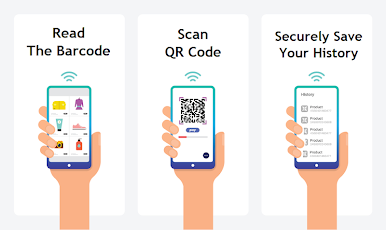
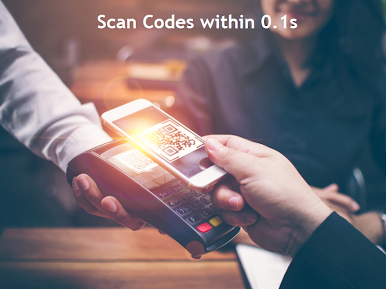
Ever grabbed a product and wondered what all those black-and-white squares actually do? That’s where QR Code Reader Free – QR Reader For Android steps in, making it super easy to scan QR codes and barcodes in seconds. Built by Color Phone Team & QR code scanner, this app is all about keeping things quick and hassle-free — just point your camera, and you’re good to go. Whether you need to pull up a website, snag Wi-Fi details, or share contact info, it’s handled with a couple of taps.
App Features
-
Fast, Effortless Scanning
No need to press a bunch of buttons — just open the app and point your phone at any QR code or barcode, and it picks it up instantly. -
Wide Code Support
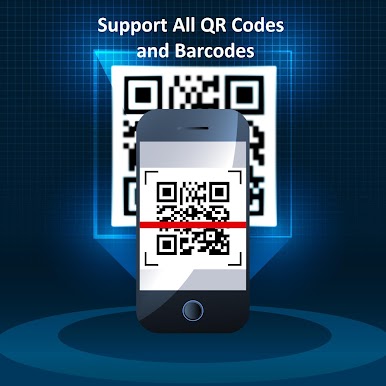
Works with almost every type of code out there: classic QR codes, barcodes, Data Matrix, EAN8, Code39, Code128, you name it. -
No-Light, No Problem
Low lighting at a concert or in your car? Switch on the built-in flashlight for easy scanning even when it’s dark. -
Instant Actions
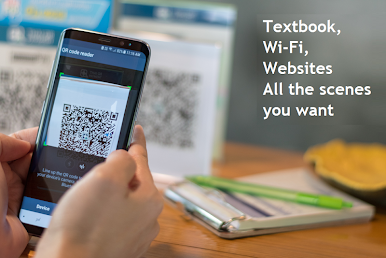
The app recognizes what you scan. Website URL? Tap to open. Wi-Fi code? Get connected automatically. Phone number? Call or text straight from the app. Shopping, sharing addresses, or transferring funds—there’s a shortcut for nearly everything. -
QR Code Creation
Need to whip up your own code for quick sharing? Make a QR code on the spot—contacts, Wi-Fi passwords, social links, whatever you want. -
Organized History
Every code you scan or create can be revisited in the handy History section, so you won’t lose track of anything important. -
Offline Functionality
No internet? No stress. Scanning and many other features work perfectly offline, so you’re never stuck without access. -
Share with Ease
Spread info with friends directly via SMS, WhatsApp, or social networks. Got something handy in Messenger? You can share that with a code, too.
If you feel like taking things to a bigger screen, go ahead and check it out through BlueStacks for another way to explore everything QR Code Reader Free – QR Reader For Android can do.
Big screen. Bigger performance. Use BlueStacks on your PC or Mac to run your favorite apps.
Play QR Code Reader & Scanner App on PC. It’s easy to get started.
-
Download and install BlueStacks on your PC
-
Complete Google sign-in to access the Play Store, or do it later
-
Look for QR Code Reader & Scanner App in the search bar at the top right corner
-
Click to install QR Code Reader & Scanner App from the search results
-
Complete Google sign-in (if you skipped step 2) to install QR Code Reader & Scanner App
-
Click the QR Code Reader & Scanner App icon on the home screen to start playing

