


Marble Pop Blast
Play on PC with BlueStacks – the Android Gaming Platform, trusted by 500M+ gamers.

Page Modified on: Jul 2, 2022
Overview
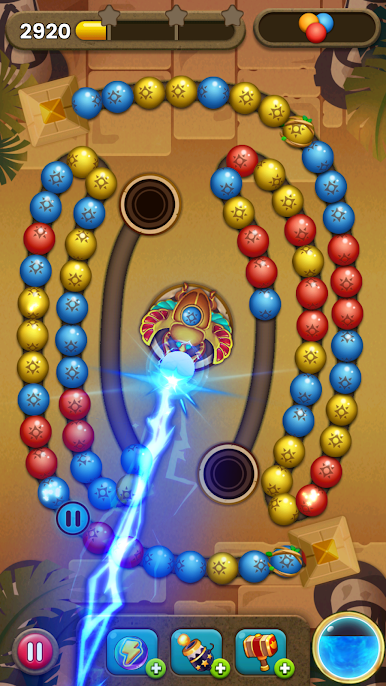
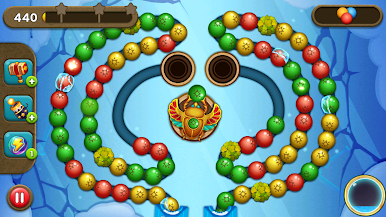
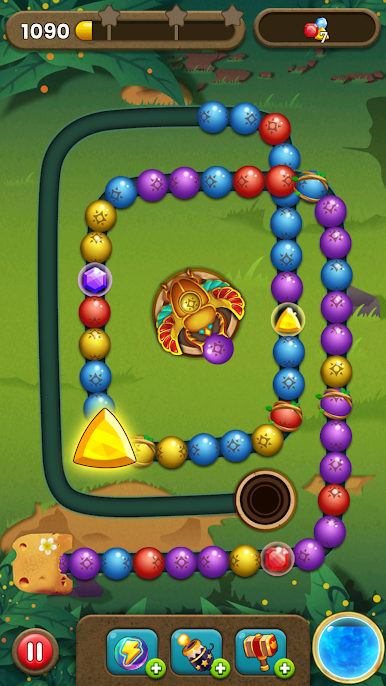
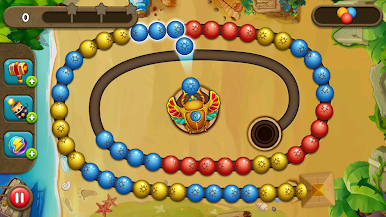
The smooth shooting feel and unique gameplay bring you a refreshing experience.
Train your hands and brains in this puzzle game! Be the brain games master!
How to play
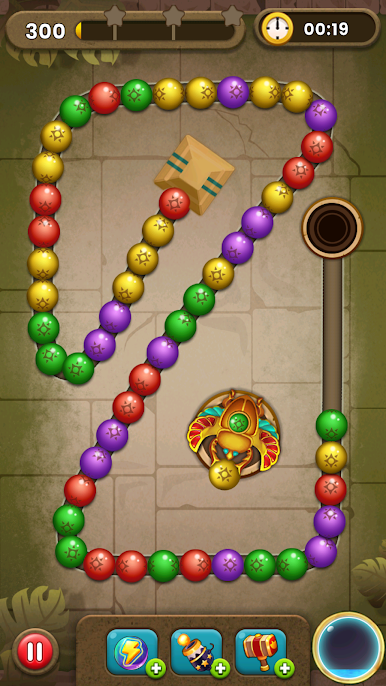
1. Touch where you want to launch the ball
2. Match 3 or more balls of the same color to remove.
3. Swap the shooting ball by touching the shoot emitter.
4. Create powerful boosters & items to help you blast through levels.
Features
• Ultra-fast launch speed, unlimited launch quantity!
• No life limit, unlimited play!
• Tons of fun buffs!
• Hundreds of unique levels and fun challenges!
• You can play both horizontally and vertically!
• Support offline games!
Marble Pop Blast is completely free, come and join the classic Marble Pop Blast exploration adventure!
Play Marble Pop Blast on PC. It’s easy to get started.
-
Download and install BlueStacks on your PC
-
Complete Google sign-in to access the Play Store, or do it later
-
Look for Marble Pop Blast in the search bar at the top right corner
-
Click to install Marble Pop Blast from the search results
-
Complete Google sign-in (if you skipped step 2) to install Marble Pop Blast
-
Click the Marble Pop Blast icon on the home screen to start playing

