

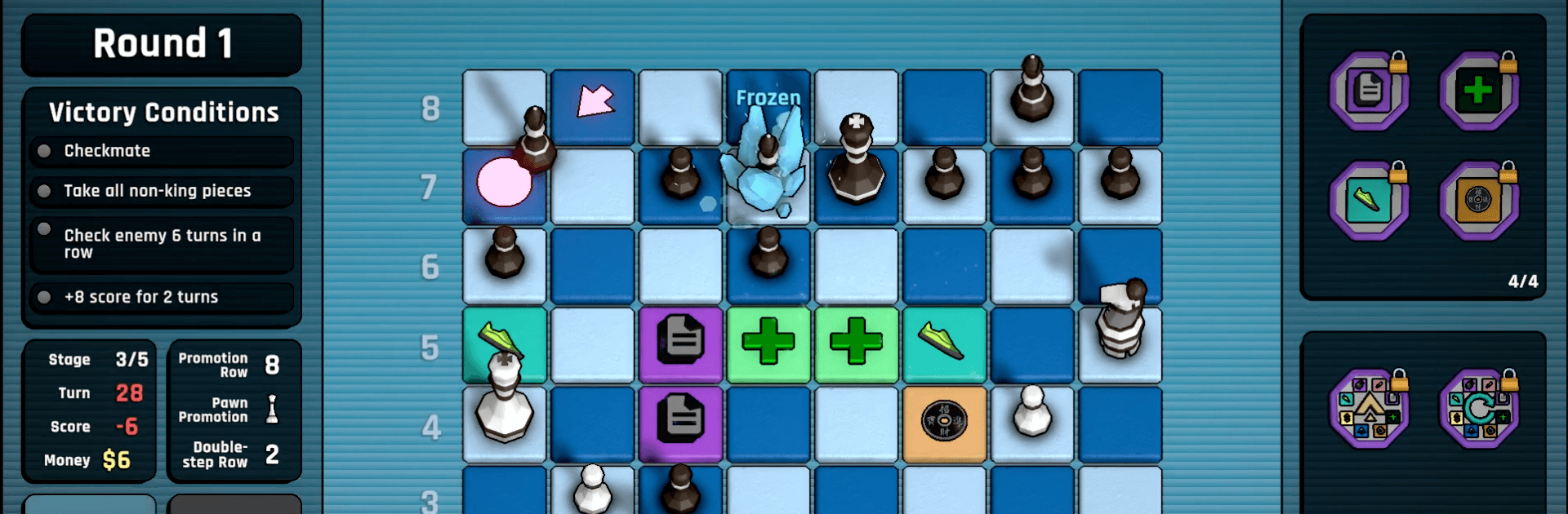
Passant: A Chess Roguelike
Play on PC with BlueStacks – the Android Gaming Platform, trusted by 500M+ gamers.

Page Modified on: Sep 27, 2026
Play Passant: A Chess Roguelike on PC or Mac
Explore a whole new adventure with Passant: A Chess Roguelike, a Board game created by Marc Makes Games. Experience great gameplay with BlueStacks, the most popular gaming platform to play Android games on your PC or Mac.
About the Game
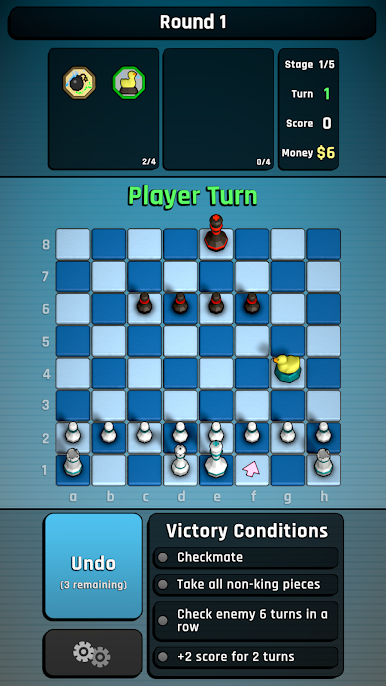
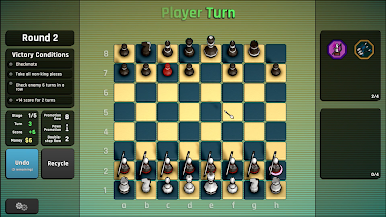
Passant: A Chess Roguelike takes classic chess and messes with it in all the right ways. It’s a Board game where every run feels fresh: you draft strange new pieces, stack quirky modifiers, and push through tougher and tougher matches on your way to a final boss. Prefer a comfy setup? It also plays nicely on BlueStacks.
Game Features
- Build-your-own lineup: Win encounters to draft powerful, offbeat pieces and shape a custom board that fits your style.
- Rule-bending badges: Equip badges that tweak the fundamentals—movement, captures, promotions—so your whole strategy shifts.
- Exotic chessmen: Command unusual units like the Archbishop, Dragon Knight, and Dragon King, each with surprising movement options and synergies.
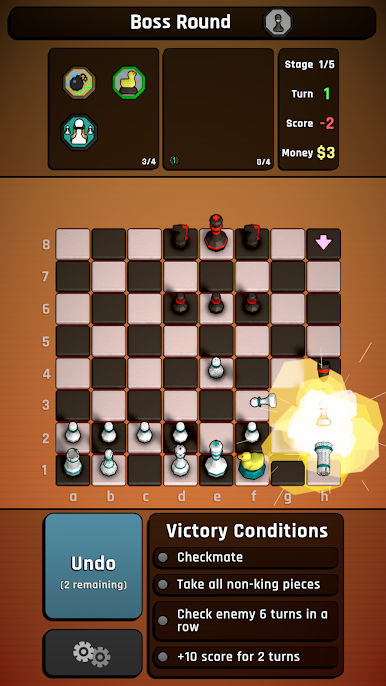
- Wild variants included: Toss in twists like Atomic Chess explosions, Reflecting Bishops bouncing off edges, and relentless Zombie Pawns to keep you guessing.
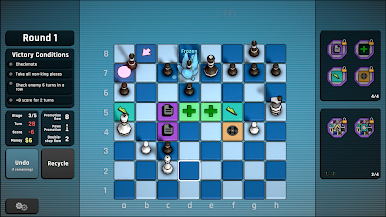
- Tactical items: Use one-off tools at clutch moments—freeze a threat, knock an enemy down to a pawn, or instantly promote one of yours to a queen.
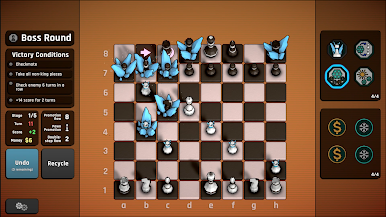
- Roguelike climb and boss battle: Fight through a gauntlet of escalating boards until you’re face-to-face with a finale that tests everything you’ve learned.
- Smart, scalable challenge: Pick an AI difficulty that feels fair, then push yourself with challenge modes that remix win conditions and rules.
- Combo-friendly strategy: Mix pieces, items, and badges to create cheeky combos that break openings wide open—if you can keep them from backfiring.
- Fast turns, deep decisions: Moves stay snappy, but every choice snowballs, rewarding careful planning and bold, creative play.
Get ready for a buttery smooth, high-performance gaming action only on BlueStacks.

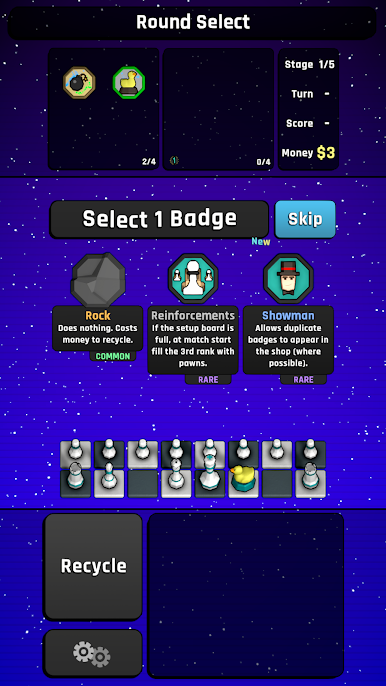
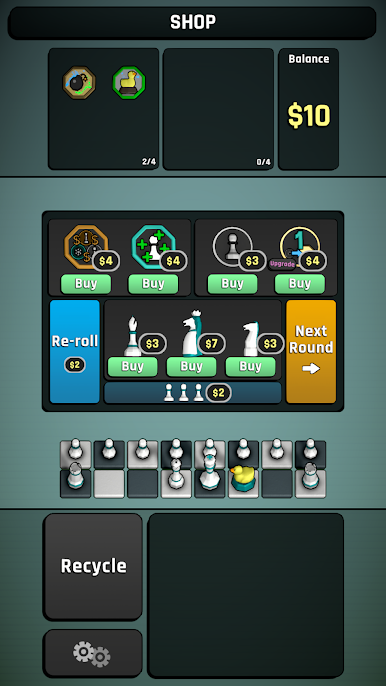
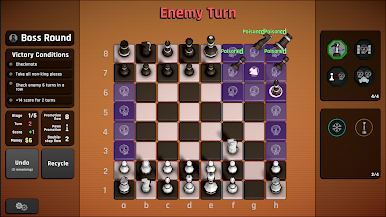
Play Passant: A Chess Roguelike on PC. It’s easy to get started.
-
Download and install BlueStacks on your PC
-
Complete Google sign-in to access the Play Store, or do it later
-
Look for Passant: A Chess Roguelike in the search bar at the top right corner
-
Click to install Passant: A Chess Roguelike from the search results
-
Complete Google sign-in (if you skipped step 2) to install Passant: A Chess Roguelike
-
Click the Passant: A Chess Roguelike icon on the home screen to start playing

