


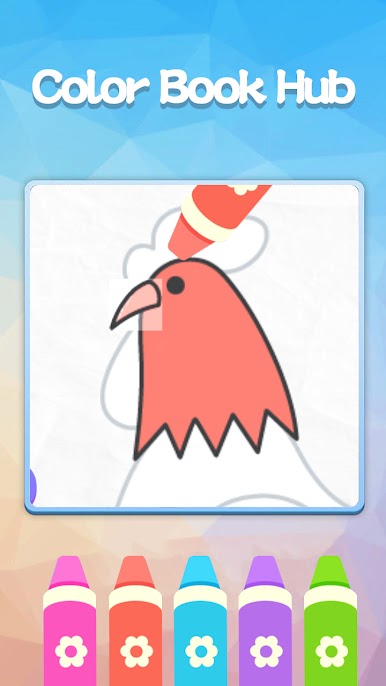
Color Book Hub
Play on PC with BlueStacks – the Android Gaming Platform, trusted by 500M+ gamers.

Page Modified on: Mar 10, 2026
Overview
Note: Installing the launcher may rearrange your home screen layout, but all your apps will remain on your device. Change your mind? You can easily switch back to your original home screen!
🔥 Launcher Features:
🎮 Built-in Game
Play Color Book Hub anytime—right from your home screen! A fun and relaxing game at your fingertips.
⚡ Quick Setup
Get rolling in seconds! A simple guide helps you set the launcher as default and explore all features.
📢 Free & Ad-Supported
Enjoy all features for free! (Ads keep the launcher running.)
🔐 Privacy & Terms
By using this launcher, you agree to our:
Privacy Policy: https://salraugevloa.online/privacy.html
Terms of Use: https://salraugevloa.online/TermsOfUse.html
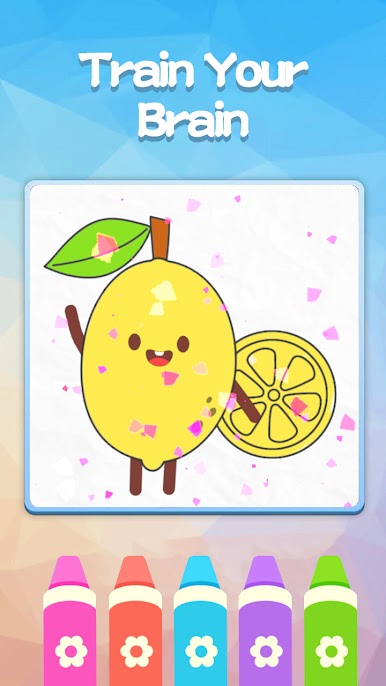
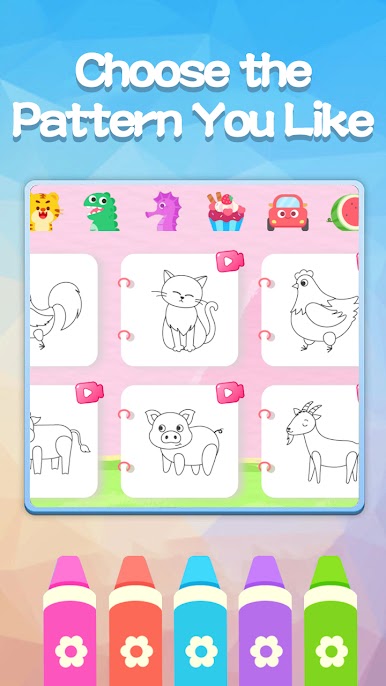
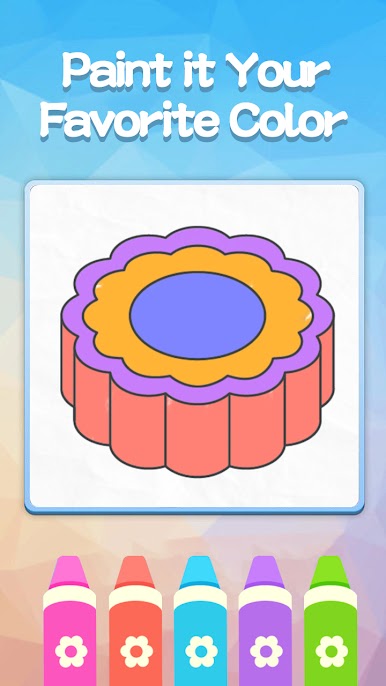
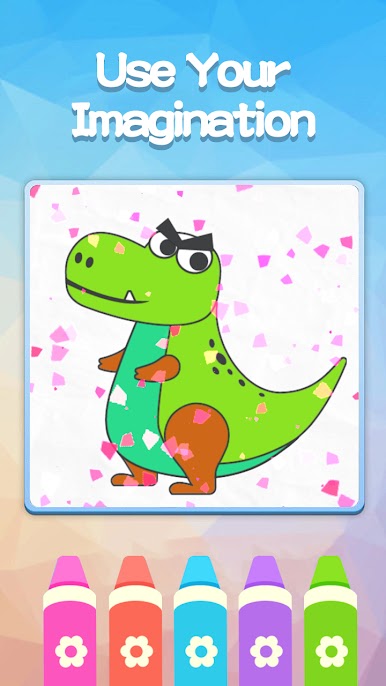
Play Color Book Hub on PC. It’s easy to get started.
-
Download and install BlueStacks on your PC
-
Complete Google sign-in to access the Play Store, or do it later
-
Look for Color Book Hub in the search bar at the top right corner
-
Click to install Color Book Hub from the search results
-
Complete Google sign-in (if you skipped step 2) to install Color Book Hub
-
Click the Color Book Hub icon on the home screen to start playing

