


Drive Mad: Physics Racing
Play on PC with BlueStacks – the Android Gaming Platform, trusted by 500M+ gamers.

Page Modified on: Aug 31, 2026
Main Drive Mad: Physics Racing on PC
Drive Mad is a physics-based driving game where the biggest obstacle is usually your own confidence.
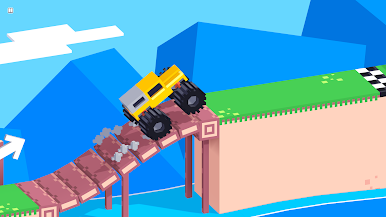
Every level gives you a new challenge, a new vehicle, or a new way to embarrass yourself. One moment you're carefully balancing across a tiny bridge. The next you're driving something that probably shouldn't exist.
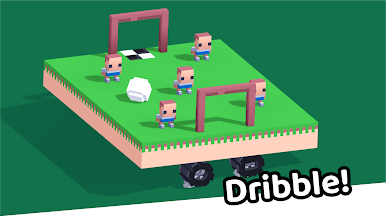
Master tricky roads, impossible jumps, moving platforms, giant wheels, unstable bridges, and ridiculous contraptions that somehow still count as cars.
Simple controls.
Unexpected physics.
Hundreds of creative levels.
Infinite opportunities to fail in spectacular ways.
Features:
Fun physics-based driving gameplay
Creative vehicles with unique mechanics
Challenging obstacle courses and crazy roads
Offline play anytime
Easy to learn, hard to master
Hundreds of handcrafted levels
Satisfying crashes, flips, and near misses
Slow down. Speed up. Lean forward. Lean backward.
Just don't flip over.
Or do. It's usually funnier that way.








Play Drive Mad: Physics Racing on PC. It’s easy to get started.
-
Download and install BlueStacks on your PC
-
Complete Google sign-in to access the Play Store, or do it later
-
Look for Drive Mad: Physics Racing in the search bar at the top right corner
-
Click to install Drive Mad: Physics Racing from the search results
-
Complete Google sign-in (if you skipped step 2) to install Drive Mad: Physics Racing
-
Click the Drive Mad: Physics Racing icon on the home screen to start playing

