


iReal Pro
Play on PC with BlueStacks – the Android Gaming Platform, trusted by 500M+ gamers.

Page Modified on: Oct 8, 2026
Main iReal Pro on PC
Named one of TIME Magazine's 50 Best Inventions and trusted by thousands of students, teachers, and pros at schools like Berklee College of Music — iReal Pro has been helping musicians get better since 2008.
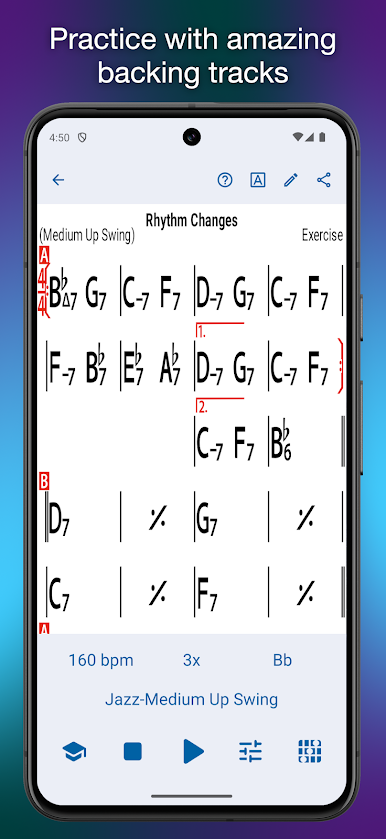
BAND
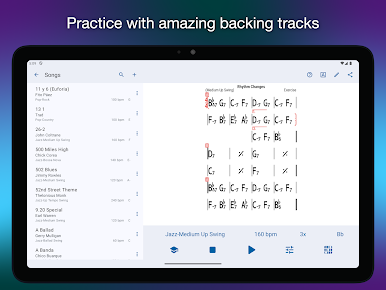
• 50 accompaniment styles — Swing, Bossa Nova, Blues, Funk, Rock, Bluegrass, Reggae, Latin, Gypsy Jazz, Country, and more
• Customize each style with acoustic or electric piano, Fender Rhodes, guitars, upright or electric bass, drums, vibraphone, organ
• 40 additional styles — blues, salsa, Brazilian — available as in-app purchases
BOOK
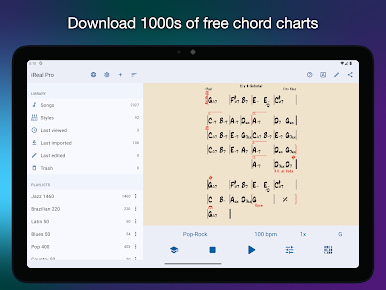
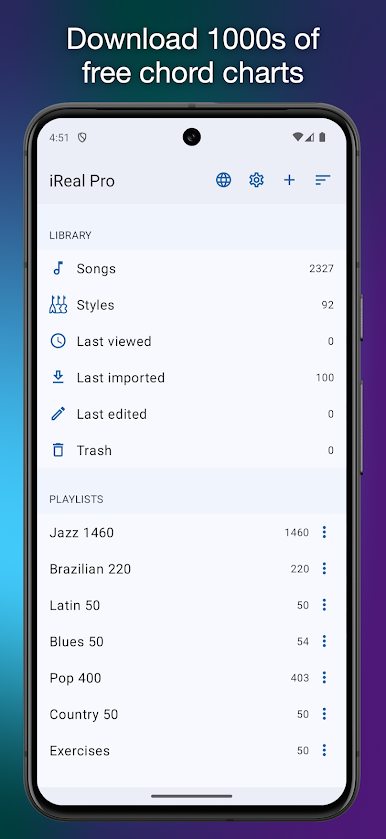
• Download thousands of free chord charts shared by the iReal Pro community
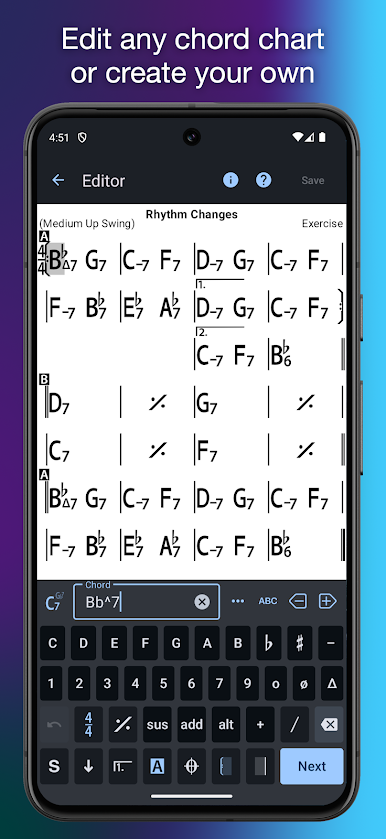
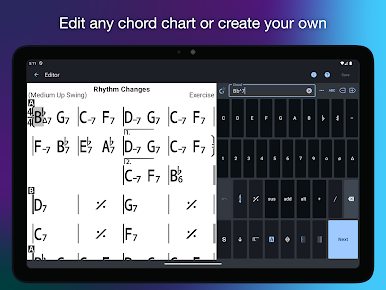
• Create your own charts in minutes with the built-in editor
• Organize charts into playlists for gigs, sets, or lessons
PRACTICE
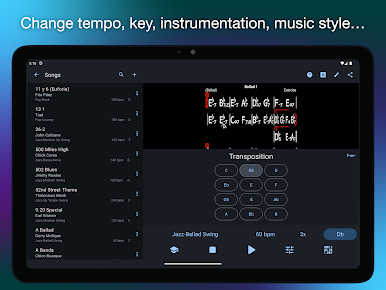
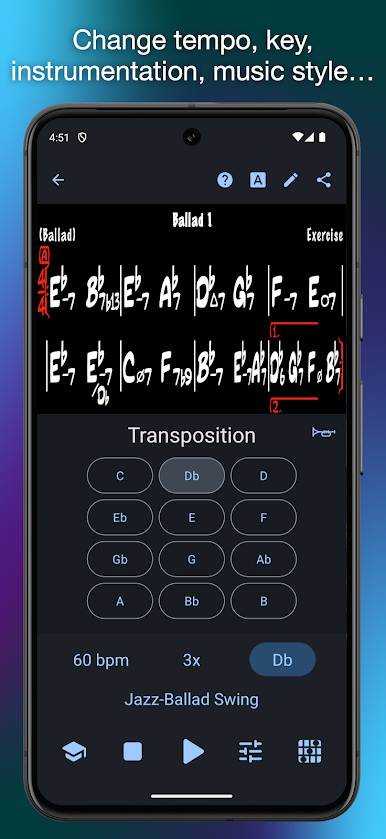
• Adjust tempo, loop difficult sections, transpose to any key
• Automatic tempo increase and key cycling for focused practice
• Global Eb, Bb, F, and G transposition for horn players
REFERENCE
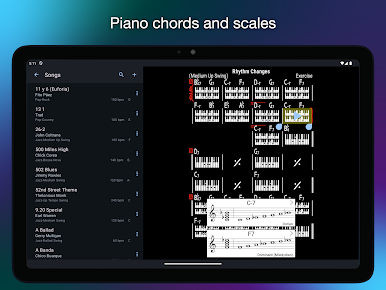
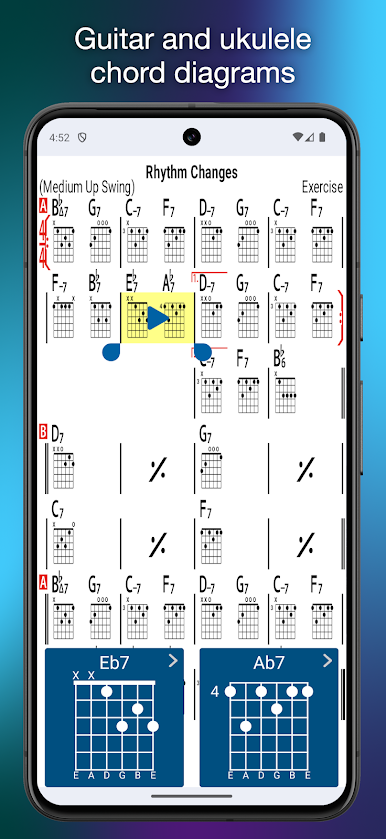
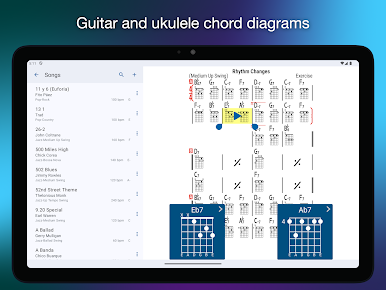
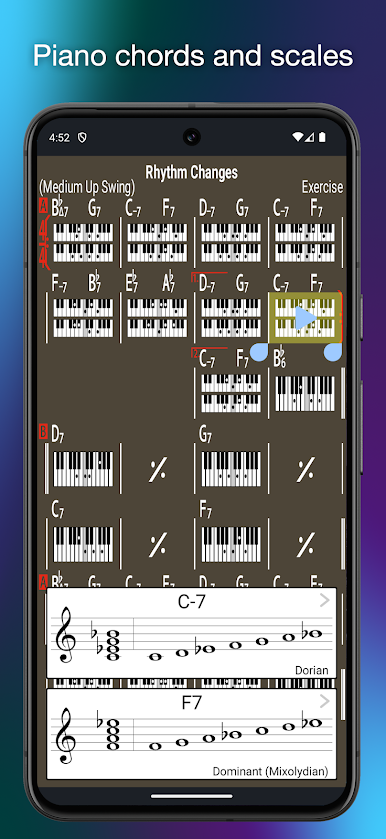
• Guitar, ukulele, and piano fingerings for any chord
• Tap any chord in your chart to see how it's played
• Scale suggestions for improvisation
SHARE
• Share charts and playlists with other iReal Pro users
• Export charts as PDF or MusicXML
• Export backing tracks as audio or MIDI files
FOR TEACHERS
• Create playlists of exercises or tunes for students
• Use in the classroom, over live stream, or while screen-sharing lessons
We're a small team of musicians who built this app because we needed it ourselves. We hope you enjoy using it as much as we do.
Play iReal Pro on PC. It’s easy to get started.
-
Download and install BlueStacks on your PC
-
Complete Google sign-in to access the Play Store, or do it later
-
Look for iReal Pro in the search bar at the top right corner
-
Click to install iReal Pro from the search results
-
Complete Google sign-in (if you skipped step 2) to install iReal Pro
-
Click the iReal Pro icon on the home screen to start playing

