


World Mahjong
Play on PC with BlueStacks – the Android Gaming Platform, trusted by 500M+ gamers.

Page Modified on: Aug 18, 2026
Main World Mahjong on PC
Tutorials, practice, and online play supported.
You can learn how to play Mahjong by investing only 10 minutes.
This game requires a network connection for online play. If the network connection is not smooth, the game will not play normally.
This game support only Google Login.
This app does not require any permissions.
If you are in doubt about the game opponent, please report it using the replay function.
Mahjong is a game that requires skill.
Don't doubt this game with your clumsy skills.
Our games are played by thousands of users every day.
More than 30% of users have played this game more than 10,000 times.
You'll have to play that much and you'll be of average skill.
Many Mahjong players await your challenge.
** Notice **
Users using Android versions 10 and 11 who are experiencing abnormal terminations should click on Phone Settings > Applications > Android System WebView > App Source Information to update to the latest version or activate Chrome.

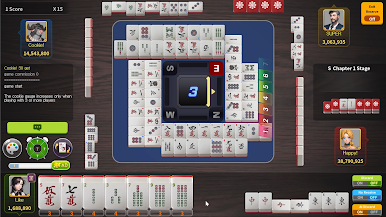
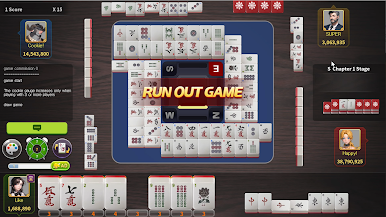
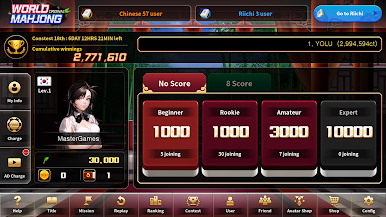

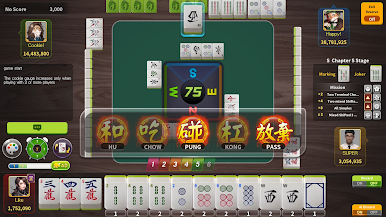
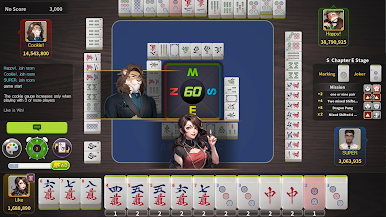
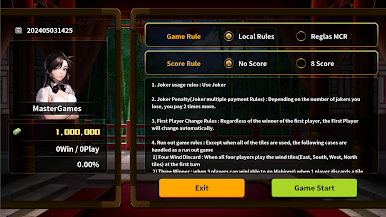
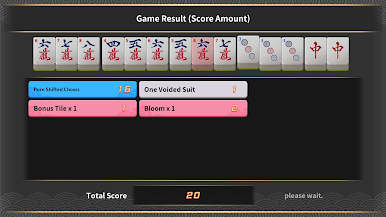
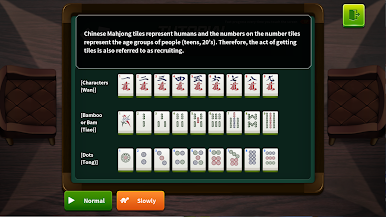
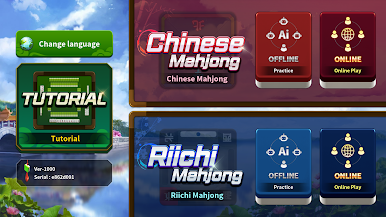
Play World Mahjong on PC. It’s easy to get started.
-
Download and install BlueStacks on your PC
-
Complete Google sign-in to access the Play Store, or do it later
-
Look for World Mahjong in the search bar at the top right corner
-
Click to install World Mahjong from the search results
-
Complete Google sign-in (if you skipped step 2) to install World Mahjong
-
Click the World Mahjong icon on the home screen to start playing

