


Mahjong Game: Match Puzzle
Play on PC with BlueStacks – the Android Gaming Platform, trusted by 500M+ gamers.

Page Modified on: Feb 11, 2026
Play Mahjong Game: Match Puzzle on PC
Highlights of Your Mindful Escape
🧠 A Practice in Mindful Play
This is more than a matching game—it’s a gentle invitation to be present. Clear identical tiles with a tap, enjoy the satisfying click, and let your thoughts settle into a natural flow. No pressure, no timers, just a tranquil rhythm.
🧩 Clean, Spacious & Visually Soothing
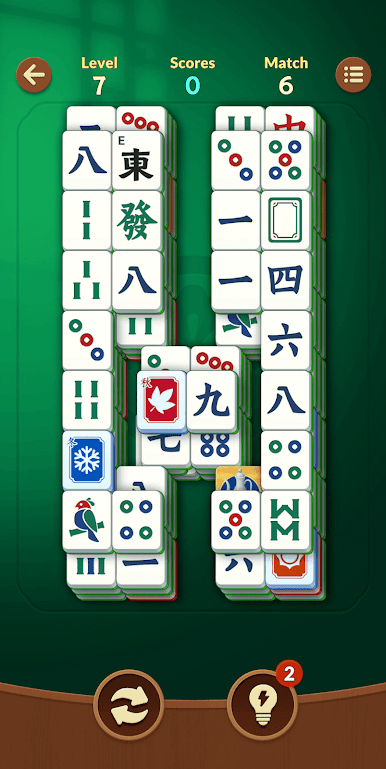
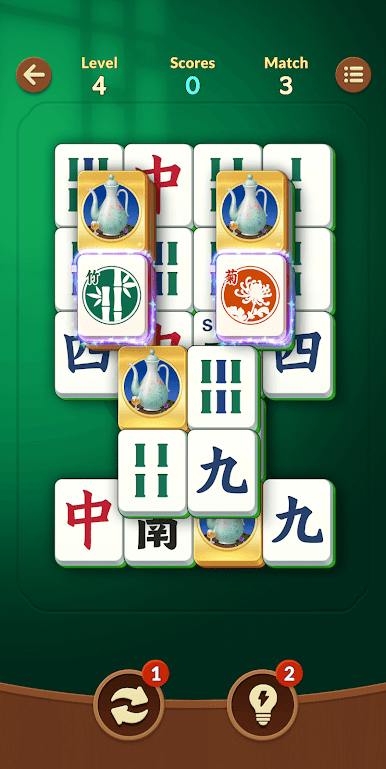
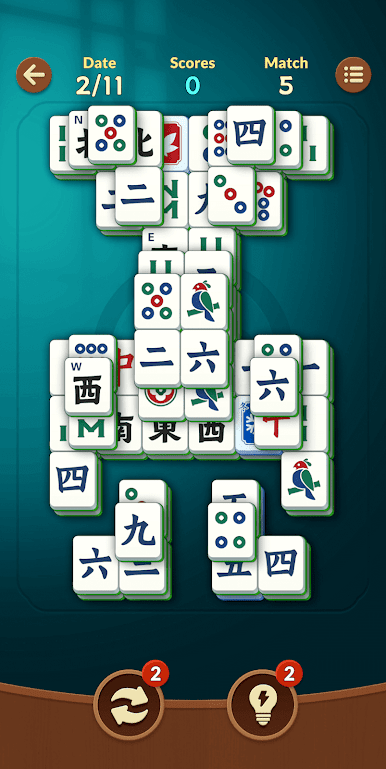
Featuring a refined layout with large, clearly distinguished tiles against clean backgrounds. Carefully chosen colors and generous spacing reduce eye strain, turning each session into a visually calming retreat.
🎨 Elegant Visuals & Satisfying Feedback
Enjoy subtle animations and soft glowing effects with every match. Paired with authentic tile sounds, the experience is both rewarding and relaxing—like tidying a beautiful digital shelf.
⚡ Instant Access, Seamless Play
Want instant calm? By allowing home screen permissions, you can create a convenient launcher for one-tap access to your puzzle session. This seamless start gets you into your zen moment faster.Learn more about customizing your quick-access experience in our FAQ:https://togoblingames.com/games.html#FAQ
Why Start Your Matching Journey Here?
• A Portal to Calm: Step away from the rush. With no timers or pressure, it's the perfect way to unwind during short breaks or longer sessions.
• A Moment of Focus: Surrender to the simple, absorbing pleasure of pattern matching.
• Quick & Lightweight: Enjoy smooth, instant gameplay that fits seamlessly into your day.
Ready to find your focus and unwind?
Play Mahjong Game: Match Puzzle on PC. It’s easy to get started.
-
Download and install BlueStacks on your PC
-
Complete Google sign-in to access the Play Store, or do it later
-
Look for Mahjong Game: Match Puzzle in the search bar at the top right corner
-
Click to install Mahjong Game: Match Puzzle from the search results
-
Complete Google sign-in (if you skipped step 2) to install Mahjong Game: Match Puzzle
-
Click the Mahjong Game: Match Puzzle icon on the home screen to start playing

