


Match 3 Tiles: Relaxing Game
Play on PC with BlueStacks – the Android Gaming Platform, trusted by 500M+ gamers.

Page Modified on: May 12, 2026
Play Match 3 Tiles: Relaxing Game on PC or Mac
Match 3 Tiles: Relaxing Game brings the Casual genre to life, and throws up exciting challenges for gamers. Developed by HAPPY MOOD TECHNOLOGY CO.,LIMITED, this Android game is best experienced on BlueStacks, the World’s #1 app player for PC and Mac users.
About the Game
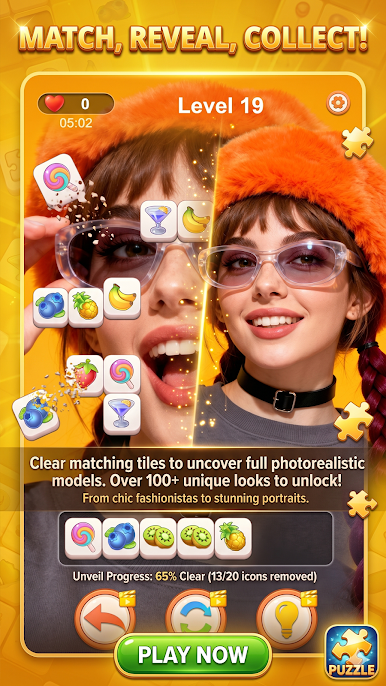
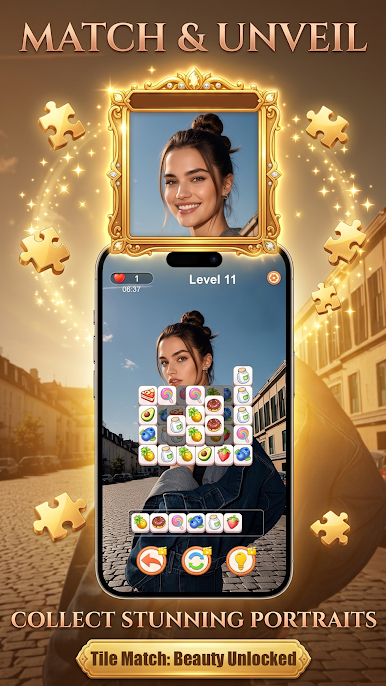
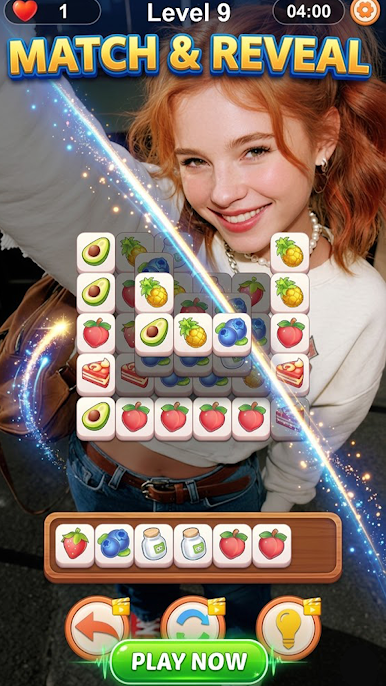
Match 3 Tiles: Relaxing Game is a calm, colorful puzzler that’s all about easing into a satisfying flow. Slide pieces to form sets of three, clear the board, and let your brain unwind while you chase that “one more round” feeling. It’s a Casual experience that works for quick breaks or cozy, longer sessions—no pressure, just pleasant problem‑solving.
Game Features
- Gentle Pacing: Designed to feel unhurried, so you can think through moves and enjoy the process without stress.
- Tons of Stages: Work through a big variety of boards with fresh layouts and steadily evolving challenges that keep things interesting.
- Smart Helpers: Activate boosters when a level gets tight—handy tools that clear chunks, reshuffle tricky setups, or give you a second chance.
- Clean, Cozy Look: Bright tiles and soft backgrounds pair with smooth animations for a clear, relaxing vibe that’s easy on the eyes.
- Pick‑Up‑And‑Play: Whether you’ve got a spare minute or a free evening, levels fit neatly into any schedule.
- Daily Challenges: New goals pop up regularly, giving you fun reasons to return and test different strategies.
- Thoughtful Difficulty Curve: Early boards teach the basics, then gradually add twists that reward careful planning.
- Play Your Way: Enjoy it on your phone or settle in on a bigger screen with BlueStacks if you prefer comfy mouse controls and a laid‑back desktop setup.
Start playing Match 3 Tiles: Relaxing Game on BlueStacks and get a smoother, more comfortable PC or Mac setup.


Play Match 3 Tiles: Relaxing Game on PC. It’s easy to get started.
-
Download and install BlueStacks on your PC
-
Complete Google sign-in to access the Play Store, or do it later
-
Look for Match 3 Tiles: Relaxing Game in the search bar at the top right corner
-
Click to install Match 3 Tiles: Relaxing Game from the search results
-
Complete Google sign-in (if you skipped step 2) to install Match 3 Tiles: Relaxing Game
-
Click the Match 3 Tiles: Relaxing Game icon on the home screen to start playing

