


Matching Go! - Puzzle Games
Play on PC with BlueStacks – the Android Gaming Platform, trusted by 500M+ gamers.

Page Modified on: Apr 15, 2026
Main Matching Go! - Puzzle Games on PC
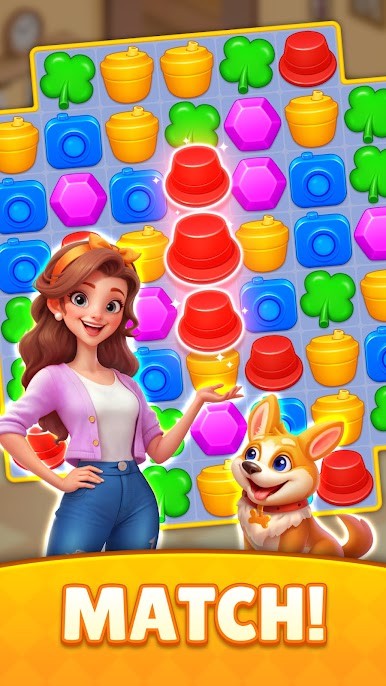
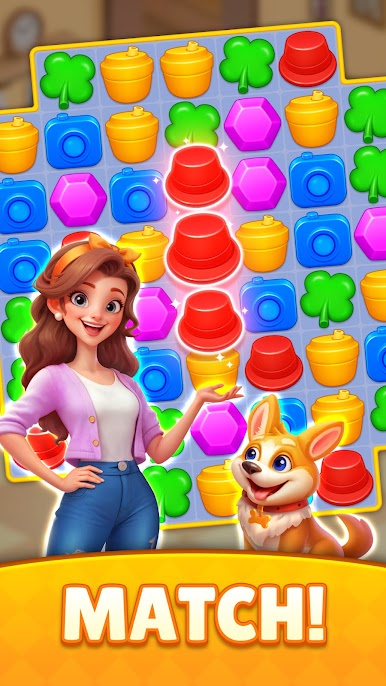
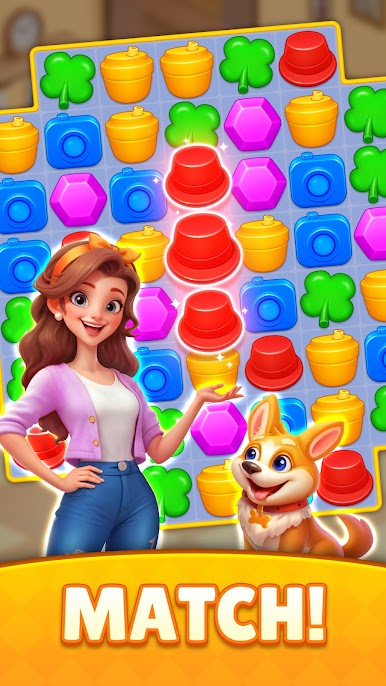
Join Chloe and Ollie on their adventure across the globe! Start your match-3 journey now and see where the next puzzle takes you!
FEATURES OF MATCHING GO:
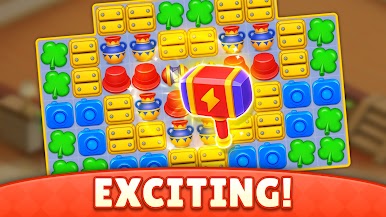
🎮 Engaging Puzzle Gameplay
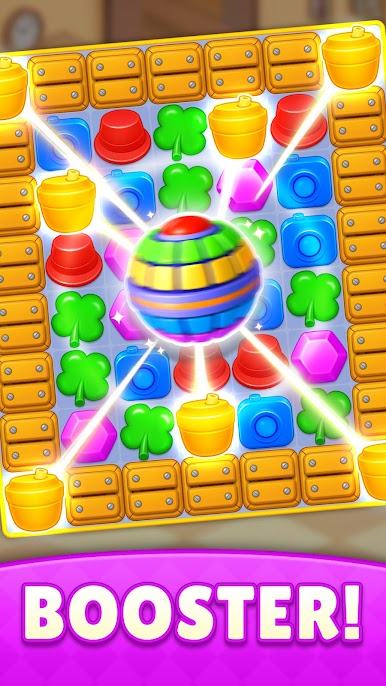
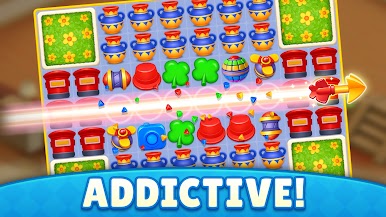
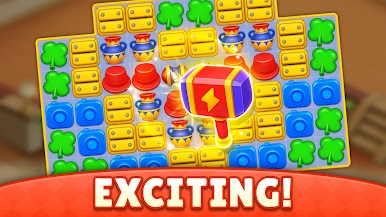
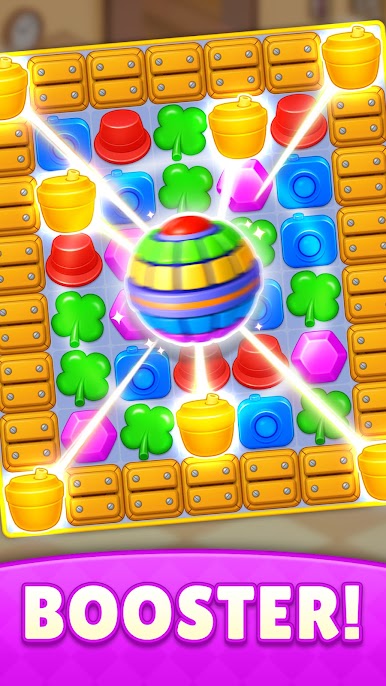
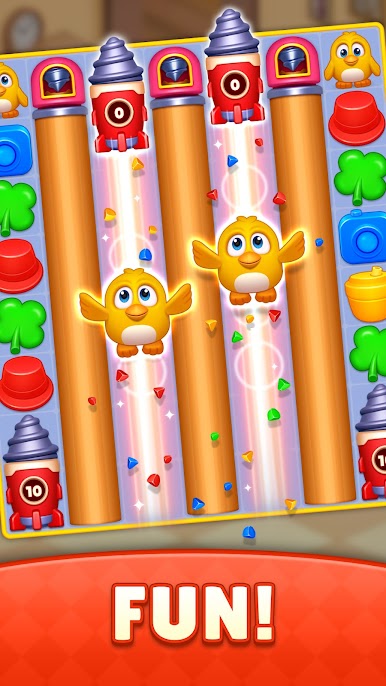
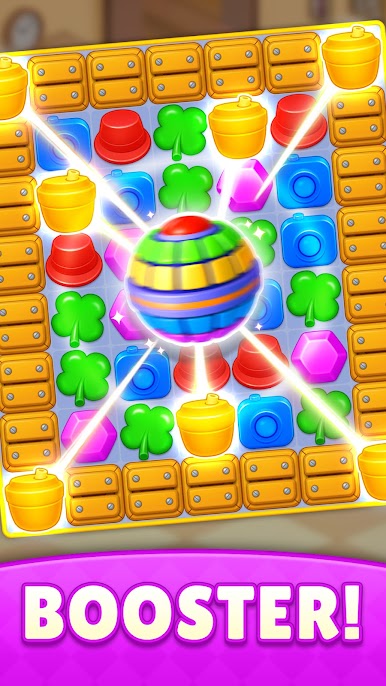
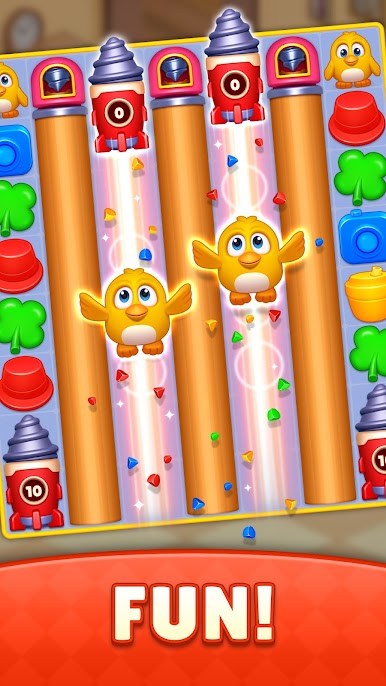
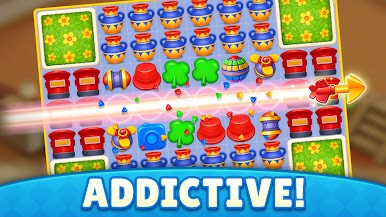
‒ Match 3 or more colorful objects to unleash exciting combos and power-ups!
‒ Levels designed for players of all skill levels, from easy to challenging!
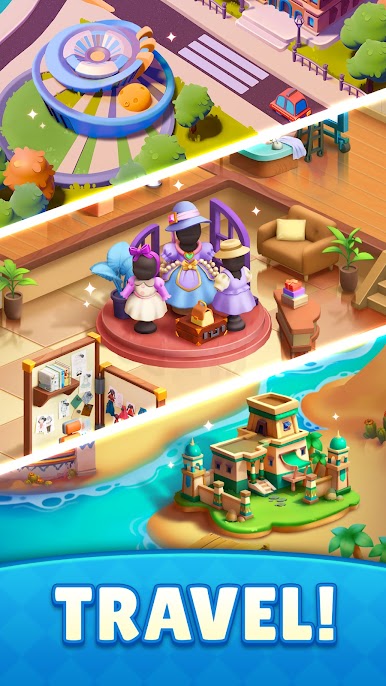
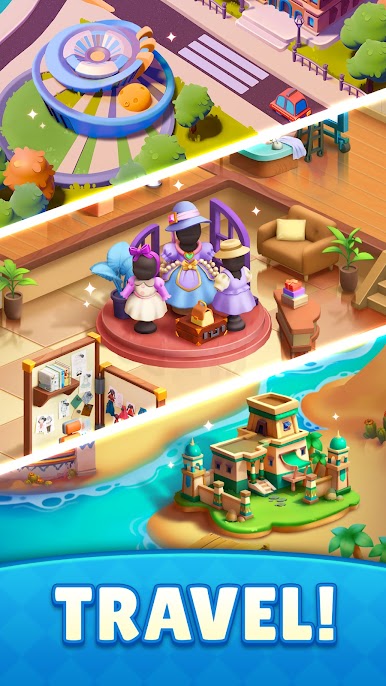
🌍 Travel the World
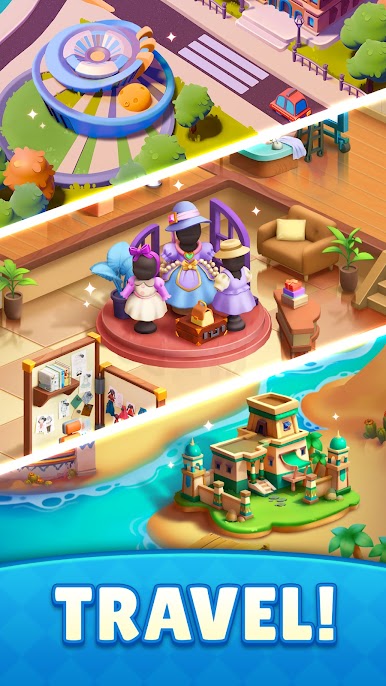
‒ Discover iconic cities like New York, London, and Paris, alongside imaginative realms like Christmas Village, Fairyland and so on!
‒ Build exquisite landmarks as you pass new levels and gather mallets!
✨ Stunning Visuals
‒ Every map comes to life with vibrant colors and fabulous designs!
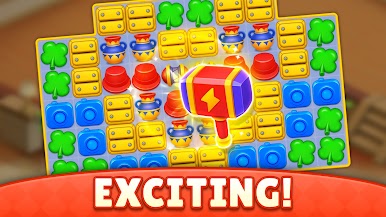
‒ Enjoy the thrill of matching as explosive animations and unique effects make every game more satisfying!
🎁 Special Rewards
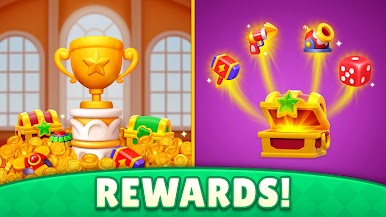
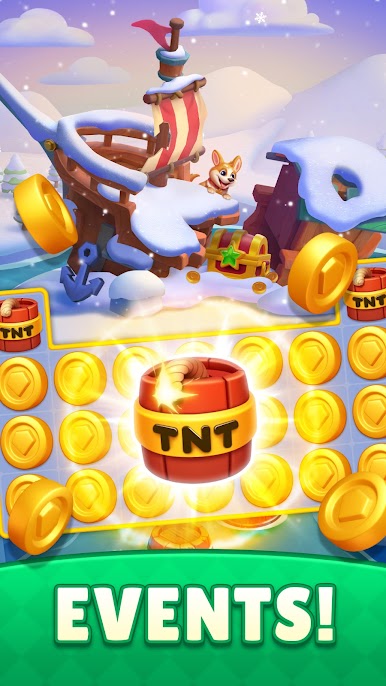
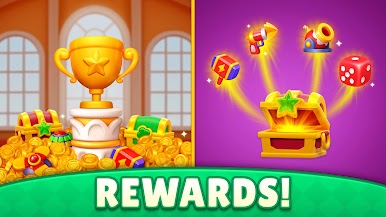
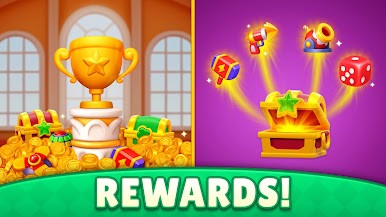
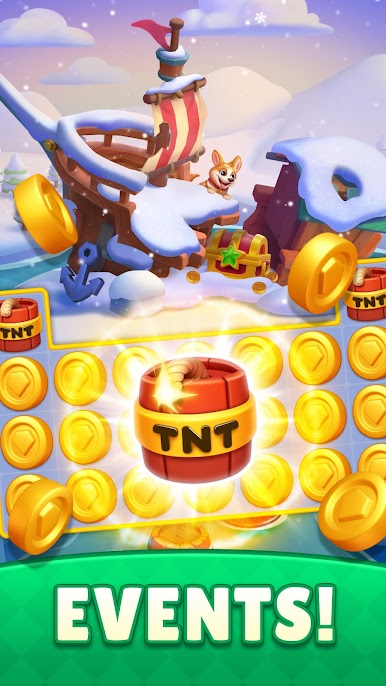
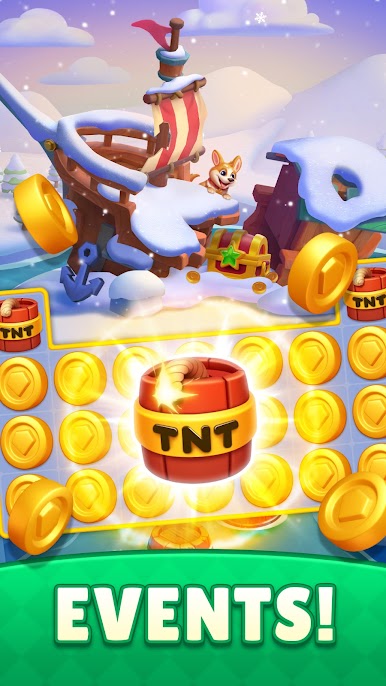
‒ Earn daily bonuses and participate in exciting events to win prizes!
‒ Speed up with various winning streak boosters!
⚔️ Compete with Others
‒ Challenge other players on the leaderboard!
‒ Climb the ranks and prove your puzzle-solving skills to become the top player!
Are you ready to embark on a world of fun and puzzles? Download Matching Go now and start your trip!🚀
Got questions or feedback? Reach us at blockpuzzleonlinestudio@gmail.com. We're always here to help!

Play Matching Go! - Puzzle Games on PC. It’s easy to get started.
-
Download and install BlueStacks on your PC
-
Complete Google sign-in to access the Play Store, or do it later
-
Look for Matching Go! - Puzzle Games in the search bar at the top right corner
-
Click to install Matching Go! - Puzzle Games from the search results
-
Complete Google sign-in (if you skipped step 2) to install Matching Go! - Puzzle Games
-
Click the Matching Go! - Puzzle Games icon on the home screen to start playing

