


Cafe - Live video chat
Play on PC with BlueStacks – the Android Gaming Platform, trusted by 500M+ gamers.

Page Modified on: Sep 16, 2026
Play Cafe - Live video chat on PC
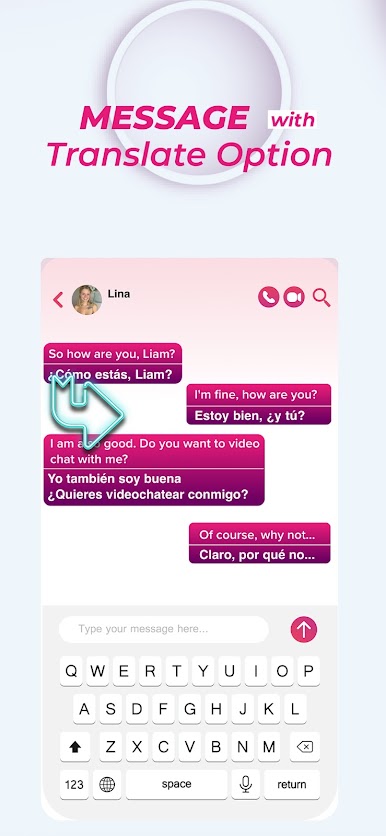
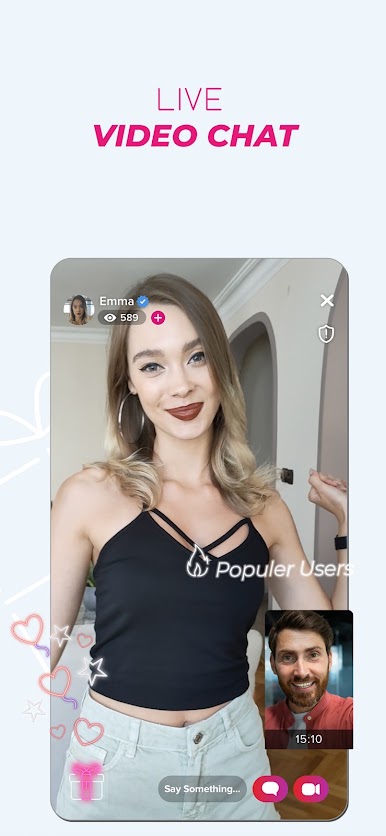
Why Cafe? It’s simple, safe and fun. Just tap to connect and get started. You’ll video chat with real people that you can get to know beyond just photos. No ghosting, just great conversations! If you like the way things are going, just keep chatting. If not, skip to the next person until you enjoy the chat... Your Cafe, your choice!




Play Cafe - Live video chat on PC. It’s easy to get started.
-
Download and install BlueStacks on your PC
-
Complete Google sign-in to access the Play Store, or do it later
-
Look for Cafe - Live video chat in the search bar at the top right corner
-
Click to install Cafe - Live video chat from the search results
-
Complete Google sign-in (if you skipped step 2) to install Cafe - Live video chat
-
Click the Cafe - Live video chat icon on the home screen to start playing

