


Kmate-Chat with global
Play on PC with BlueStacks – the Android Gaming Platform, trusted by 500M+ gamers.

Page Modified on: Jan 16, 2026
Play Kmate-Chat with global on PC
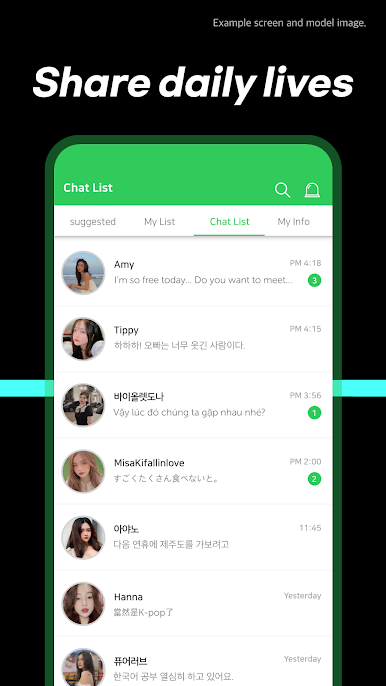
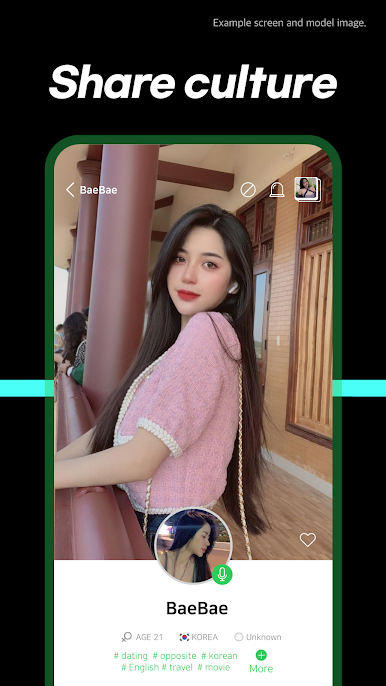
You can share Kpop, Kdrama, Kculture and your daily life here with
thousands of natives from Korea and the people from all over the world.
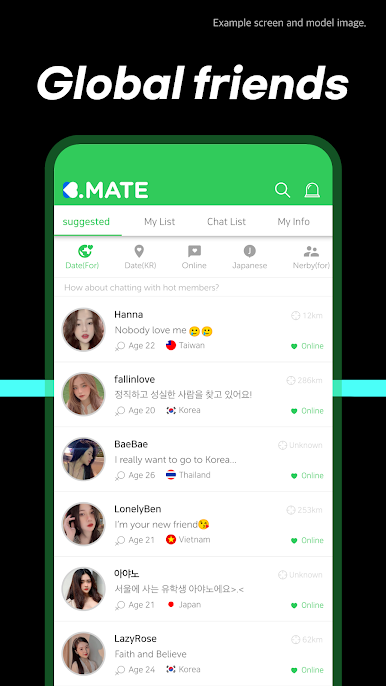
There are more than 140 countries of people are looking for the global friends
for doing language exchange.
[Awesome features]
⭐In Kmate, you don't need to worry about the language barrier anymore!
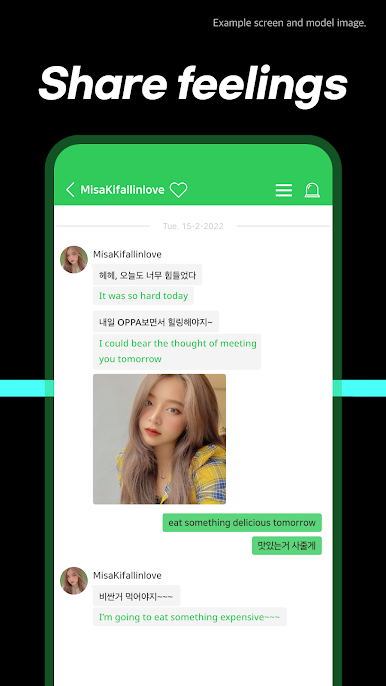
-Every messages you sent will be automatically translated into your language.
Just say hi, and start with any random topic.
You and your partner can both learn languages from each other and get improved so fast.
Immediately download Kmate now!
Let's find your own Kmate to chat and learn languages with you!
* Currently available in Korean, English, Chinese, Japanese, Spanish, French, Russian, Arabic, Portuguese, Hindi, German, Malay, Vietnamese, Turkish, Italian, Thai and Dutch.
*Kmate membership is free to both M/F.
*If you have any questions about Kmate, please visit Kmate app's customer service or contact us through mate@kmate.net



Play Kmate-Chat with global on PC. It’s easy to get started.
-
Download and install BlueStacks on your PC
-
Complete Google sign-in to access the Play Store, or do it later
-
Look for Kmate-Chat with global in the search bar at the top right corner
-
Click to install Kmate-Chat with global from the search results
-
Complete Google sign-in (if you skipped step 2) to install Kmate-Chat with global
-
Click the Kmate-Chat with global icon on the home screen to start playing

