


Royal Cooking - Cooking games
Play on PC with BlueStacks – the Android Gaming Platform, trusted by 500M+ gamers.

Page Modified on: Dec 16, 2025
Main Royal Cooking - Cooking games on PC
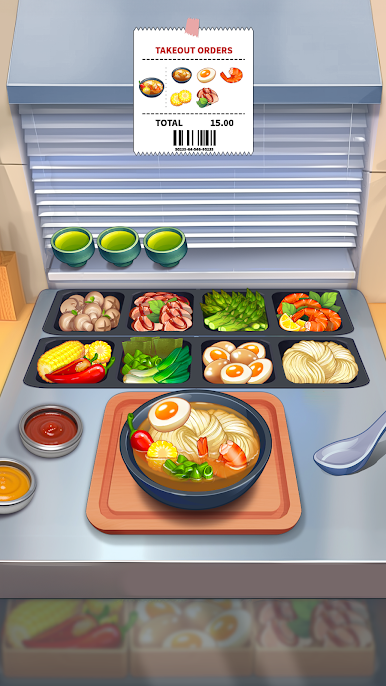
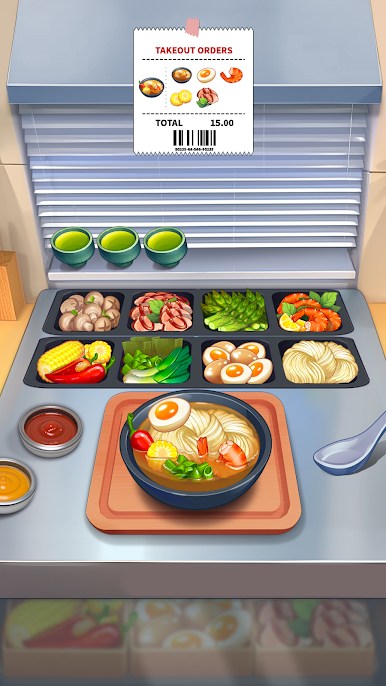
Enjoy cooking mania and fever, get ready to make food and open a restaurant or don't forget to work in a crazy kitchen! Are you ready for the madness of the crazy kitchen?
Do you love time management games, diner dash, and cooking? Or are you looking for a different food gameplay among the star chef, kitchen scramble, cook off and cake mania?
If so, this crazy kitchen is totally for you. You can be a creator of your own restaurant story and open a family style cafe or diner. Immerse yourself into the mania and fever of making food!
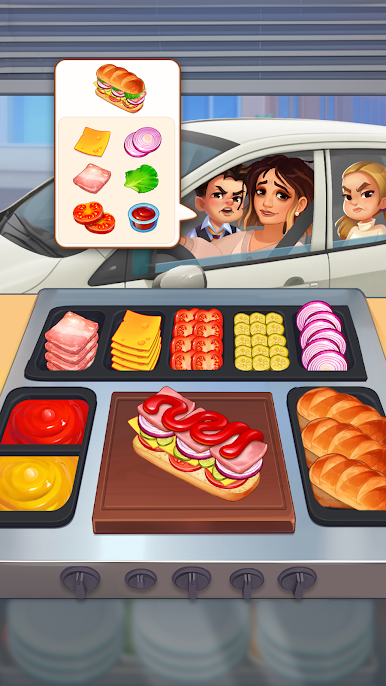
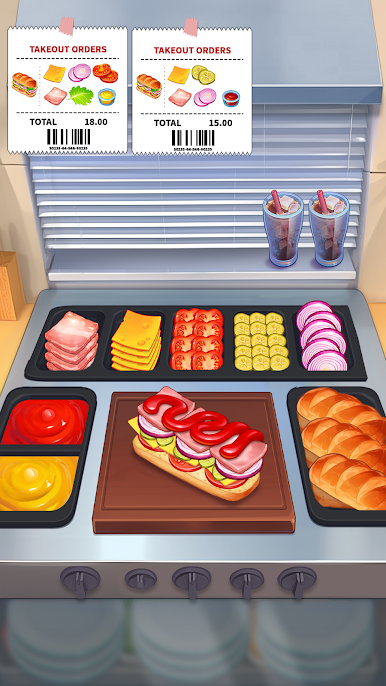
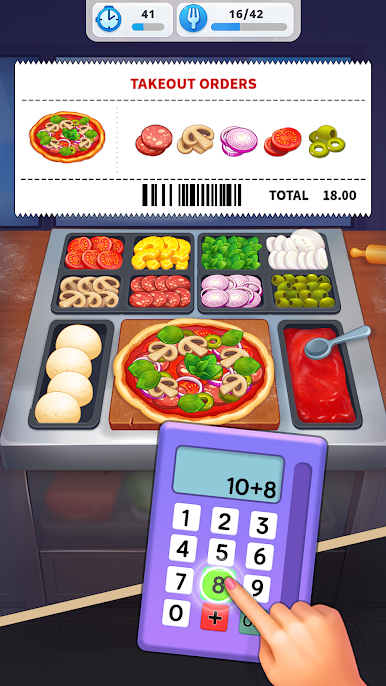
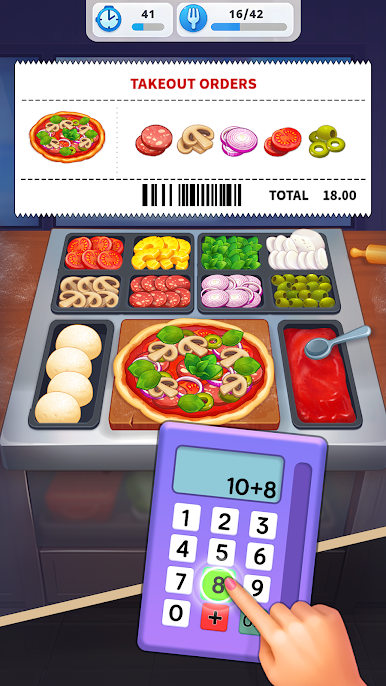
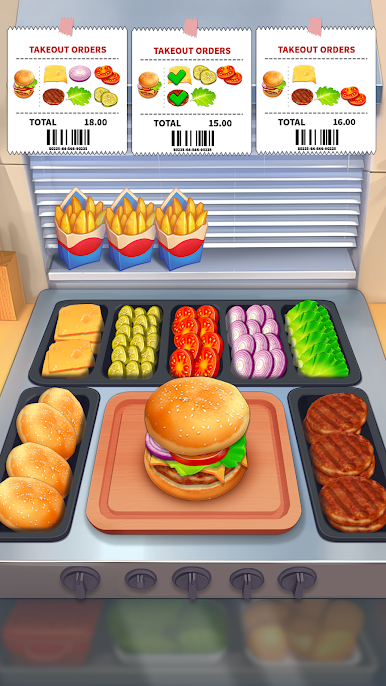
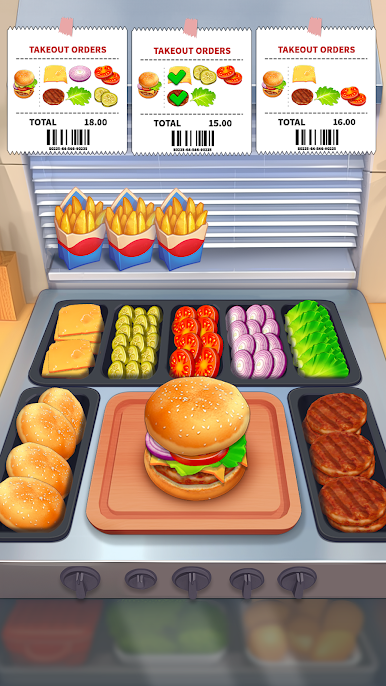
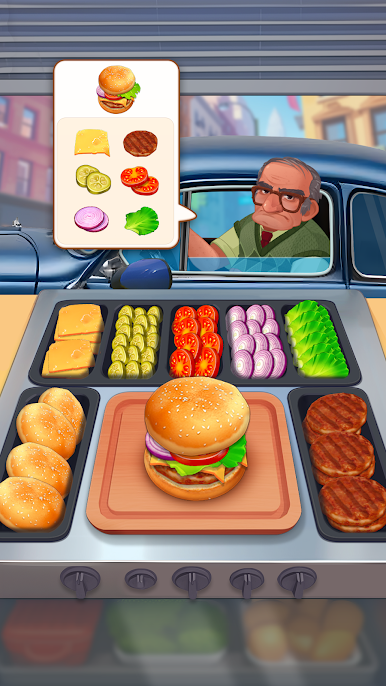
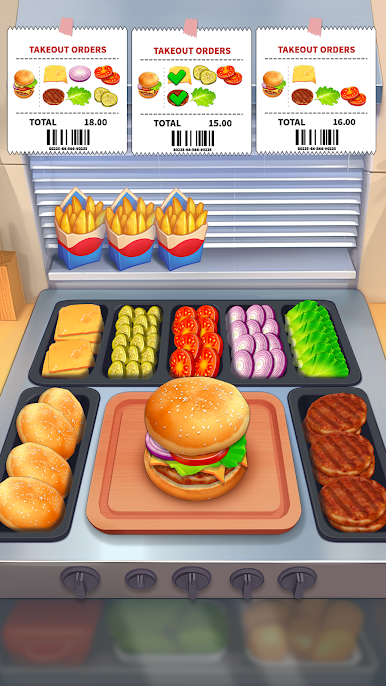
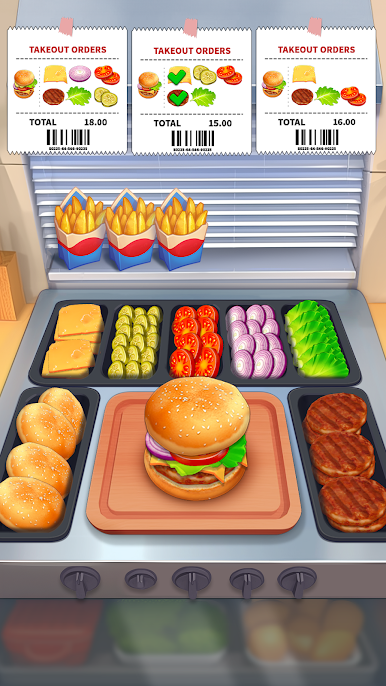
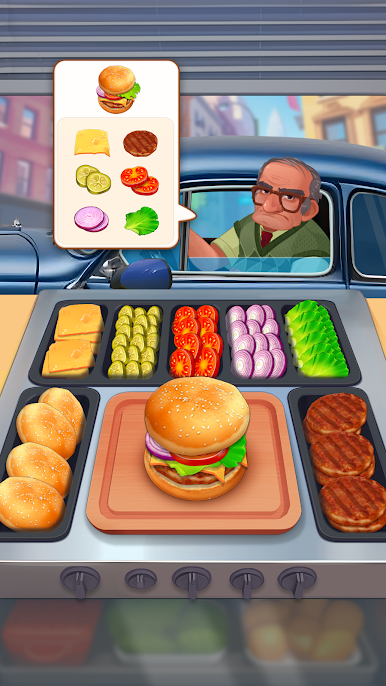
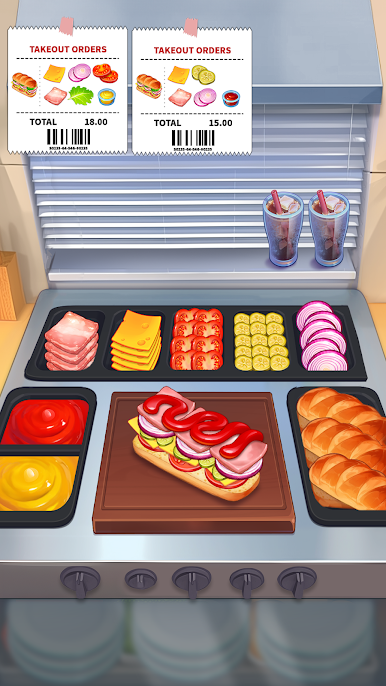
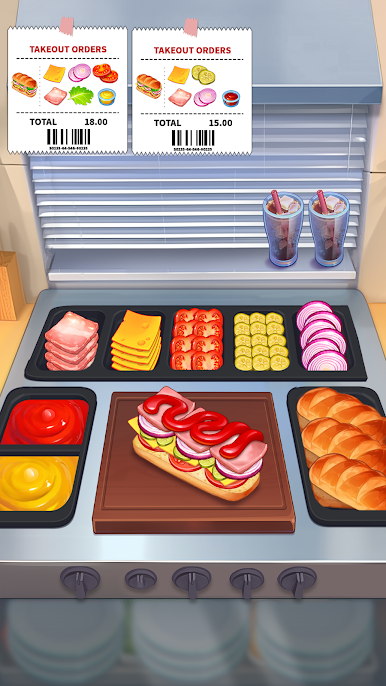
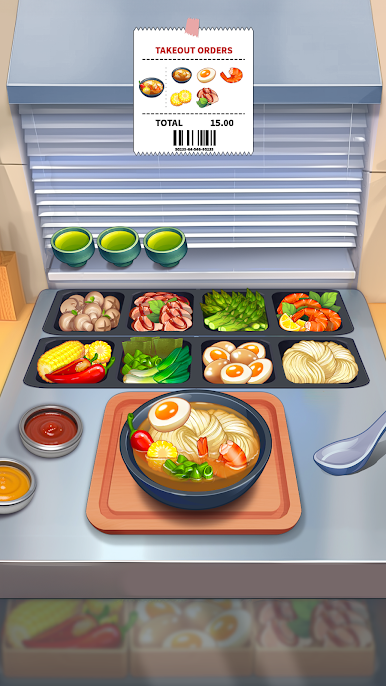
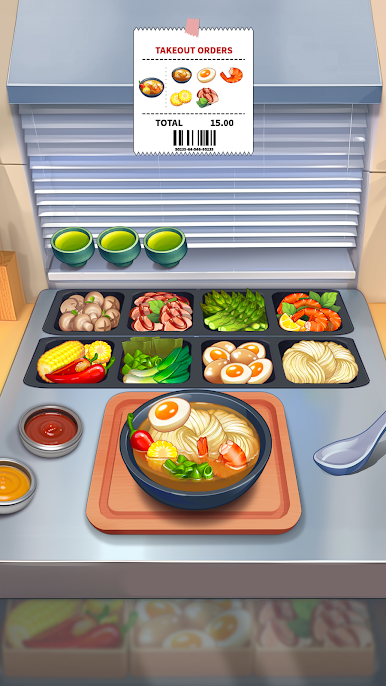
This restaurant game teaches you to make food & cook delicious burgers, good and great pizza and other popular street foods. Join this crazy kitchen with time management gameplay and simulation fun.
Experience the fun of time management!
Complete a diner dash before they leave the diner! Record your own restaurant story!
FEATURES:
- Enjoy gameplay, classic casual and time management games.
- Unlock advanced diaries, make food and become a star chef with mania and fever.
- Hundreds of fun levels: you need to cook good and great pizza, burgers, and sweet baked goods.
- Get combo streaks to earn big rewards.
- Upgrade your crazy kitchen equipment to become the star chef of mania and fever.
- Use powerful boosters to have more fun!
You can find the answers to many questions by contacting our in-game support team. The FAQ is available here:
https://matryoshka.helpshift.com/hc/en/8-cookinglive/
Reach out to us regarding any questions or suggestions you have. We read all the messages!
Subscribe to our social media pages to stay up to date on the latest news and to get useful tips for the game:
https://www.facebook.com/matryoshkagamescom
Sincerely, the Matryoshka Games team
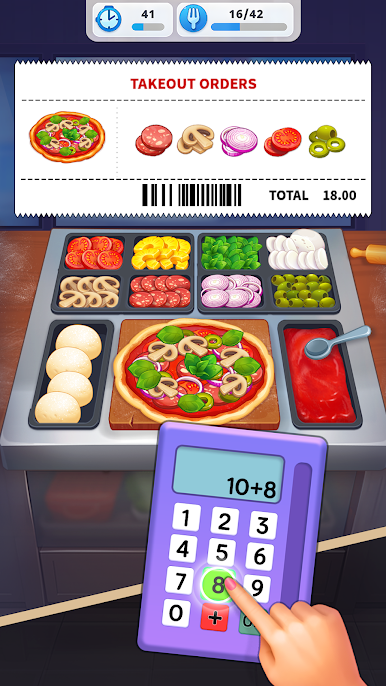
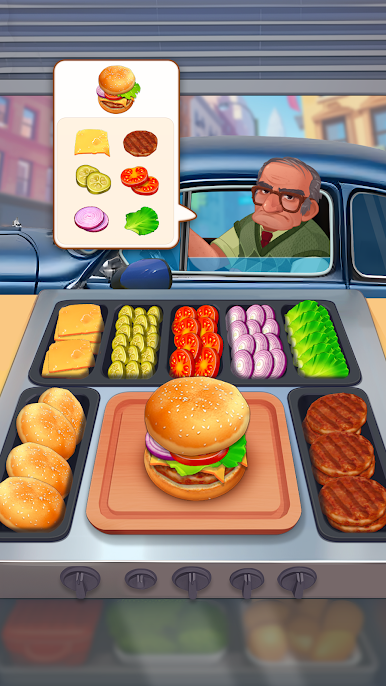
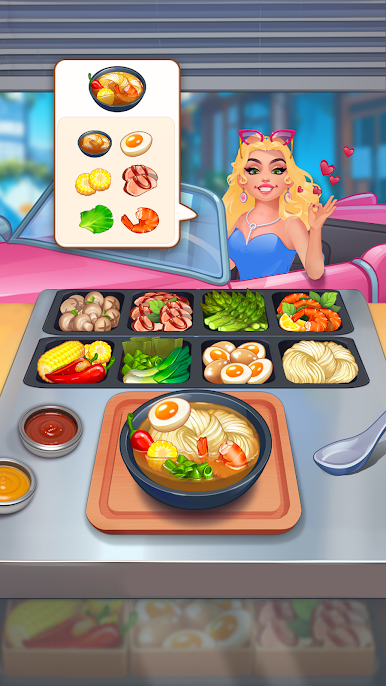
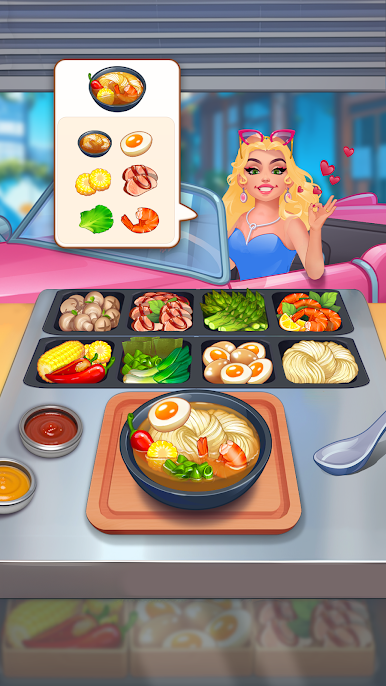
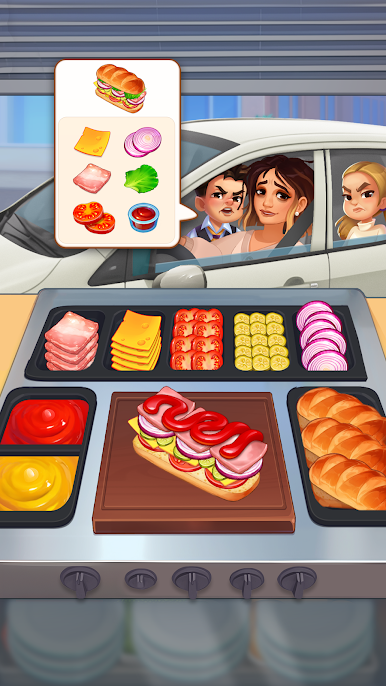
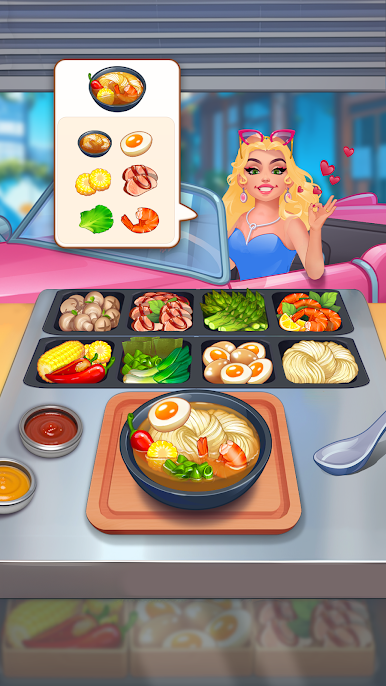
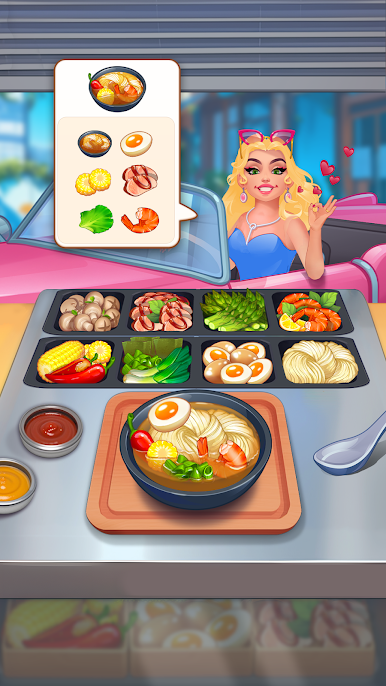
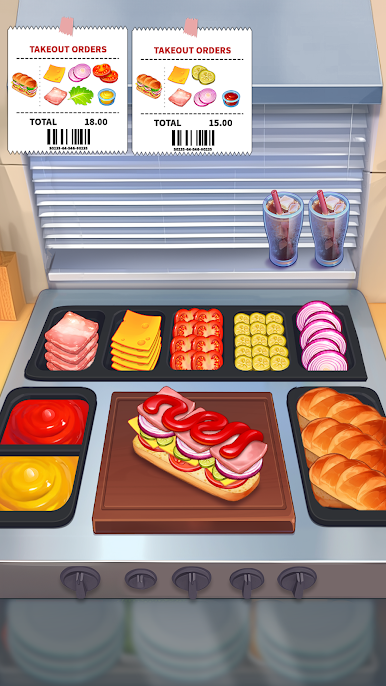
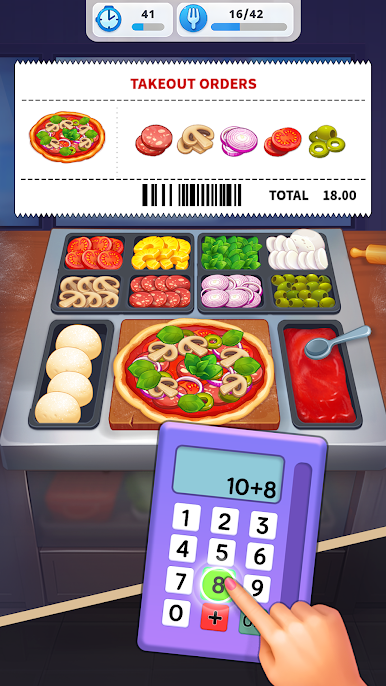
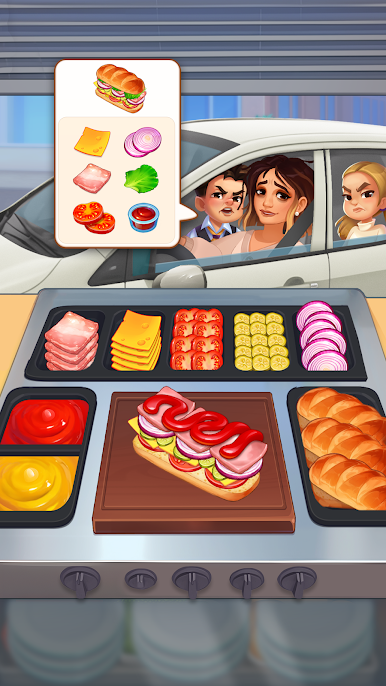
Play Royal Cooking - Cooking games on PC. It’s easy to get started.
-
Download and install BlueStacks on your PC
-
Complete Google sign-in to access the Play Store, or do it later
-
Look for Royal Cooking - Cooking games in the search bar at the top right corner
-
Click to install Royal Cooking - Cooking games from the search results
-
Complete Google sign-in (if you skipped step 2) to install Royal Cooking - Cooking games
-
Click the Royal Cooking - Cooking games icon on the home screen to start playing

