


MOTU Skeletor: Until Next Time
Play on PC with BlueStacks – the Android Gaming Platform, trusted by 500M+ gamers.

Page Modified on: Jun 2, 2026
Main MOTU Skeletor: Until Next Time on PC
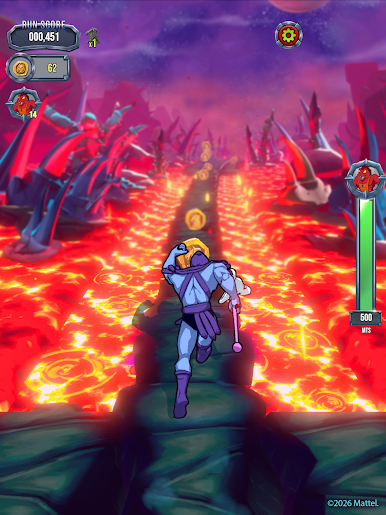
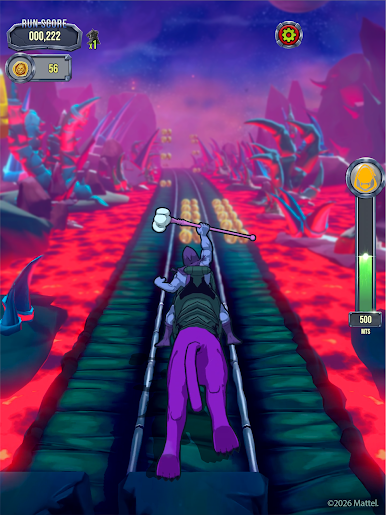
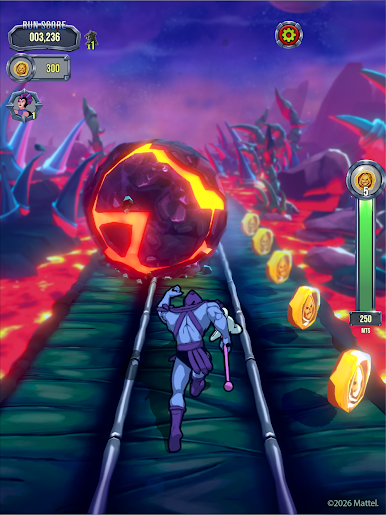
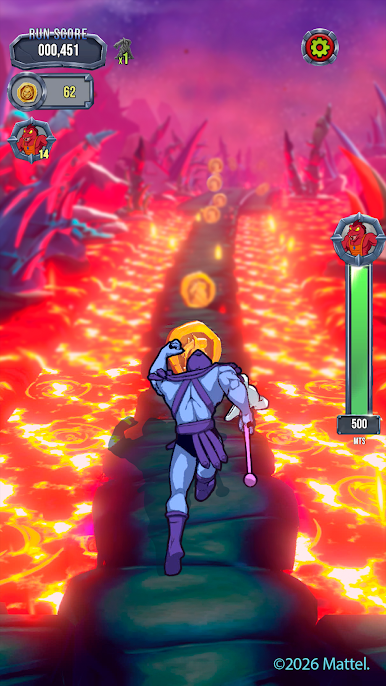
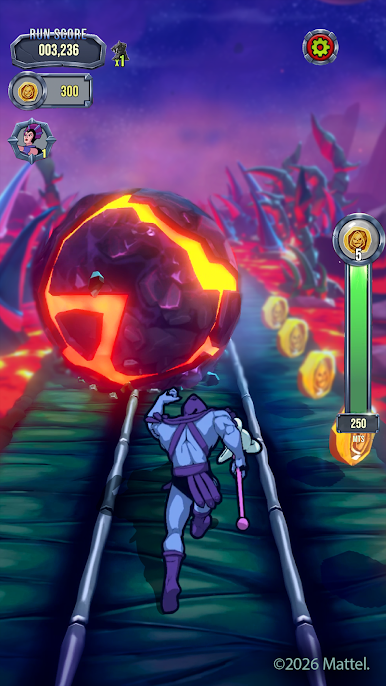
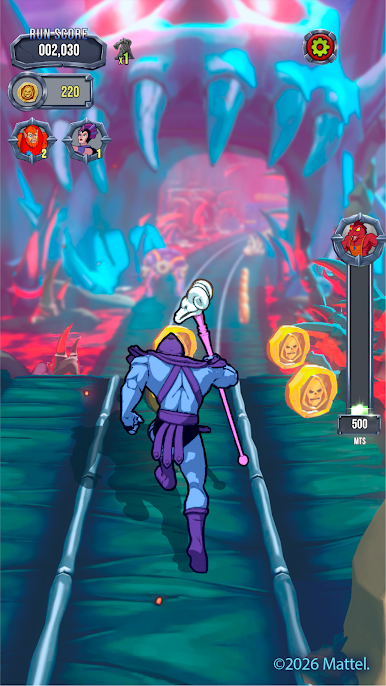
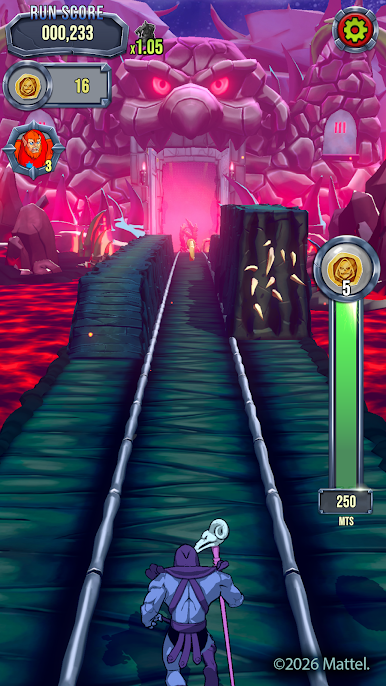
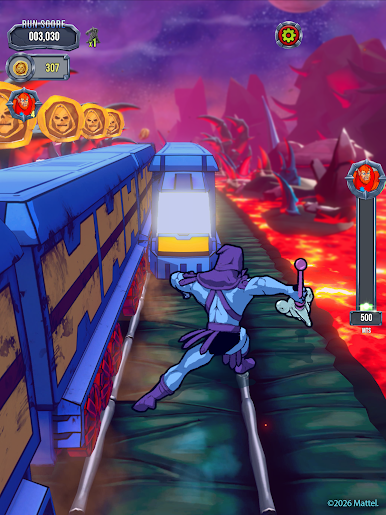
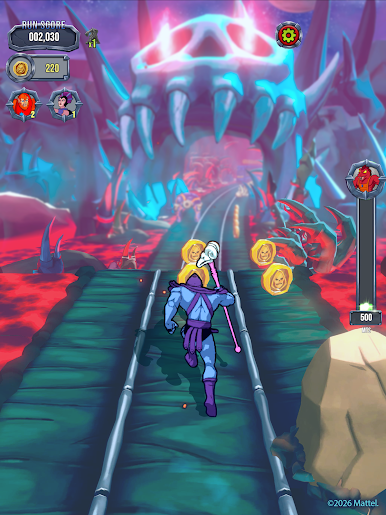
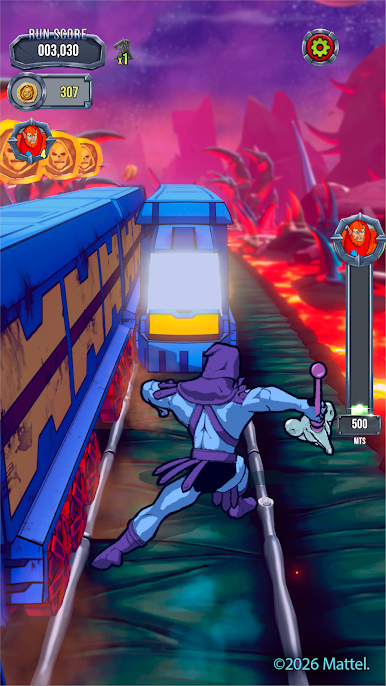
Swipe to Survive: Master smooth swipe controls as you dash forward, leap over traps, and outrun devious obstacles. Each run becomes a rising test of timing, focus, and nerve.
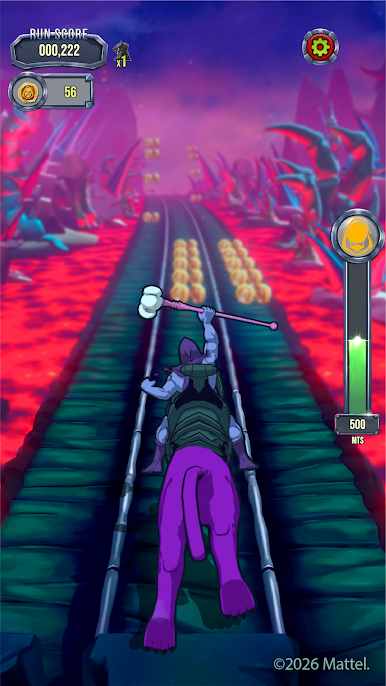
Eternia-Powered Action: Activate powerful abilities, summon Panthor, and unleash villain energy as you push deeper into the chase. The pace builds. The stakes rise. The momentum never breaks.
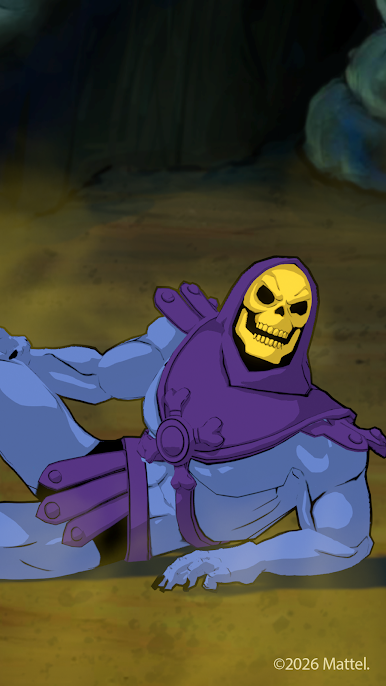
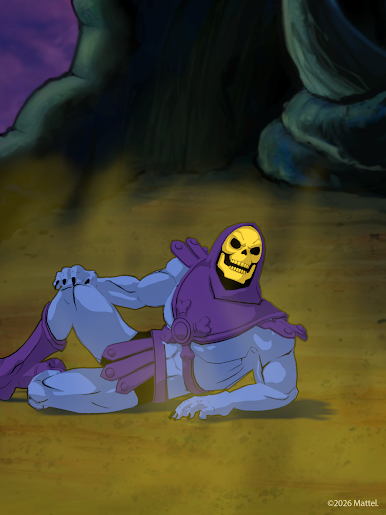
Heroes, Magic, and Sorcery: From the Man-At-Arms to Evil-Lyn, unlock iconic heroes and devious villains from the world of Masters of the Universe. Each ally and enemy of He-Man brings distinct abilities fueled by magic, sorcery, and power, giving you new ways to dominate every run.
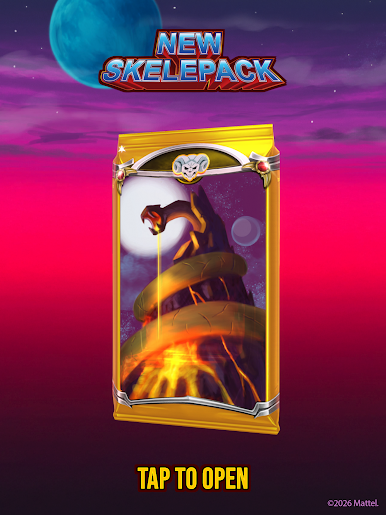
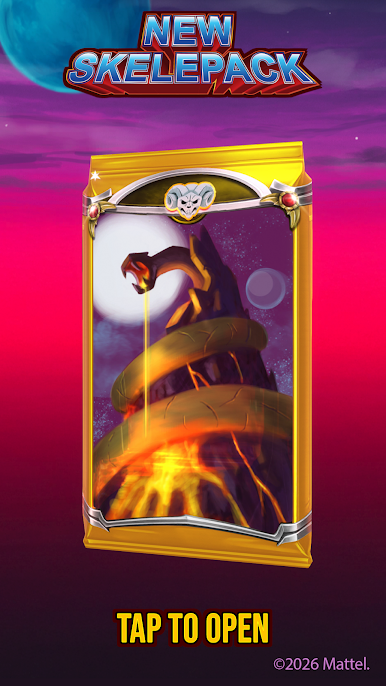
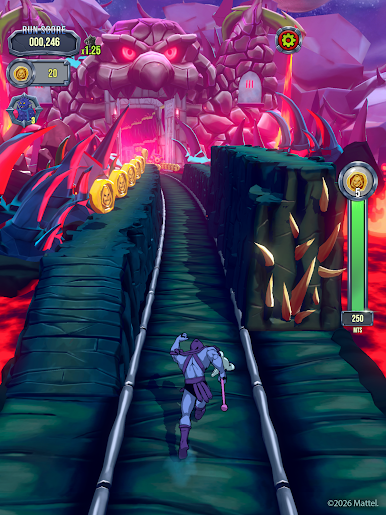
Retro Style, Modern Speed: Inspired by the classic era, the game blends bold retro visuals with fluid modern runner gameplay and collectible items inspired by Masters of the Universe’s treasured history. Snake Mountain, lava caverns, and legendary strongholds come alive in a vibrant, high-energy adventure.
Seasonal Events: Every new season brings unique and exciting gameplay, new things to collect, and more!
Whether you're chasing the next high score with every villain perk or upgrading your Snake Mountain lair, the run keeps calling you back. Run faster. Swipe smarter. Until next time!

Play MOTU Skeletor: Until Next Time on PC. It’s easy to get started.
-
Download and install BlueStacks on your PC
-
Complete Google sign-in to access the Play Store, or do it later
-
Look for MOTU Skeletor: Until Next Time in the search bar at the top right corner
-
Click to install MOTU Skeletor: Until Next Time from the search results
-
Complete Google sign-in (if you skipped step 2) to install MOTU Skeletor: Until Next Time
-
Click the MOTU Skeletor: Until Next Time icon on the home screen to start playing

