

Stick War: Legacy
Play on PC with BlueStacks – the Android Gaming Platform, trusted by 500M+ gamers.

Page Modified on: Oct 8, 2026
Play Stick War: Legacy on PC or Mac
Stick War: Legacy brings the Strategy genre to life, and throws up exciting challenges for gamers. Developed by Max Games Studios, this Android game is best experienced on BlueStacks, the World’s #1 app player for PC and Mac users.
About the Game
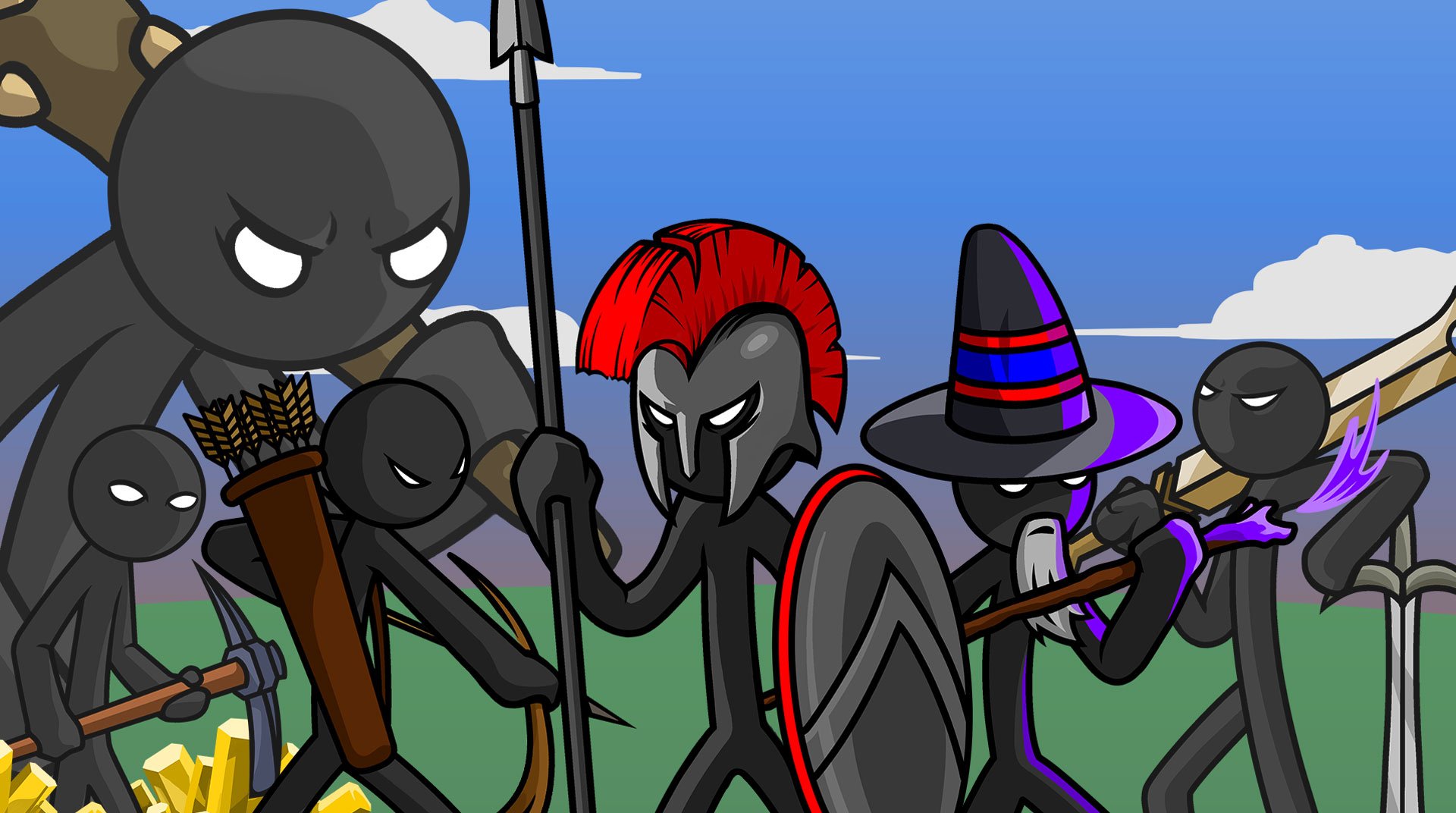
Stick War: Legacy is a Strategy classic from Max Games Studios where stick figures wage smart, scrappy battles. You’re the commander of the Order, balancing economy and combat while pushing through rival nations obsessed with their own combat “religions.” Mine gold, train specialized troops, and smash enemy statues to claim territory across Inamorta. Want a bigger screen and handy controls? It also plays smoothly on PC with BlueStacks.
Game Features
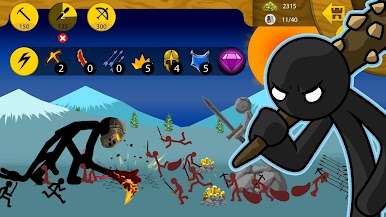
- Total battlefield control: Queue units, set formations, and, when things get tense, jump in to command individual soldiers for clutch plays.
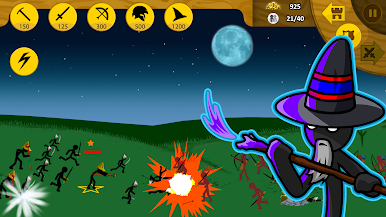
- Deep roster of units: Build out a team of swordsmen, spearmen, archers, wizards, and towering giants—each with a clear battlefield role and unique counters.
- Classic Campaign, expanded: March the Order across a chaptered world map, take on rival factions like the Archidons, Swordwrath, Magikill, and Speartons, and uncover bonus stages along the way.
- Missions Mode with fresh twists: Tackle regularly added scenarios with custom rules—beat the clock, protect barricaded gold, hold the line in Deathmatch, push a Forward Statue, or face nasty mini-bosses.
- Difficulty crowns to chase: Clear missions on Normal, Hard, or Insane and earn crowns that show you didn’t just win—you mastered it.
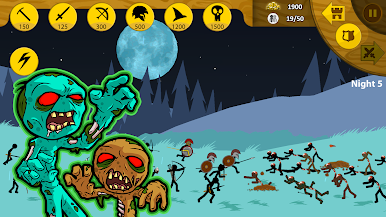
- Survival against the Endless Deads: Barricade, improvise, and see how many nights you can outlast a growing zombie horde.
- Tournament for the Crown of Inamorta: Climb a bracket of AI challengers and prove your strategy holds up under pressure.
- Sharper combat feedback: Arrows visibly stick, damage animations hit harder, and unit formations behave smarter—especially your archer lines.
- Skins with perks: Unlock looks for every troop that do more than reskin—they add unique stat boosts and weapon or armor benefits.
Ready to top the leaderboard? We bet you do. Let precise controls and sharp visuals optimized on BlueStacks lead you to victory.

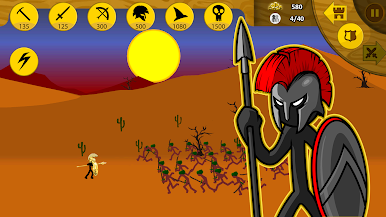
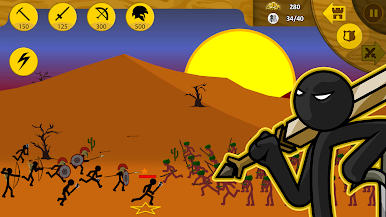
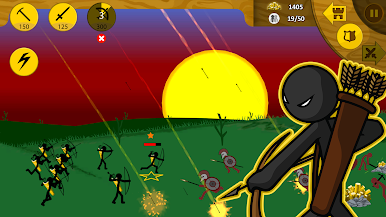
Play Stick War: Legacy on PC. It’s easy to get started.
-
Download and install BlueStacks on your PC
-
Complete Google sign-in to access the Play Store, or do it later
-
Look for Stick War: Legacy in the search bar at the top right corner
-
Click to install Stick War: Legacy from the search results
-
Complete Google sign-in (if you skipped step 2) to install Stick War: Legacy
-
Click the Stick War: Legacy icon on the home screen to start playing

