


Mountain Drive Hill Racing TV
Play on PC with BlueStacks – the Android Gaming Platform, trusted by 500M+ gamers.

Page Modified on: Jan 8, 2026
Play Mountain Drive Hill Racing TV on PC
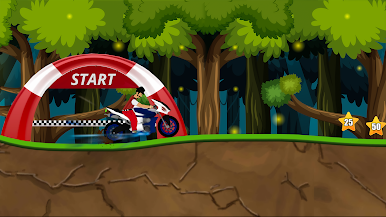
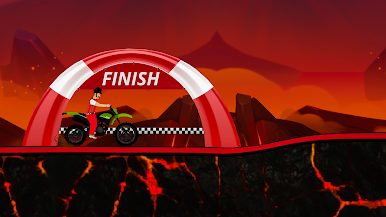
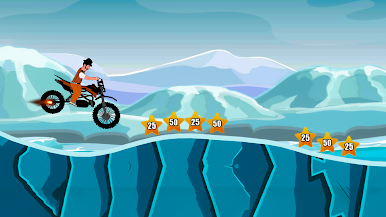
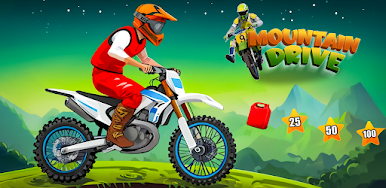
Control your bike carefully while climbing hills, descending sharp slopes, and riding through narrow mountain paths. Manage speed, balance, and turns to avoid crashes and reach the finish line safely.
Designed especially for Android TV, the game features smooth controller support, clear visuals, and a comfortable lean-back gameplay experience. Play offline and enjoy realistic bike driving across scenic mountain routes.
Features:
• Realistic 3D bike driving gameplay
• Mountain roads and hill trails
• Speed and balance control mechanics
• Smooth controls for TV & controllers
• Challenging levels and routes
• Offline playable
• Optimized for Android TV
Test your riding skills and master every mountain trail.

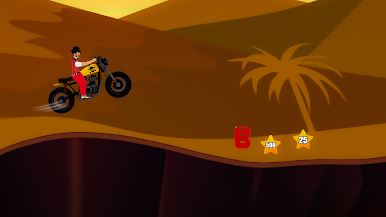
Play Mountain Drive Hill Racing TV on PC. It’s easy to get started.
-
Download and install BlueStacks on your PC
-
Complete Google sign-in to access the Play Store, or do it later
-
Look for Mountain Drive Hill Racing TV in the search bar at the top right corner
-
Click to install Mountain Drive Hill Racing TV from the search results
-
Complete Google sign-in (if you skipped step 2) to install Mountain Drive Hill Racing TV
-
Click the Mountain Drive Hill Racing TV icon on the home screen to start playing

