

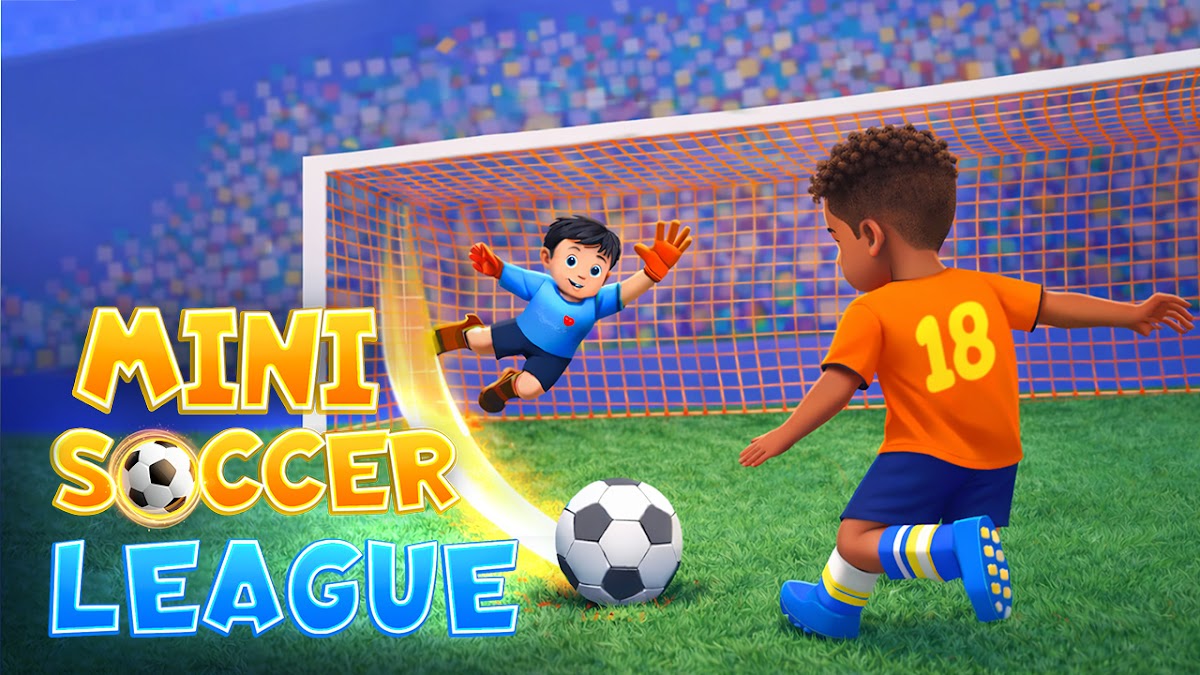
Mini Soccer League Football
Play on PC with BlueStacks – the Android Gaming Platform, trusted by 500M+ gamers.

Page Modified on: Jan 8, 2026
Play Mini Soccer League Football on PC
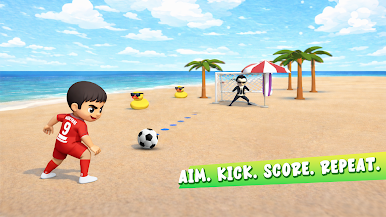
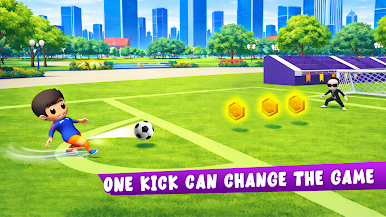
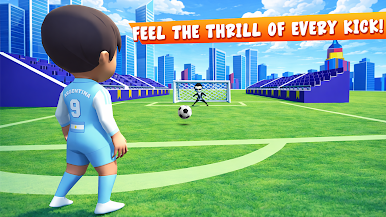
With simplified controls and smooth movement, the game is perfect for casual players and football fans of all ages. Compete in league matches, improve your skills, and enjoy energetic soccer gameplay in a compact and engaging format.
Built especially for Android TV, the game supports controller and D-pad input, large readable UI, and a relaxed lean-back experience. Play offline and enjoy soccer anytime on your TV.
Features:
• Fast and fun mini soccer gameplay
• Simple controls and smooth movement
• Quick matches and league play
• Colorful visuals and lively stadiums
• Controller-friendly TV controls
• Offline playable
• Optimized for Android TV
Kick off and become a mini soccer champion.

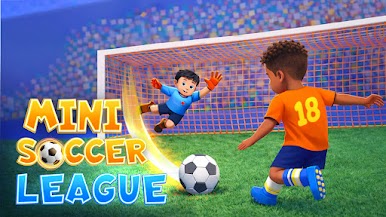
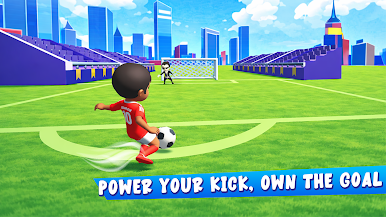
Play Mini Soccer League Football on PC. It’s easy to get started.
-
Download and install BlueStacks on your PC
-
Complete Google sign-in to access the Play Store, or do it later
-
Look for Mini Soccer League Football in the search bar at the top right corner
-
Click to install Mini Soccer League Football from the search results
-
Complete Google sign-in (if you skipped step 2) to install Mini Soccer League Football
-
Click the Mini Soccer League Football icon on the home screen to start playing

