


World Cricket T20 League 3D TV
Play on PC with BlueStacks – the Android Gaming Platform, trusted by 500M+ gamers.

Page Modified on: Feb 24, 2026
Play World Cricket T20 League 3D TV on PC
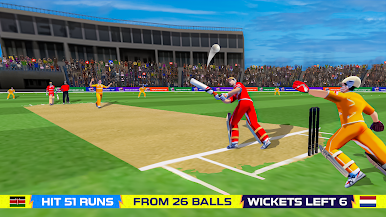
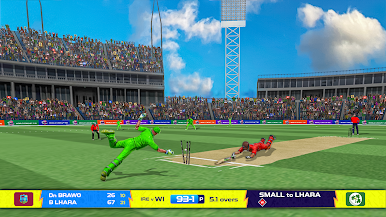
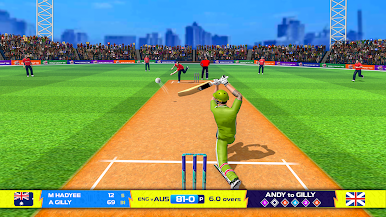
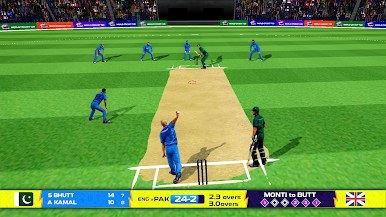
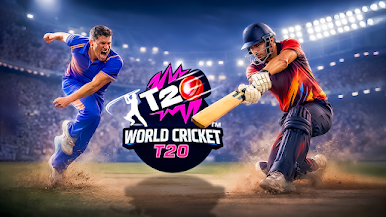
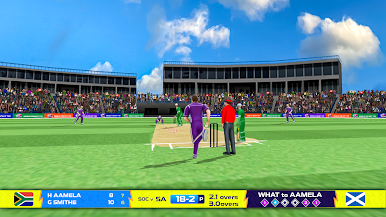
Enjoy smooth batting, accurate bowling, and realistic fielding in immersive 3D stadium environments. Time your shots perfectly, plan your bowling strategy, and lead your team to victory in tournament-style competitions.
Optimized for big screens, the game offers controller and D-pad support, clear visuals, and a comfortable couch-gaming experience. Play offline anytime and enjoy the excitement of T20 cricket right from your TV.
Game Features:
• Fast-paced T20 cricket gameplay
• Batting and bowling controls
• Tournament and quick match modes
• Android TV controller & D-pad support
• Offline gameplay
• Big-screen optimized UI
• Easy to play, challenging to master
Play World Cricket T20 League 3D TV on PC. It’s easy to get started.
-
Download and install BlueStacks on your PC
-
Complete Google sign-in to access the Play Store, or do it later
-
Look for World Cricket T20 League 3D TV in the search bar at the top right corner
-
Click to install World Cricket T20 League 3D TV from the search results
-
Complete Google sign-in (if you skipped step 2) to install World Cricket T20 League 3D TV
-
Click the World Cricket T20 League 3D TV icon on the home screen to start playing

