


Rally Fury Xtreme Racing TV
Play on PC with BlueStacks – the Android Gaming Platform, trusted by 500M+ gamers.

Page Modified on: Feb 19, 2026
Overview
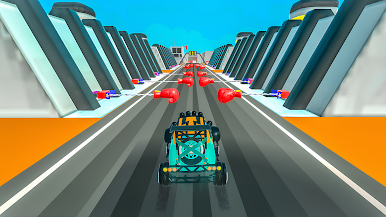
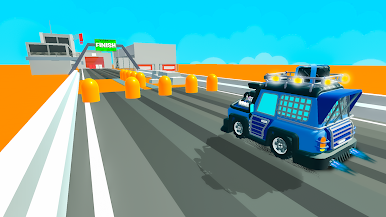
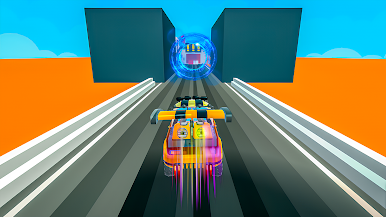
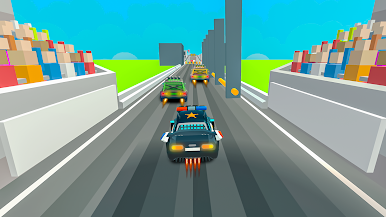
Master drifting, acceleration, and precise control to win races and unlock new challenges. Each track delivers fast-paced action with realistic handling and immersive 3D environments.
Optimized for big screens, the game features smooth controls, responsive driving, and a comfortable couch-gaming experience. Enjoy offline gameplay with full controller and D-pad support, making it perfect for rally racing fans on Android TV.
Game Features:
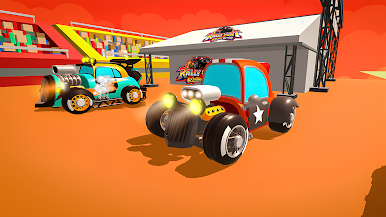
• Extreme rally racing gameplay
• Off-road tracks and challenges
• Smooth and responsive controls
• Android TV controller & D-pad support
• Offline gameplay
• Big-screen optimized UI
• Easy to play, skill-based racing
Play Rally Fury Xtreme Racing TV on PC. It’s easy to get started.
-
Download and install BlueStacks on your PC
-
Complete Google sign-in to access the Play Store, or do it later
-
Look for Rally Fury Xtreme Racing TV in the search bar at the top right corner
-
Click to install Rally Fury Xtreme Racing TV from the search results
-
Complete Google sign-in (if you skipped step 2) to install Rally Fury Xtreme Racing TV
-
Click the Rally Fury Xtreme Racing TV icon on the home screen to start playing

