

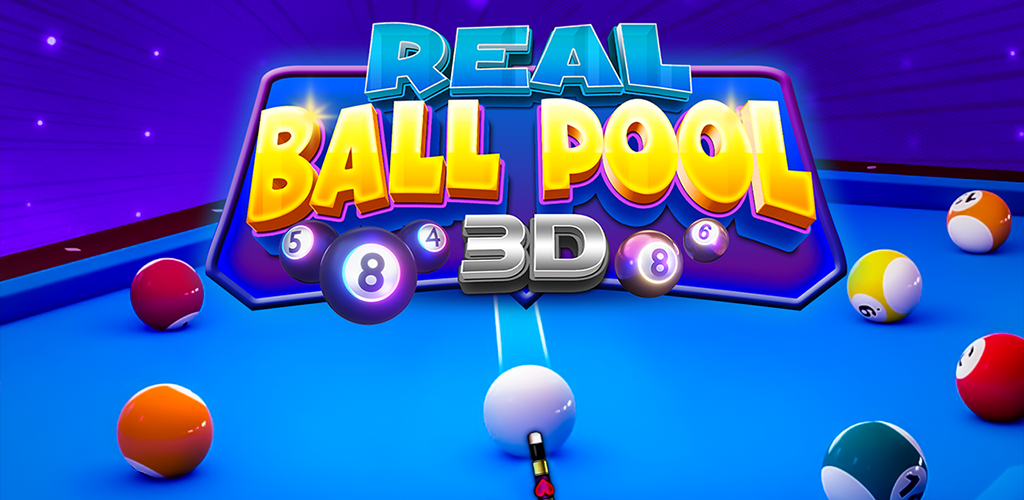
Real Ball Pool Snooker TV Game
Play on PC with BlueStacks – the Android Gaming Platform, trusted by 500M+ gamers.

Page Modified on: Jan 8, 2026
Play Real Ball Pool Snooker TV Game on PC
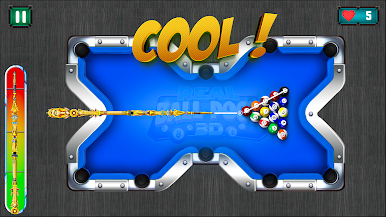
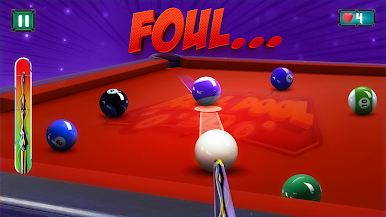
Enjoy smooth cue control, accurate ball physics, and immersive 3D tables that bring classic pool and snooker gameplay to life. Whether you are practicing solo or mastering difficult shots, this game offers relaxing and skill-based entertainment.
Optimized for Android TV, the game supports controller and D-pad input with a clean, distraction-free interface. Play offline anytime and sharpen your cue sports skills in this realistic pool simulator.
Features:
• Realistic snooker and pool gameplay
• Accurate ball physics and smooth shots
• High-quality 3D tables and visuals
• Easy controls for TV & controllers
• Practice and challenge modes
• Offline playable
• Android TV optimized experience
Line up your shots and become a true pool master.
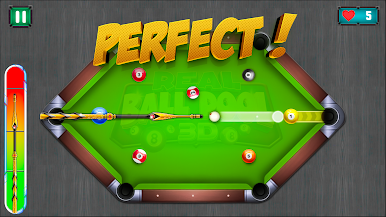
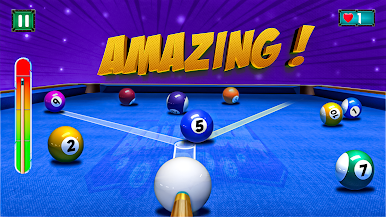
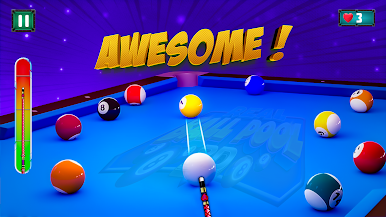


Play Real Ball Pool Snooker TV Game on PC. It’s easy to get started.
-
Download and install BlueStacks on your PC
-
Complete Google sign-in to access the Play Store, or do it later
-
Look for Real Ball Pool Snooker TV Game in the search bar at the top right corner
-
Click to install Real Ball Pool Snooker TV Game from the search results
-
Complete Google sign-in (if you skipped step 2) to install Real Ball Pool Snooker TV Game
-
Click the Real Ball Pool Snooker TV Game icon on the home screen to start playing

