

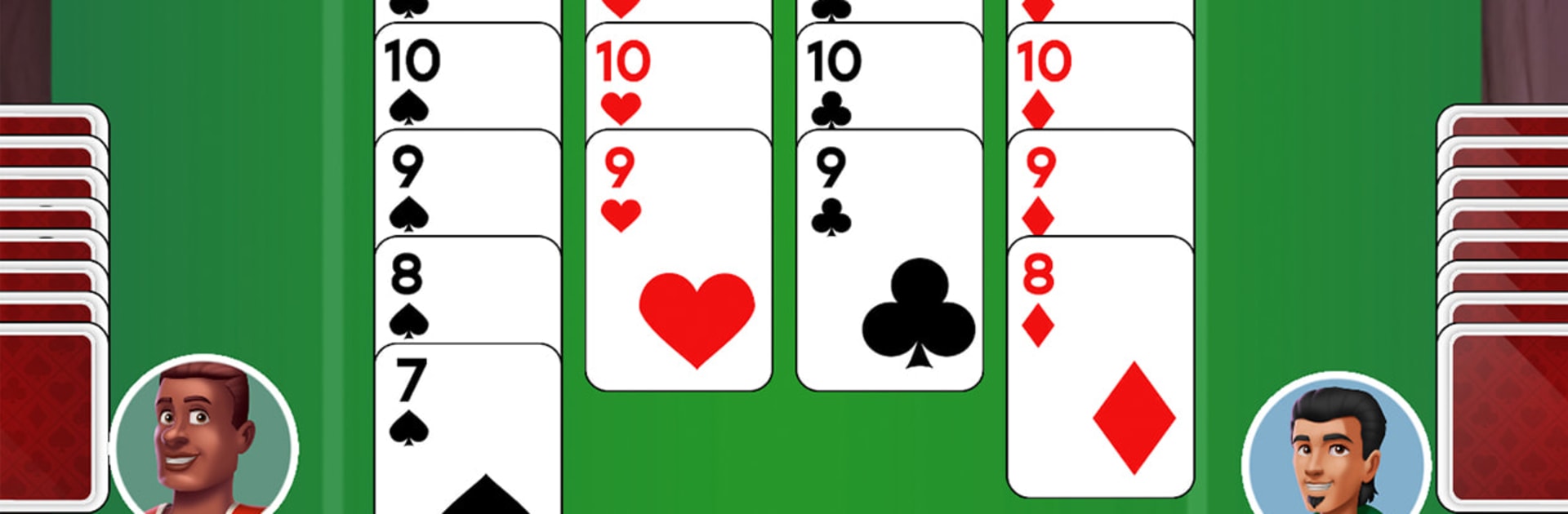
Trix King Hearts Card Game
Play on PC with BlueStacks – the Android Gaming Platform, trusted by 500M+ gamers.

Page Modified on: Feb 23, 2026
Play Trix King of Hearts Card Game on PC or Mac
Trix King of Hearts Card Game brings the Card genre to life, and throws up exciting challenges for gamers. Developed by Maysalward, this Android game is best experienced on BlueStacks, the World’s #1 app player for PC and Mac users.
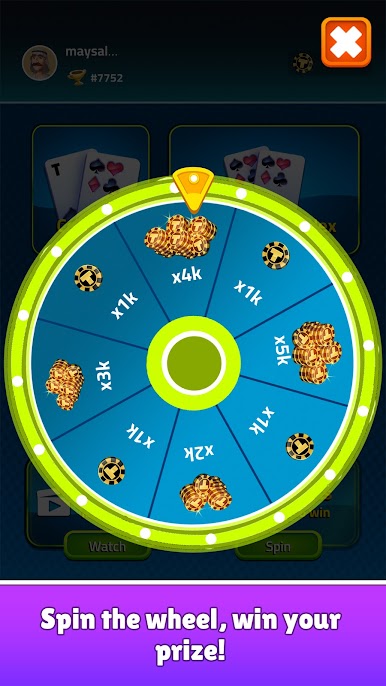
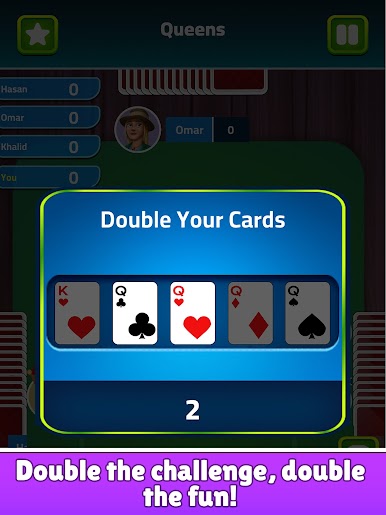
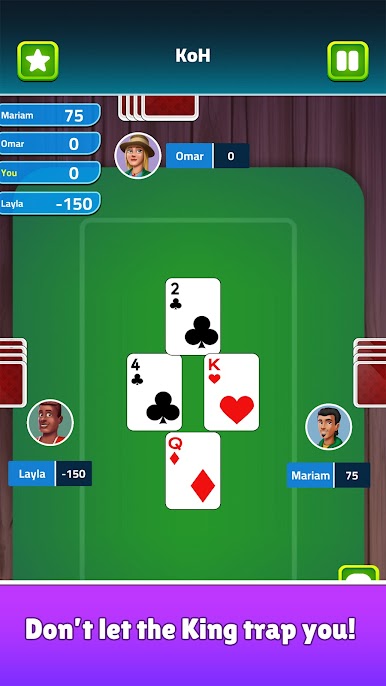
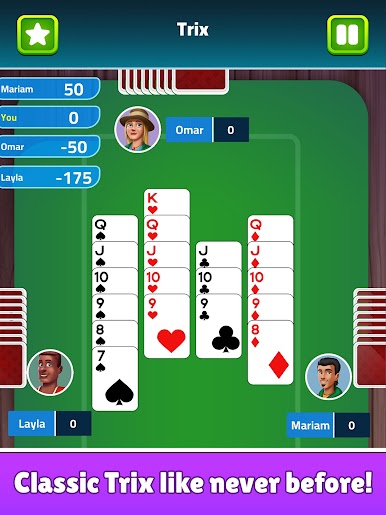
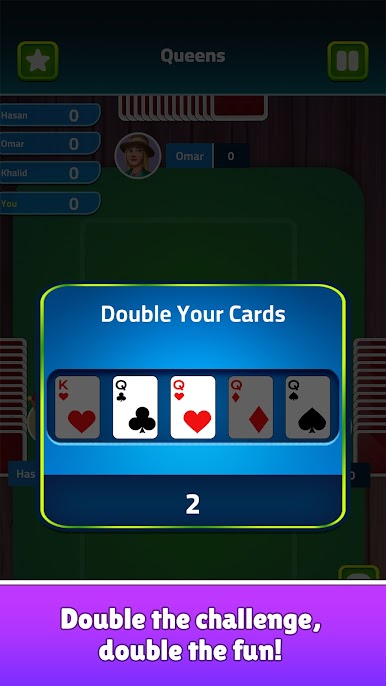
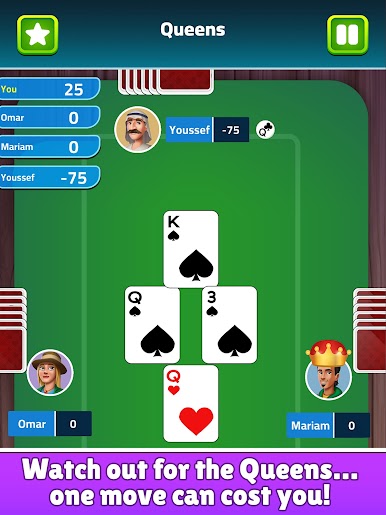
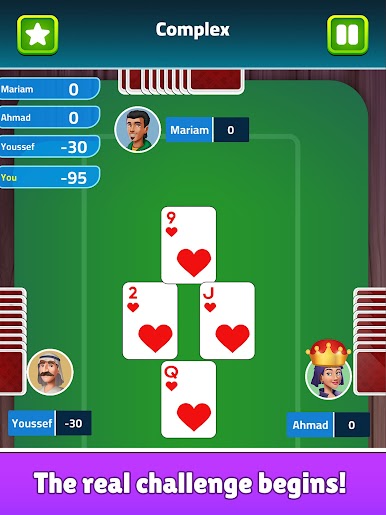
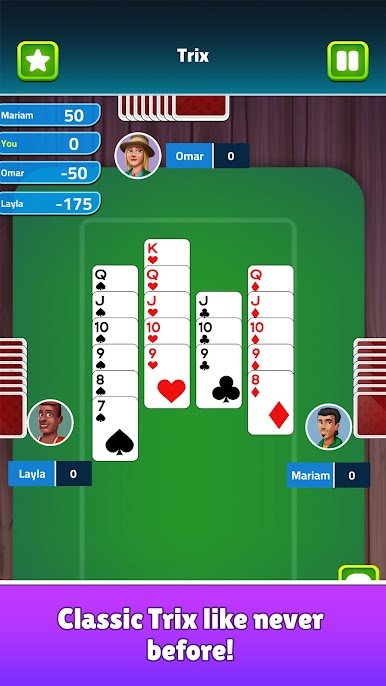
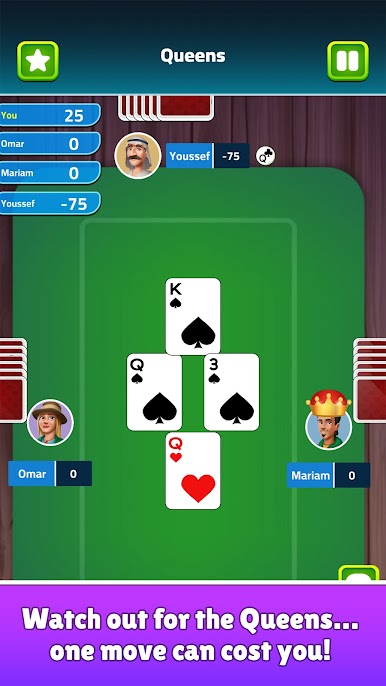
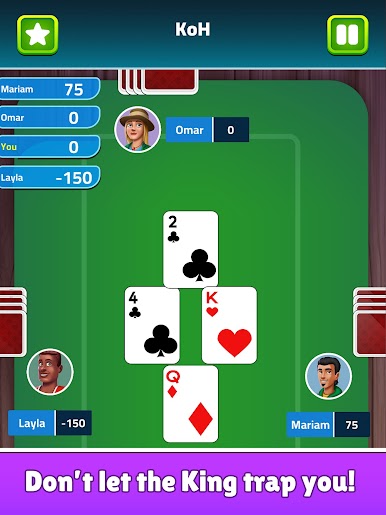
Trix King of Hearts feels like a smart, slightly cutthroat card night that keeps shifting rules just when someone gets comfortable. It is a Middle Eastern classic, and the twist is that a full match runs in four rounds, and each round rotates through five mini games, called kingdoms. One player is the King and picks what everyone plays next, so the table mood changes from hand to hand. There is King of Hearts where everyone avoids the big red heart, Diamonds where every diamond hurts, Girls where queens sting, Collections where quick slaps rack up trouble, and the Trix game that is full-on trick taking. It is part luck, part reading the table, and part knowing when to dump a bad card before someone traps it.
The app gets the feel right. Cards are clear, pacing is brisk, and the AI actually punishes lazy plays, so offline games do not feel like autopilot. Online works well too, with fast matchmaking, private tables for friends, and a simple chat that adds a bit of table talk without turning noisy. There are daily rewards and a leaderboard for anyone who likes steady progress, but it does not shove that stuff in the face. The big standout is accessibility, since voice commands mean people with visual impairments can play, which is rare and very welcome. On PC through BlueStacks, the bigger screen helps keep track of scores and contracts, and dragging cards with a mouse feels clean. It fits quick sessions or long sit downs, and the constant contract swaps keep the brain a little on edge in a good way.
Slay your opponents with your epic moves. Play it your way on BlueStacks and dominate the battlefield.





Play Trix King Hearts Card Game on PC. It’s easy to get started.
-
Download and install BlueStacks on your PC
-
Complete Google sign-in to access the Play Store, or do it later
-
Look for Trix King Hearts Card Game in the search bar at the top right corner
-
Click to install Trix King Hearts Card Game from the search results
-
Complete Google sign-in (if you skipped step 2) to install Trix King Hearts Card Game
-
Click the Trix King Hearts Card Game icon on the home screen to start playing

