


National Review
Play on PC with BlueStacks – the Android Gaming Platform, trusted by 500M+ gamers.

Page Modified on: Nov 14, 2024
Play National Review on PC
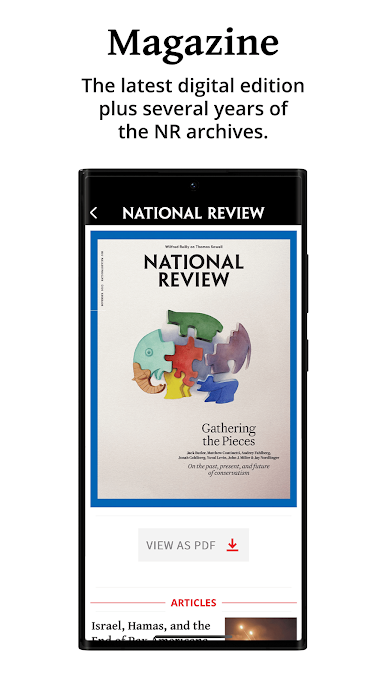
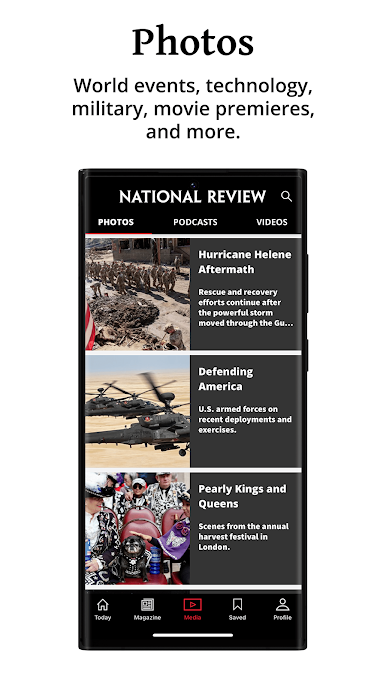
Subscribers to NRPLUS or app-only subscribers (see Subscription Options below) have access to all the latest National Review website content plus the digital print magazine on their tablets or phones using the National Review app.
All users can view the latest articles on the app before being asked to subscribe or login. You can purchase an NRPLUS subscription by going to www.nationalreview.com and clicking subscribe.
SUBSCRIPTION OPTIONS
App-only subscriptions are available for $9.99 a month or $99.99 a year. These subscriptions can be purchased while using the NR app. These subscriptions are not NRPLUS memberships, which can only be purchased through the National Review website (www.nationalreview.com).









Play National Review on PC. It’s easy to get started.
-
Download and install BlueStacks on your PC
-
Complete Google sign-in to access the Play Store, or do it later
-
Look for National Review in the search bar at the top right corner
-
Click to install National Review from the search results
-
Complete Google sign-in (if you skipped step 2) to install National Review
-
Click the National Review icon on the home screen to start playing

