


Moonlight Quest: Idle RPG
Play on PC with BlueStacks – the Android Gaming Platform, trusted by 500M+ gamers.

Page Modified on: Jun 14, 2024
Play Moonlight Quest: Idle RPG on PC or Mac
Bring your A-game to Moonlight Quest: Idle RPG, the Role Playing game sensation from MgrZ. Give your gameplay the much-needed boost with precise game controls, high FPS graphics, and top-tier features on your PC or Mac with BlueStacks.
About the Game
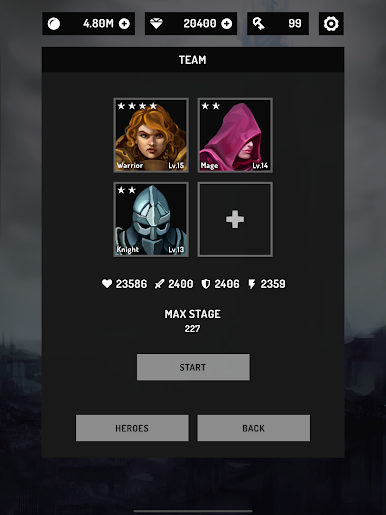
Moonlight Quest: Idle RPG is a snappy Role Playing experience that lets your squad do the fighting while you handle the strategy. Build a team, gear them to the teeth, and watch them tear through waves of monsters and nasty bosses at ridiculous speed. Whether you’ve got a couple of minutes or want to let it run while you’re busy, it’s the kind of game that fits into your day without demanding all of it.
Game Features
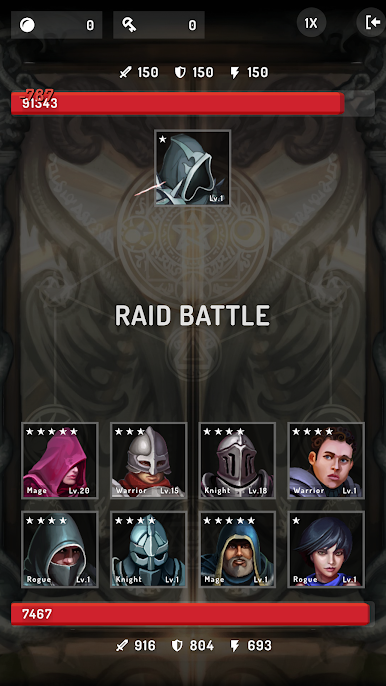
- Idle Auto Combat: Your heroes battle nonstop, clearing stages and scooping up loot even when you’re not tapping.
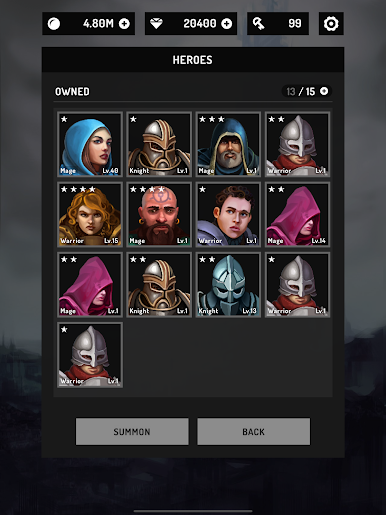
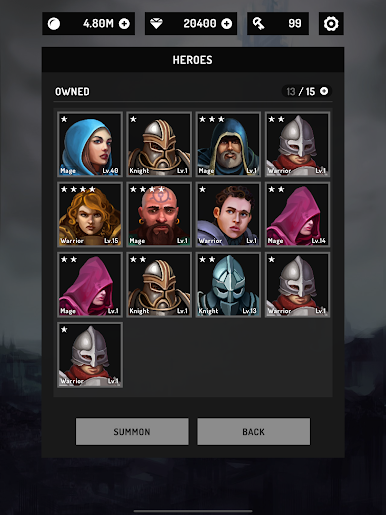
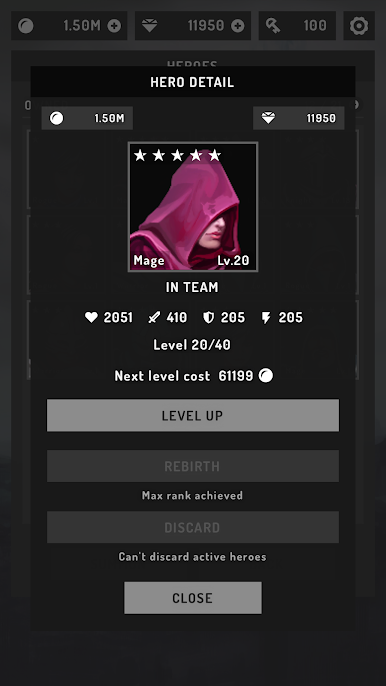
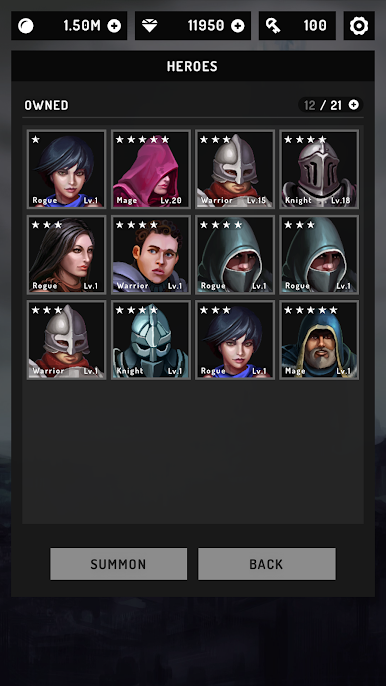
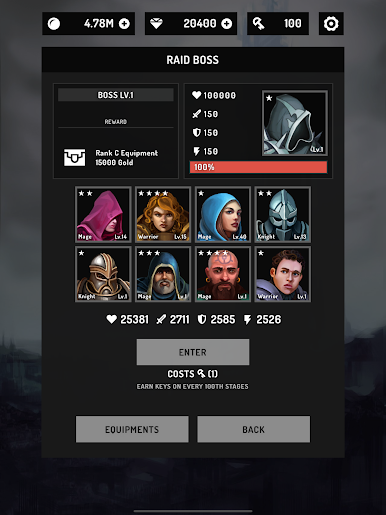
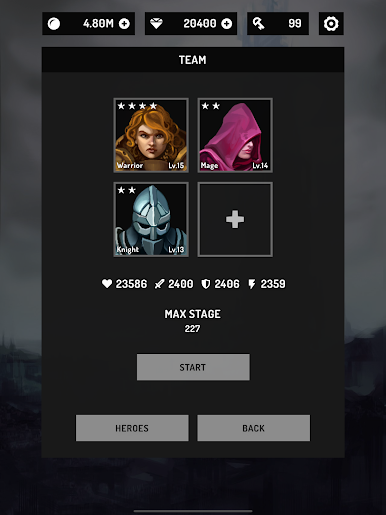
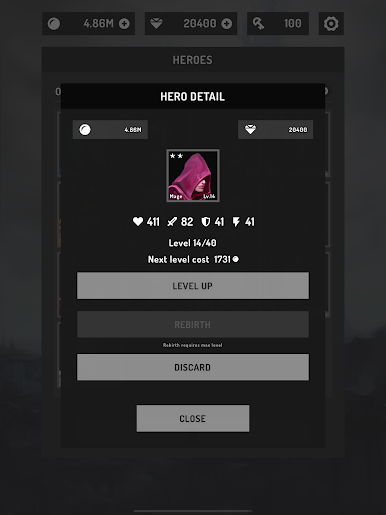
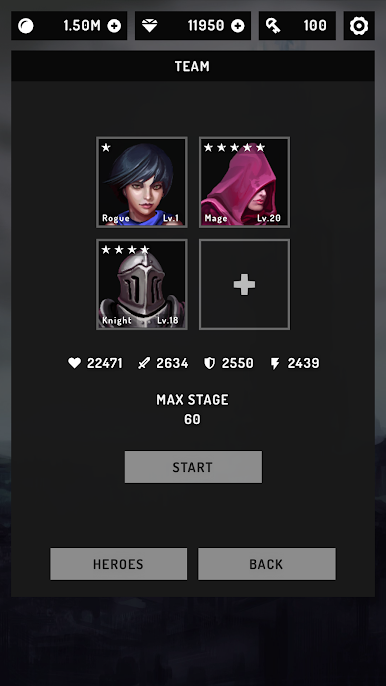
- 20 Heroes to Collect: Unlock a full roster, mix roles, and create cozy synergies that melt enemies fast.
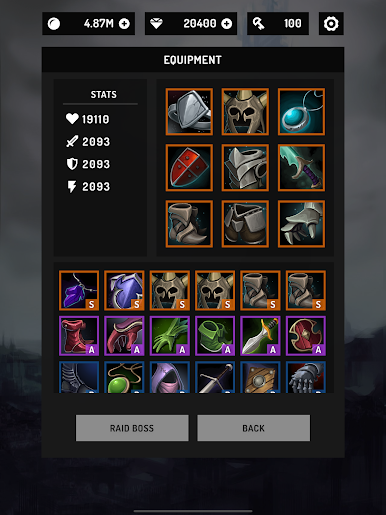
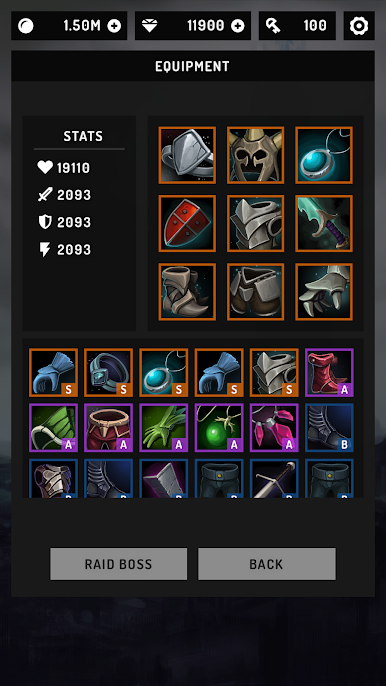
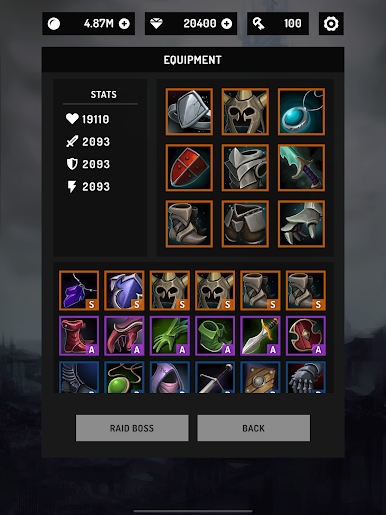
- 72 Pieces of Gear: Find and upgrade equipment to sharpen damage, toughen defenses, and fine-tune builds.
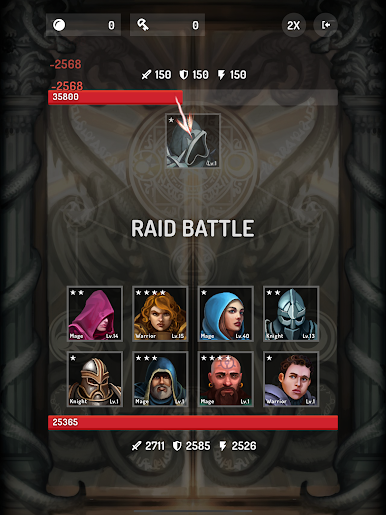
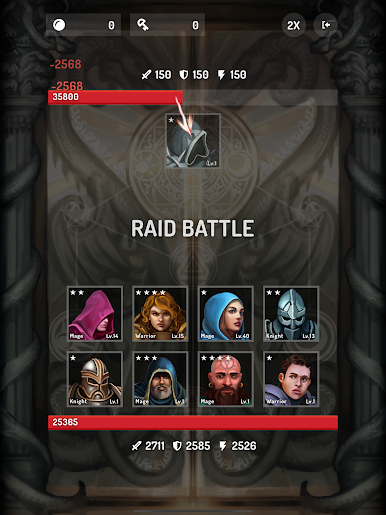
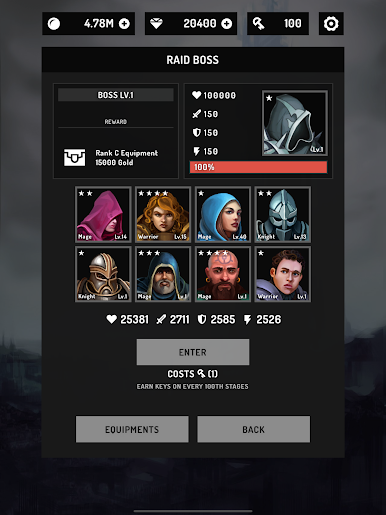
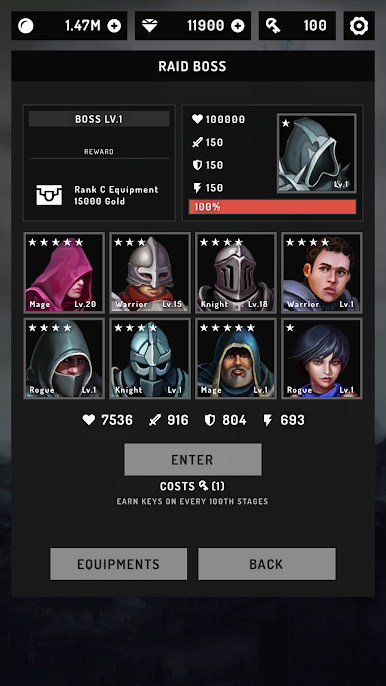
- Boss Showdowns: Face chunky, screen-filling bosses that test your team’s setup and timing.
- Endless Progression: Push higher stages with no hard cap, chasing bigger numbers and better drops.
- Blazing Battle Speeds: Flip on fast-forward modes—up to 7x—for quick bursts of progress.
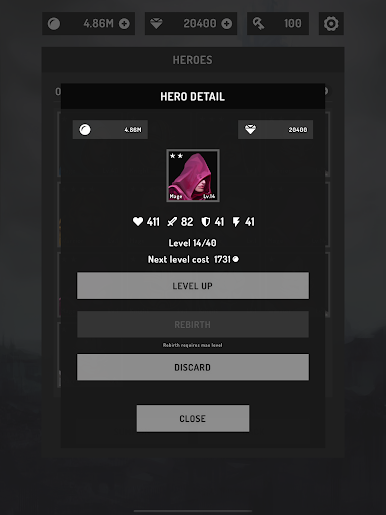
- Rebirth to 5 Stars: Reset heroes with a reborn system to raise their ceiling and unlock stronger traits.
- Perk System: Invest in account-wide bonuses that make every run smoother and every hero stronger.
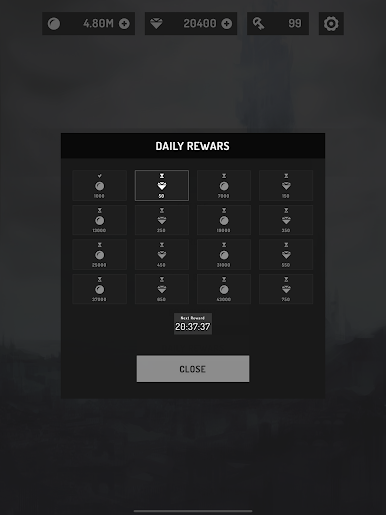
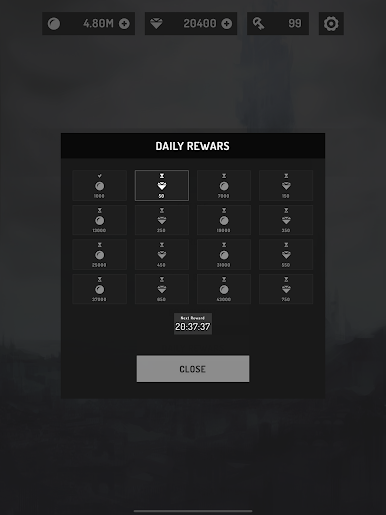
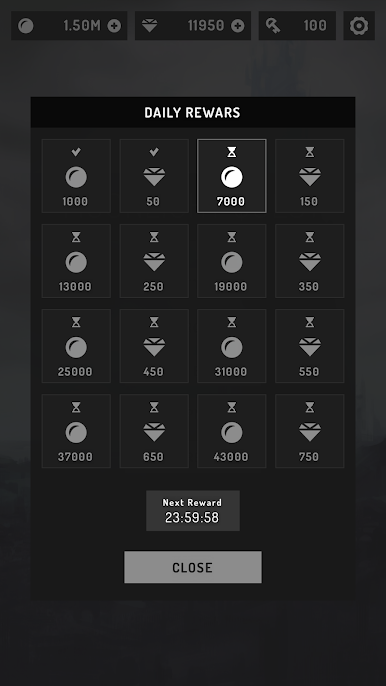
- Daily and Offline Rewards: Log in for freebies and come back to a pile of earned resources after breaks.
- Chill Vibes, Clean Visuals: A relaxed soundtrack and crisp effects keep the grind feeling smooth, not stressful.
- Play on PC with BlueStacks: Prefer a bigger screen and keyboard shortcuts? It runs great there too.
Slay your opponents with your epic moves. Play it your way on BlueStacks and dominate the battlefield.
Play Moonlight Quest: Idle RPG on PC. It’s easy to get started.
-
Download and install BlueStacks on your PC
-
Complete Google sign-in to access the Play Store, or do it later
-
Look for Moonlight Quest: Idle RPG in the search bar at the top right corner
-
Click to install Moonlight Quest: Idle RPG from the search results
-
Complete Google sign-in (if you skipped step 2) to install Moonlight Quest: Idle RPG
-
Click the Moonlight Quest: Idle RPG icon on the home screen to start playing

