


Art Basel - Official App
Play on PC with BlueStacks – the Android Gaming Platform, trusted by 500M+ gamers.

Page Modified on: Dec 9, 2025
Play Art Basel - Official App on PC
Art Basel App Features:
• Show Information:
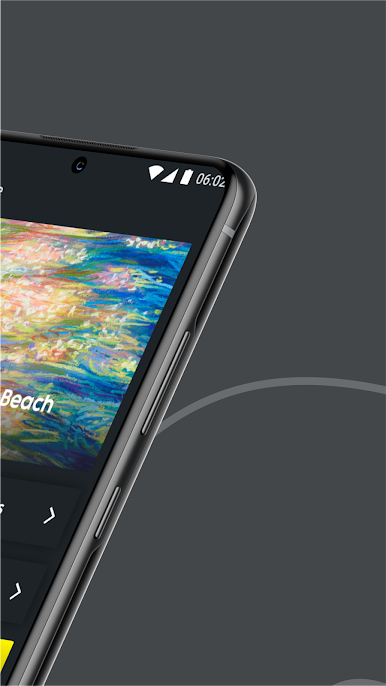
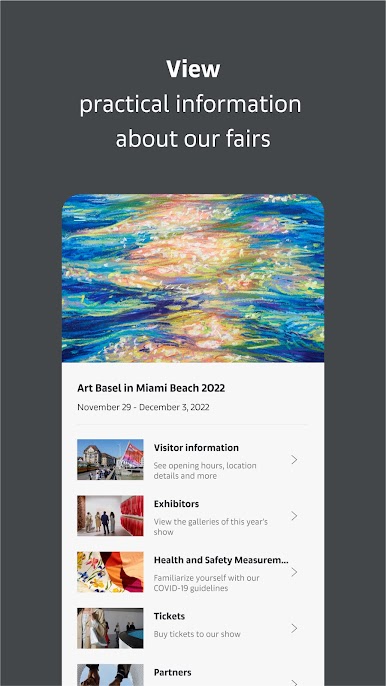
• Explore details for Art Basel shows worldwide, including Basel, Paris+, Miami Beach, and Hong Kong.
• Access floorplans to navigate each show effortlessly.
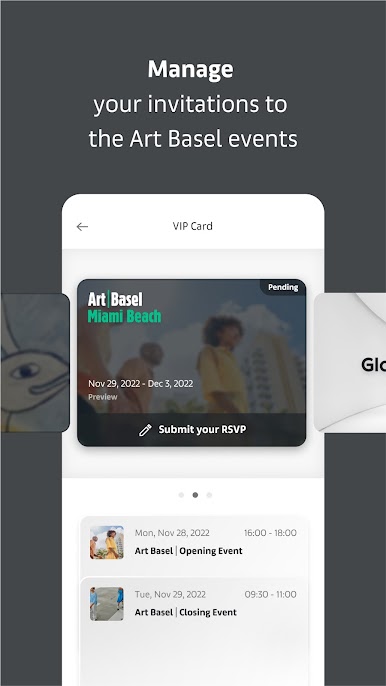
• Show Invitations:
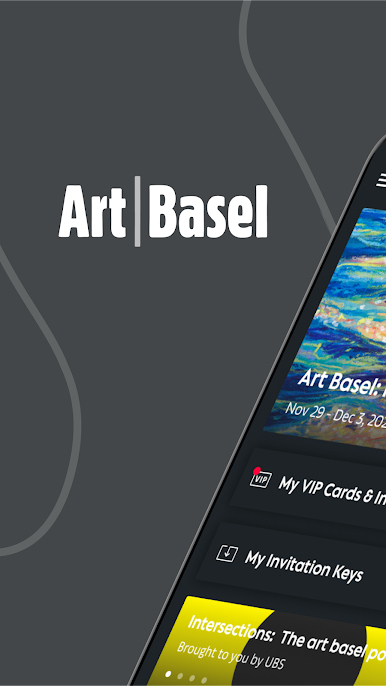
• Receive and manage show invitations directly through the app.
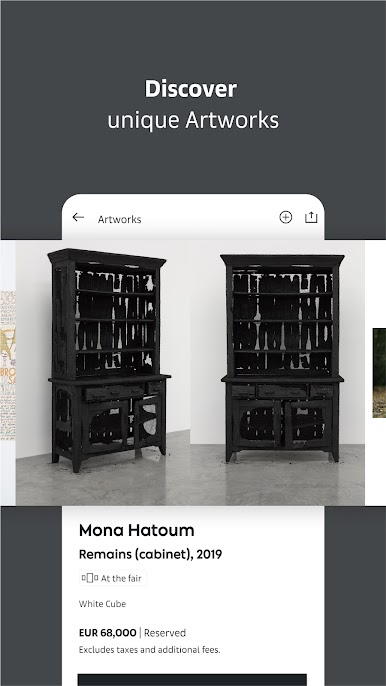
• Discover Sectors, Galleries, and Artworks:
• Explore a comprehensive list of sectors, featured galleries, and showcased artworks.
• Navigate through an interactive map for a seamless exhibition experience.
• Events Listing:
• Stay informed about show-related events and beyond.
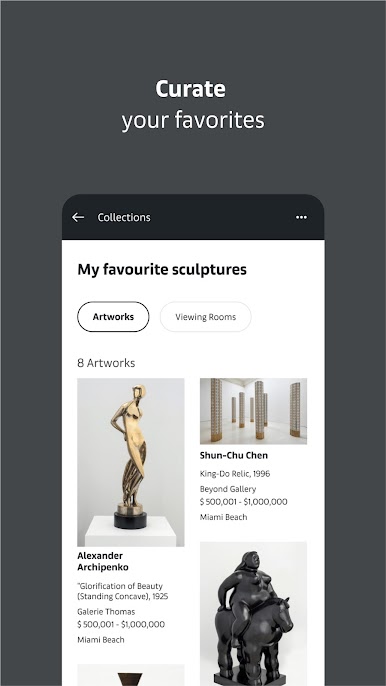
• Artwork Collections:
• Create your curated collection based on artworks presented in Online Viewing Rooms (OVR), catalogs, or exhibition listings.
• Share your collections to showcase your artistic preferences.
• Stay Informed with Stories:
• Engage with stories and conversations around galleries, artists, artworks and more.
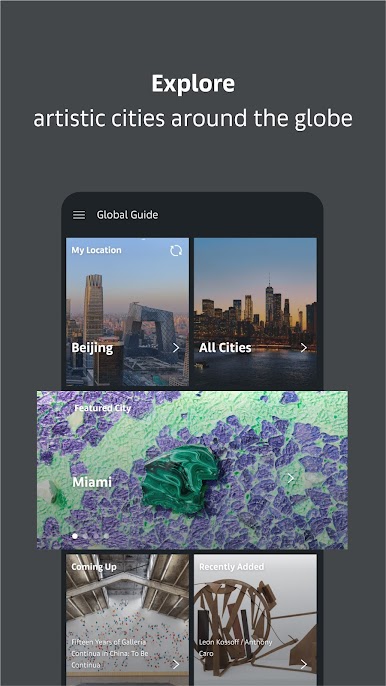
• Global Guide with Geo Location Support:
• Whether attending a show or exploring from afar, use the Art Basel global guide.
• Discover Galleries, Museums, Cultural Institutions, Restaurants & Bars, and more worldwide with geo location support.
Try the official Art Basel app now!
Play Art Basel - Official App on PC. It’s easy to get started.
-
Download and install BlueStacks on your PC
-
Complete Google sign-in to access the Play Store, or do it later
-
Look for Art Basel - Official App in the search bar at the top right corner
-
Click to install Art Basel - Official App from the search results
-
Complete Google sign-in (if you skipped step 2) to install Art Basel - Official App
-
Click the Art Basel - Official App icon on the home screen to start playing

