


MCOOK: Restaurant Management
Play on PC with BlueStacks – the Android Gaming Platform, trusted by 500M+ gamers.

Page Modified on: Dec 01, 2025
Overview
This app is for registered users of MCOOK only.
If you’re interested in using this app, You can call us on (or) say "Hi" on whatsApp
+91 8866223223 (or) yum@mcook.in
Watch & subscribe to MCOOK YouTube channel for product demo & latest updates.
=======================
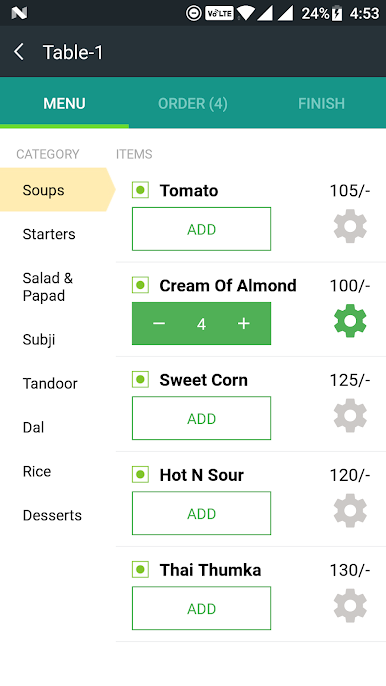
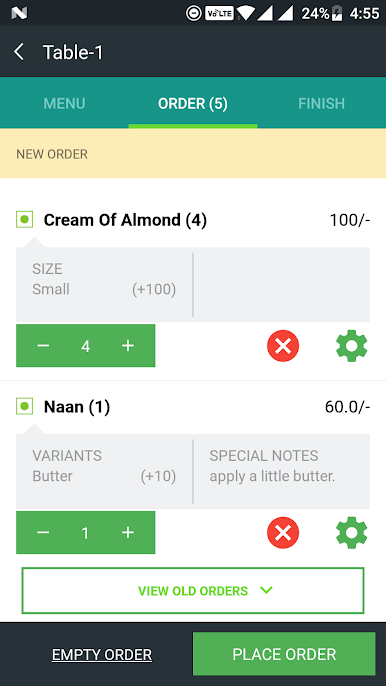
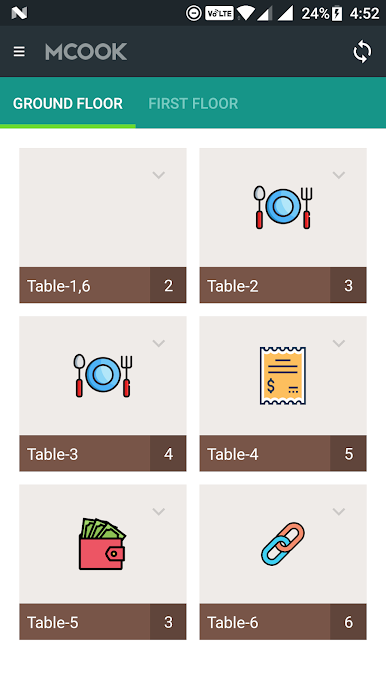
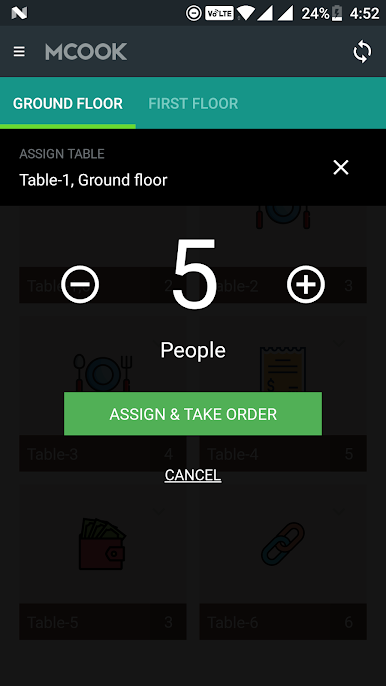
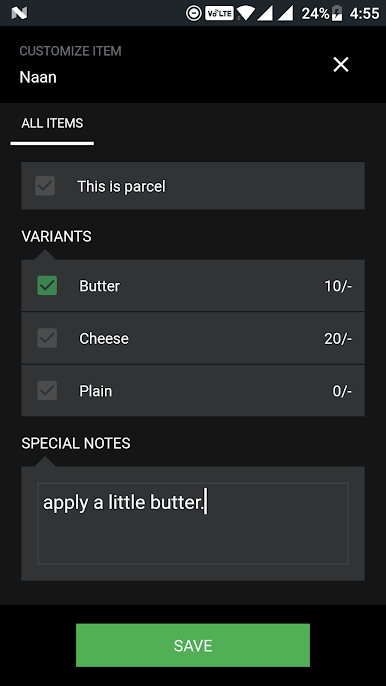
MCOOK restaurant management app is the fastest way to handle restaurants' orders. MCook makes the life of waiters, managers, cooks and owners easier. Orders of customers can be taken in seconds. The kitchen receive the orders as soon as the manager take them. The app is recommended for any restaurant who doesn't want to fumble around with pen and paper.
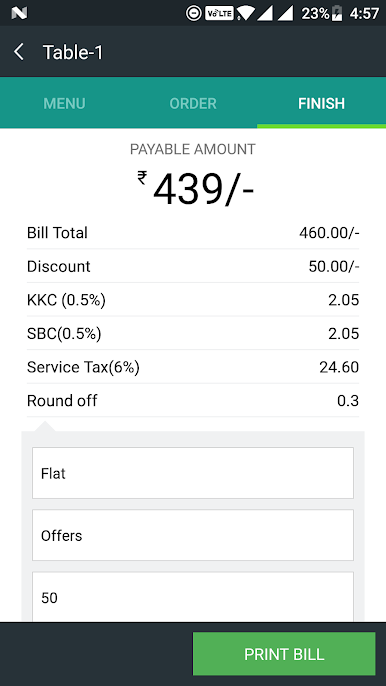
MCOOK is an affordable and easy-to-use Point of Sale (POS) + web portal which is sync with the app so owners or manager can instantly know what's going on his restaurant on their web screen. It's perfect for every restaurant, bar, coffee shop, pub, pizzeria, Deli, Bistro and other business in the food industry.The app is also helpful to save your customer details and helpful in building the brand of your restaurant.
MCOOK is the most user-friendly restaurant POS for Android devices. The app doesn't require any initial long setup. Spend less time configuring the POS and more time making your restaurant and menu charming.
Play MCOOK: Restaurant Management on PC. It’s easy to get started.
-
Download and install BlueStacks on your PC
-
Complete Google sign-in to access the Play Store, or do it later
-
Look for MCOOK: Restaurant Management in the search bar at the top right corner
-
Click to install MCOOK: Restaurant Management from the search results
-
Complete Google sign-in (if you skipped step 2) to install MCOOK: Restaurant Management
-
Click the MCOOK: Restaurant Management icon on the home screen to start playing

