


StreamView
Play on PC with BlueStacks – the Android Gaming Platform, trusted by 500M+ gamers.

Page Modified on: Sep 30, 2026
Overview
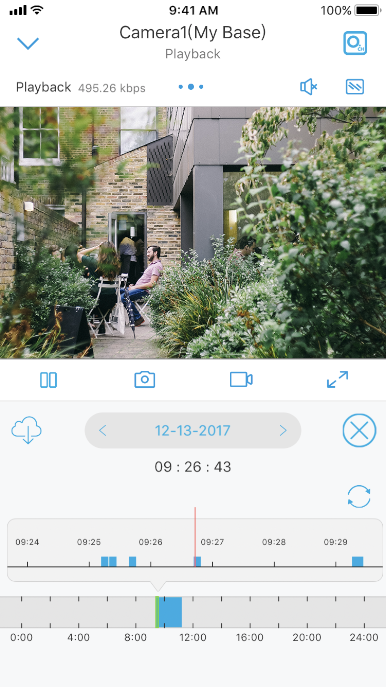
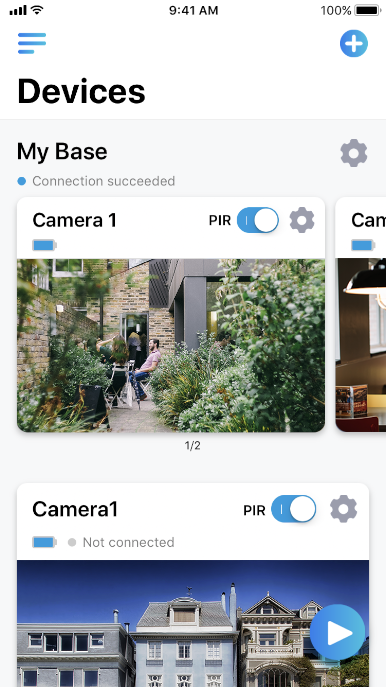
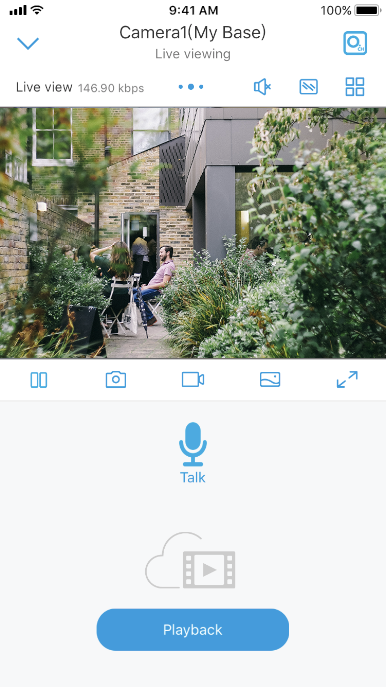
• Multi-channel viewing with up to 4 cameras on screen at the same time
• Capture video from your camera live view to your Android phone to play back later
• Capture single and multi still images and save these to your Android phone's storage card
• Control PTZ (pan, tilt, zoom) cameras remotely
StreamView supports all the DVR, NVR and IPCam models
Note: This app uses a data stream that will connect to your DVR/NVR/IPCam via 3G/4G or WiFi. When using 3G/4G, the video from your DVR will likely be considered "downloads" by your phone
service provider and will contribute to any download limit your phone data plan may have. If you exceed any plan limits you may incur additional usage charges. Consult with your mobile service provider regarding the use of a video streaming app and how it may affect your plan.
Play StreamView on PC. It’s easy to get started.
-
Download and install BlueStacks on your PC
-
Complete Google sign-in to access the Play Store, or do it later
-
Look for StreamView in the search bar at the top right corner
-
Click to install StreamView from the search results
-
Complete Google sign-in (if you skipped step 2) to install StreamView
-
Click the StreamView icon on the home screen to start playing

