

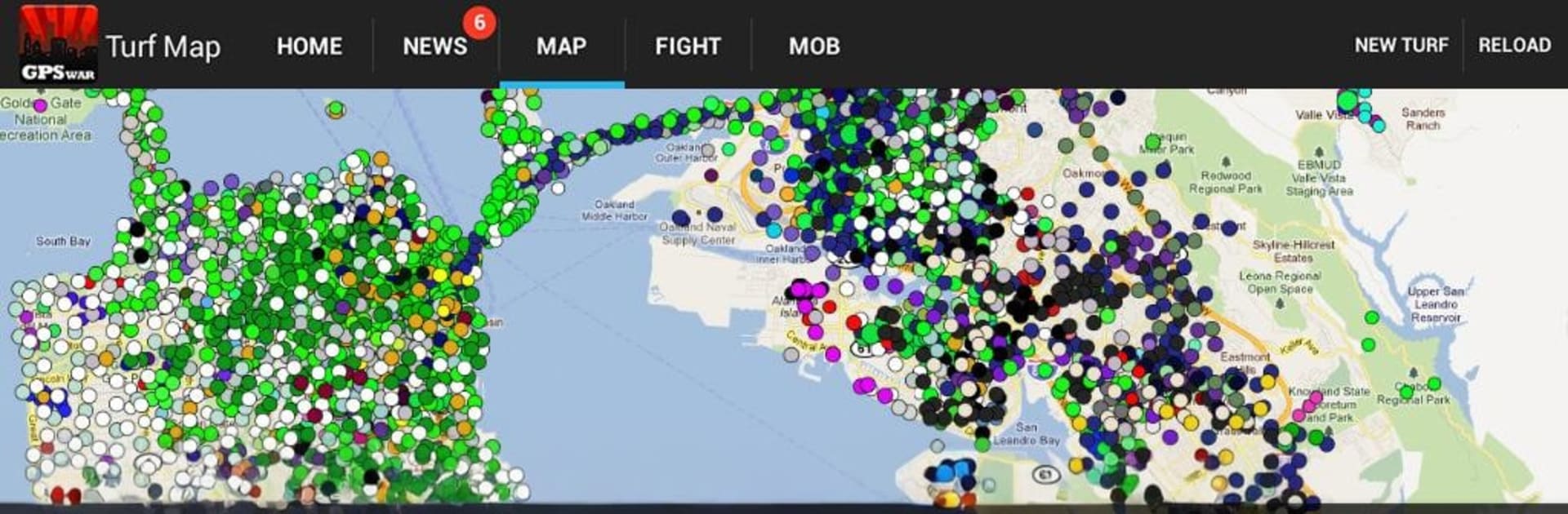
Turf Wars – GPS-Based Mafia!
Play on PC with BlueStacks – the Android Gaming Platform, trusted by 500M+ gamers.

Page Modified on: Jul 6, 2025
Play Turf Wars – GPS-Based Mafia! on PC or Mac
Join millions to experience Turf Wars – GPS-Based Mafia!, an exciting Strategy game from MeanFreePath LLC. With BlueStacks App Player, you are always a step ahead of your opponent, ready to outplay them with faster gameplay and better control with the mouse and keyboard on your PC or Mac.
About the Game
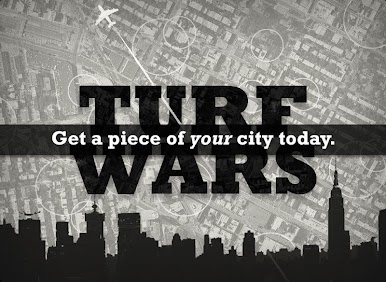
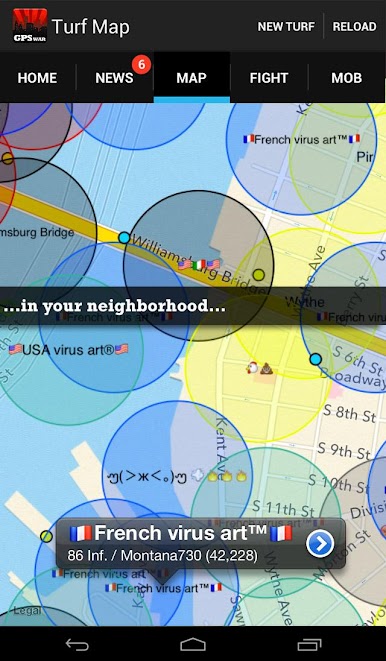
Turf Wars – GPS-Based Mafia! turns your city map into a tug-of-war for power. Part MMO, part real-world scavenger hunt, it’s a Strategy game where your favorite coffee shop might be your next stronghold. Play on the go or plan your empire from your desktop with BlueStacks, created by MeanFreePath LLC.
Game Features
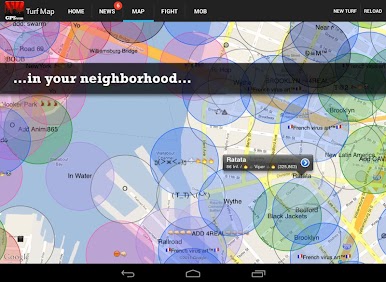
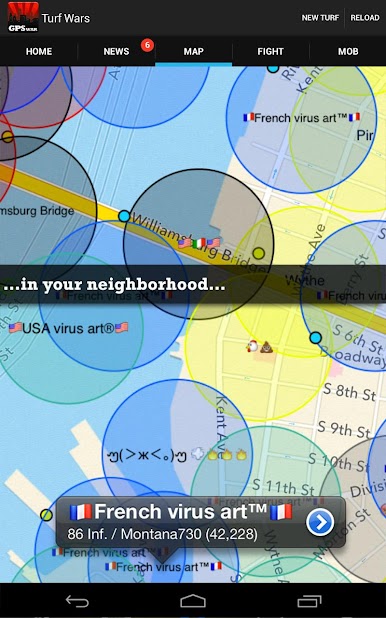
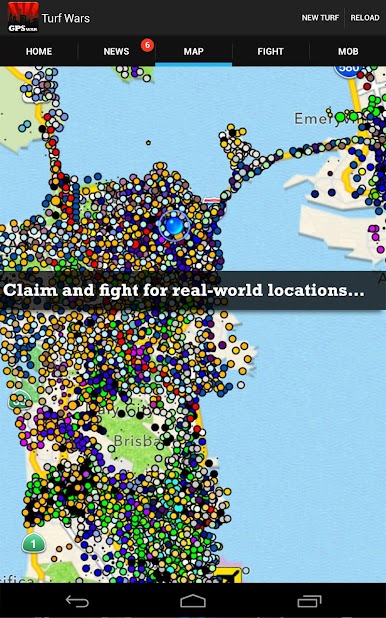
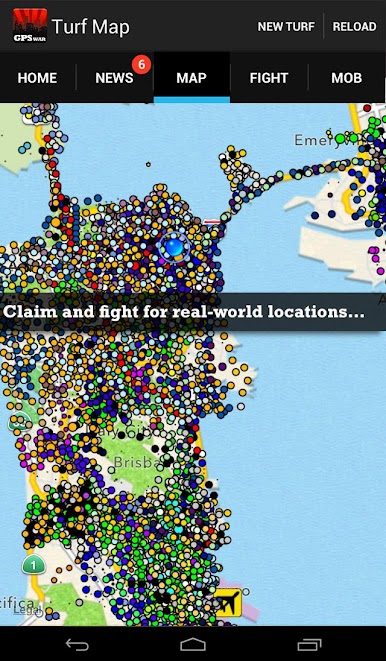
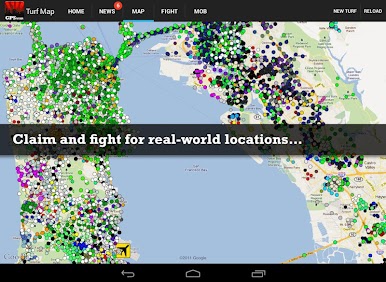
- Real places, real turf: Claim actual spots around you—hangouts, landmarks, the block you walk every day—and make them part of your empire.
- Take it block by block: Expand your footprint, reinforce borders, and react to nearby threats in real time as the map shifts.
- Muscle and upgrades: Stock up on gear and build defenses that boost income and protection; tailor your loadout to how you like to play.
- Turf takeovers: Target rival holdings, wear them down, and flip those locations to your side when you win.
- Protection money: Apply “pressure” in your neighborhood and collect tribute from players who operate under your shadow.
- Crew up and scheme: Form a mob with friends, coordinate moves, trade tips, or talk a little trash with built-in messaging.
- Watch the heat: Make too much noise and the cops start poking around. Manage attention, lay low, or outmaneuver the law to keep things running.
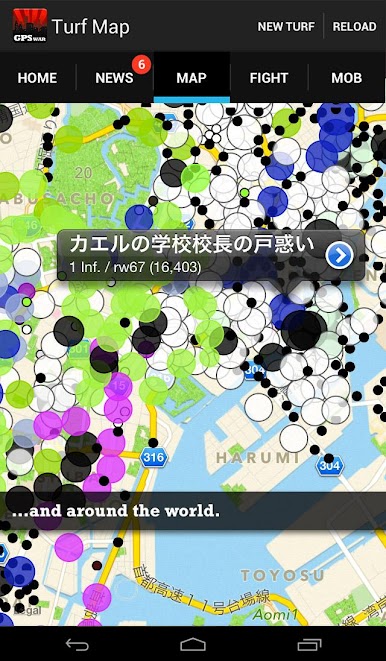
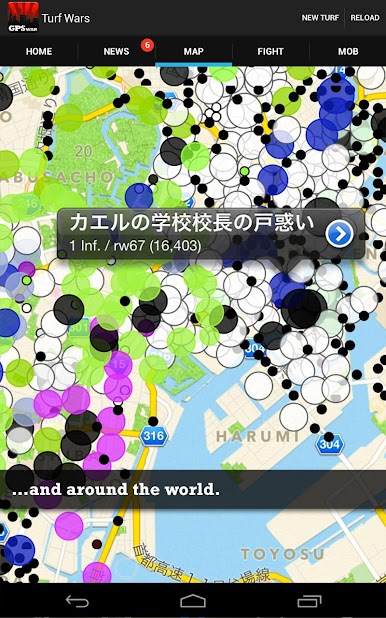
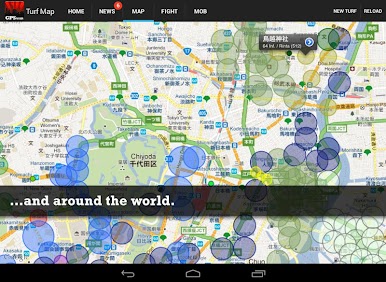
- Local clout, global bragging rights: See who runs your city—and who’s dominating worldwide—with area and global leaderboards.
- Built for movement: Uses GPS and an internet connection; enable location to turn your surroundings into the battlefield.
Make your gaming sessions memorable with precise controls that give you an edge in close combats and visuals that pop up, bringing every character to life.

Play Turf Wars – GPS-Based Mafia! on PC. It’s easy to get started.
-
Download and install BlueStacks on your PC
-
Complete Google sign-in to access the Play Store, or do it later
-
Look for Turf Wars – GPS-Based Mafia! in the search bar at the top right corner
-
Click to install Turf Wars – GPS-Based Mafia! from the search results
-
Complete Google sign-in (if you skipped step 2) to install Turf Wars – GPS-Based Mafia!
-
Click the Turf Wars – GPS-Based Mafia! icon on the home screen to start playing

