

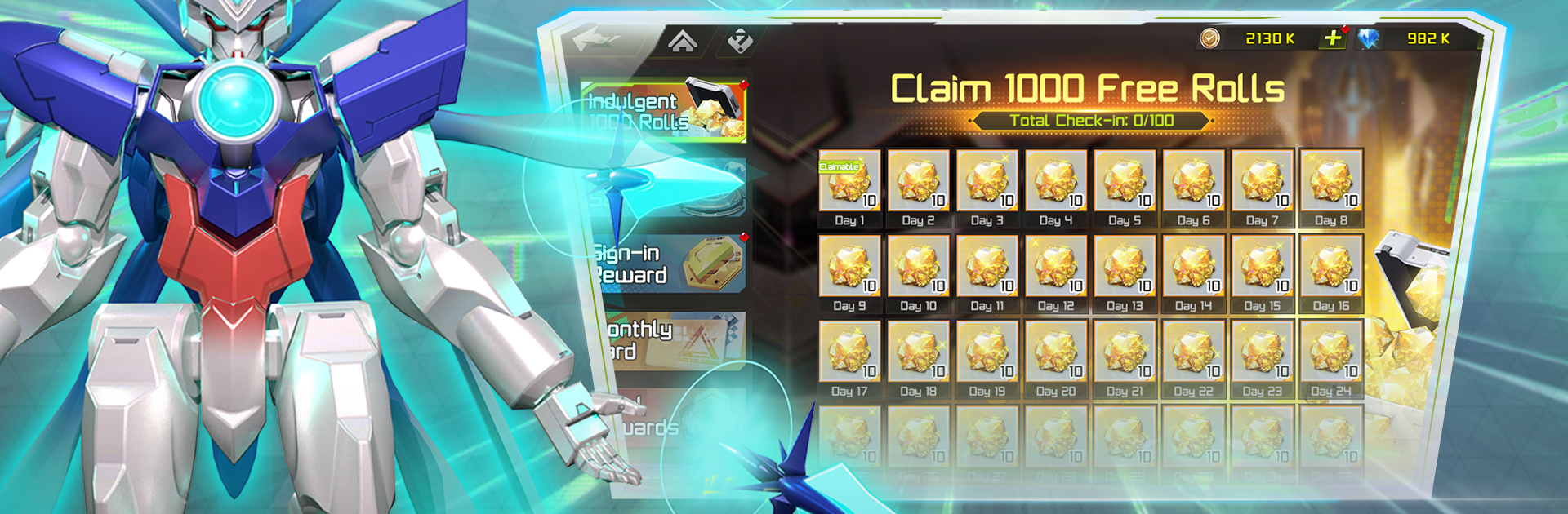
Mech Armada
Play on PC with BlueStacks – the Android Gaming Platform, trusted by 500M+ gamers.

Page Modified on: May 7, 2025
Play Mech Armada on PC or Mac
Explore a whole new adventure with Mech Armada, a Card game created by WING WAH. Experience great gameplay with BlueStacks, the most popular gaming platform to play Android games on your PC or Mac.
About the Game
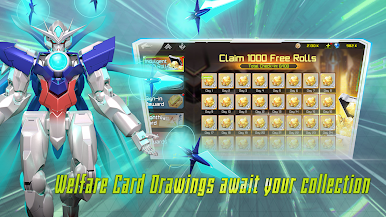
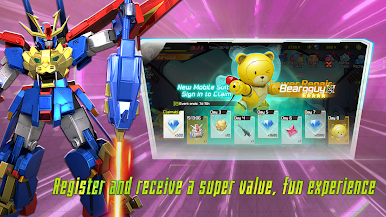
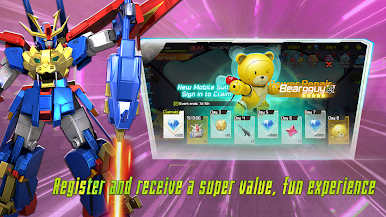
Mech Armada throws you straight into the action, blending tactical card play with squad-based mecha battles. If you love collecting cool robots and building epic teams, there’s plenty for you here. Test your strategies against both players and bosses while you experiment with tons of different mechs.
Game Features
-
Mech Collection
Dive into a wide roster of unique mechas, each with their own style and abilities. Find your favorites, collect them all, and figure out which combos give you the edge. -
Build Your Dream Squad
Create a team that totally fits your style. Mix and match to find a lineup that can take on whatever comes your way—sometimes it’s about power, other times it’s all brains. -
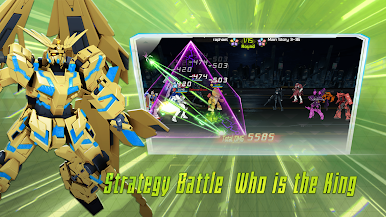
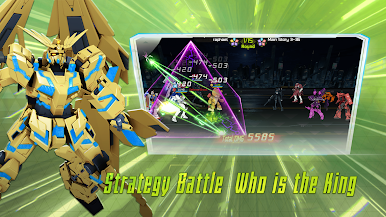
Card-Based Tactics
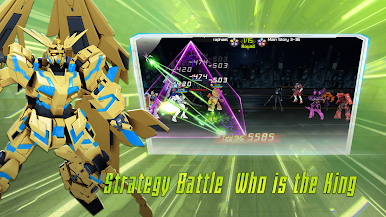
Every battle relies on your moves, so pick your cards carefully and think a few turns ahead. A smart play could turn a losing fight into a clutch win. -
Customize and Upgrade
Develop your mechas any way you like to ramp up their combat power. Upgrades let you really tweak your strategy and stay ahead of your rivals. -
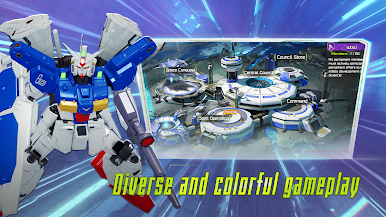
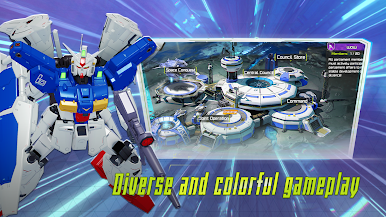
Face Off in Solo and PvP Modes
Whether you’re in the mood to tackle big bosses, test your builds in PvE, or want to challenge other players in PvP, Mech Armada has a little of everything. -
Epic Showdowns Anytime
With BlueStacks, you’ve got an easy way to jump in and out of matches, whether you’re at home or on break. Manage that mech squad, then get right back into the action.
Ready to top the leaderboard? We bet you do. Let precise controls and sharp visuals optimized on BlueStacks lead you to victory.
Play Mech Armada on PC. It’s easy to get started.
-
Download and install BlueStacks on your PC
-
Complete Google sign-in to access the Play Store, or do it later
-
Look for Mech Armada in the search bar at the top right corner
-
Click to install Mech Armada from the search results
-
Complete Google sign-in (if you skipped step 2) to install Mech Armada
-
Click the Mech Armada icon on the home screen to start playing

