


WiFi Pro FTP Server
Play on PC with BlueStacks – the Android Gaming Platform, trusted by 500M+ gamers.

Page Modified on: Nov 2, 2025
Run WiFi Pro FTP Server on PC or Mac
Why limit yourself to your small screen on the phone? Run WiFi Pro FTP Server, an app by Medha Apps, best experienced on your PC or Mac with BlueStacks, the world’s #1 Android emulator.
About the App
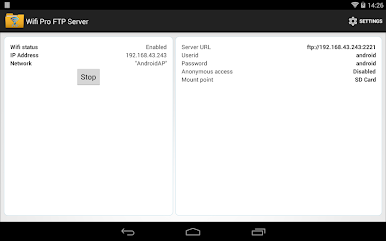
Ever find yourself wishing you could just move files between your Android device and your computer without fumbling for cables or dealing with complicated software? WiFi Pro FTP Server makes it ridiculously simple to turn your phone or tablet into a fully-functional FTP server, letting you transfer files, photos, music, and more—all straight over your WiFi network. Whether you’re backing up important documents or just shuffling music to your device, this app has you covered.
App Features
-
Customizable FTP Server
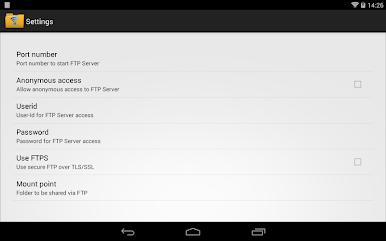
Set your own port number and manage how your server connects. It’s flexible, so you can tweak settings to fit your workflow. -
Secure Transfers with FTPS
If you’re worried about privacy, you’ll appreciate support for FTP over TLS/SSL. Your files stay safe as they move between devices. -
Flexible Account Settings
Create unique usernames and passwords or open things up with anonymous access—it’s your call. Adjust these options to fit different situations or users. -
Pick Your Files’ Home
Set exactly where files should land by choosing a default folder (mount point) on your device. -
Go Cable-Free
No more scrambling for that elusive USB cable. Just connect over WiFi (even in hotspot mode) and transfer files without the fuss. -
Test Before Committing
Want a risk-free trial? There’s a free, ad-supported version available for checking out the basics before you grab this full-featured version.
Give WiFi Pro FTP Server by Medha Apps a try, and yes—if you’re using BlueStacks on your PC, you can make the most of this handy tool with a bigger screen and easier controls.
Switch to BlueStacks and make the most of your apps on your PC or Mac.

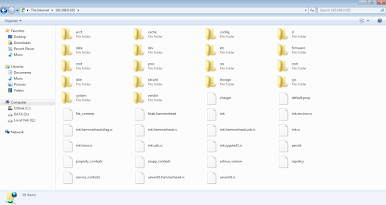
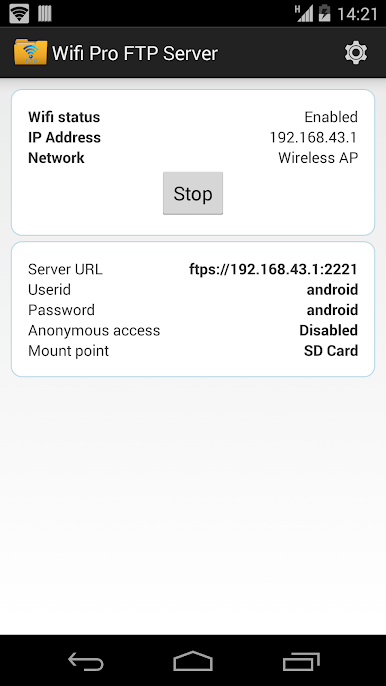
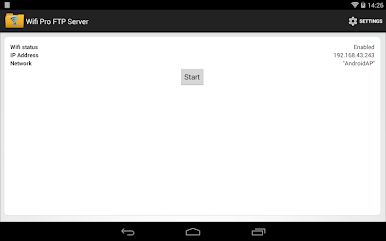
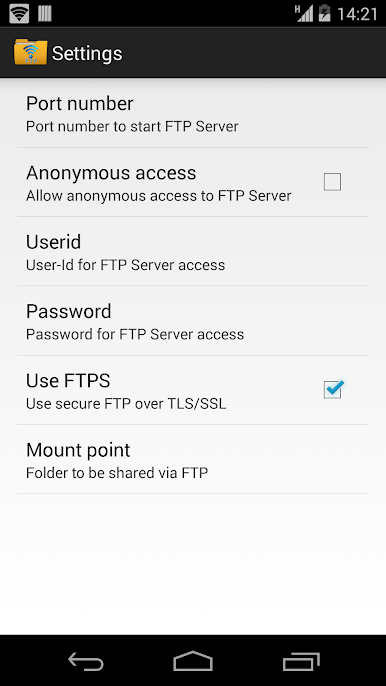
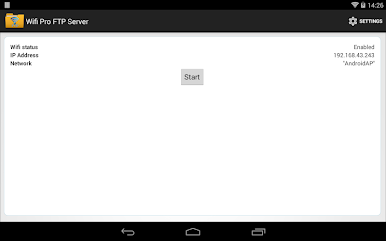
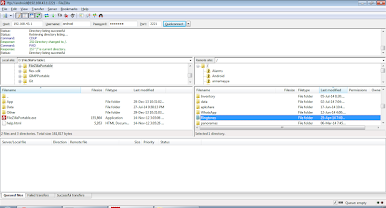
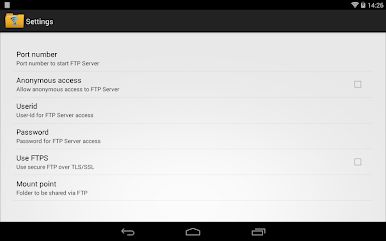
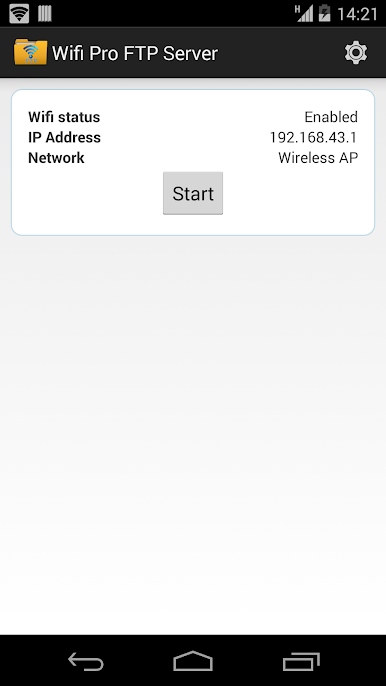
Play WiFi Pro FTP Server on PC. It’s easy to get started.
-
Download and install BlueStacks on your PC
-
Complete Google sign-in to access the Play Store, or do it later
-
Look for WiFi Pro FTP Server in the search bar at the top right corner
-
Click to install WiFi Pro FTP Server from the search results
-
Complete Google sign-in (if you skipped step 2) to install WiFi Pro FTP Server
-
Click the WiFi Pro FTP Server icon on the home screen to start playing

