


Media ON - Play All Format
Play on PC with BlueStacks – the Android Gaming Platform, trusted by 500M+ gamers.

Page Modified on: Feb 28, 2026
Main Media ON - Play All Format on PC
Here are some of the features that you can expect from our app:
- Support for all popular video formats, including MP4, AVI, and MKV.
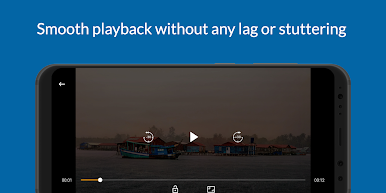
- Smooth playback without any lag or stuttering.
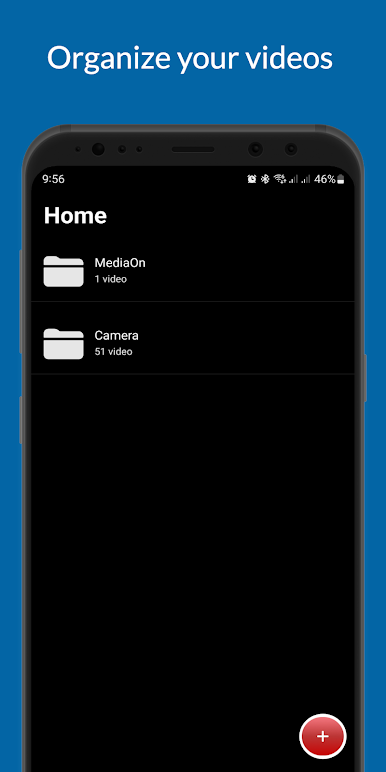
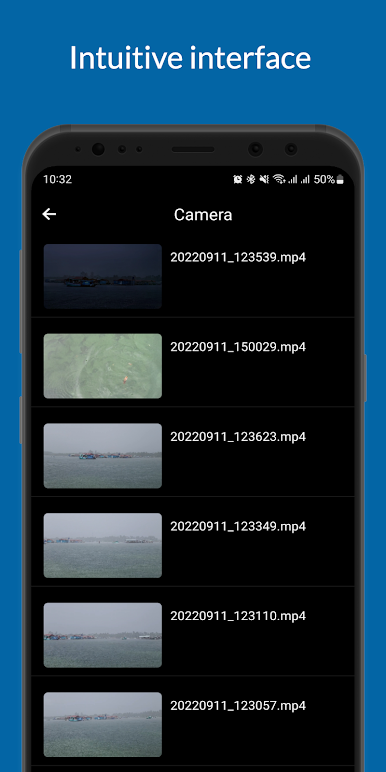
- Intuitive interface that makes it easy to navigate through your video library.
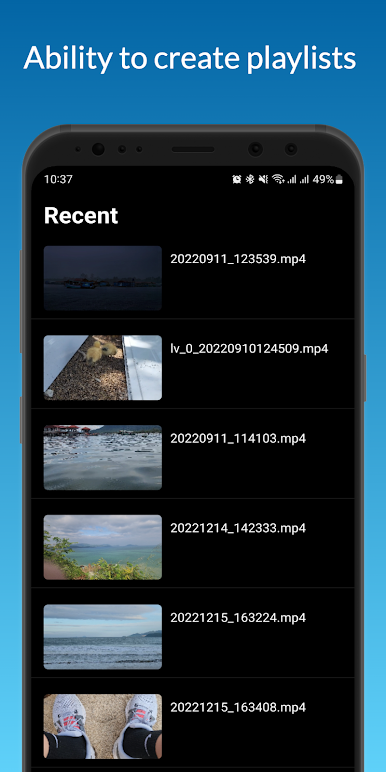
- Ability to create playlists and organize your videos.
- Support for subtitles and closed captions.
- Adjustable playback speed and audio settings.
- Built-in equalizer for custom sound settings.
Play Media ON - Play All Format on PC. It’s easy to get started.
-
Download and install BlueStacks on your PC
-
Complete Google sign-in to access the Play Store, or do it later
-
Look for Media ON - Play All Format in the search bar at the top right corner
-
Click to install Media ON - Play All Format from the search results
-
Complete Google sign-in (if you skipped step 2) to install Media ON - Play All Format
-
Click the Media ON - Play All Format icon on the home screen to start playing

