


ThreeNow
Play on PC with BlueStacks – the Android Gaming Platform, trusted by 500M+ gamers.

Page Modified on: Dec 1, 2025
Run ThreeNow on PC or Mac
Let BlueStacks turn your PC, Mac, or laptop into the perfect home for ThreeNow, a fun Entertainment app from Sky Free Limited.
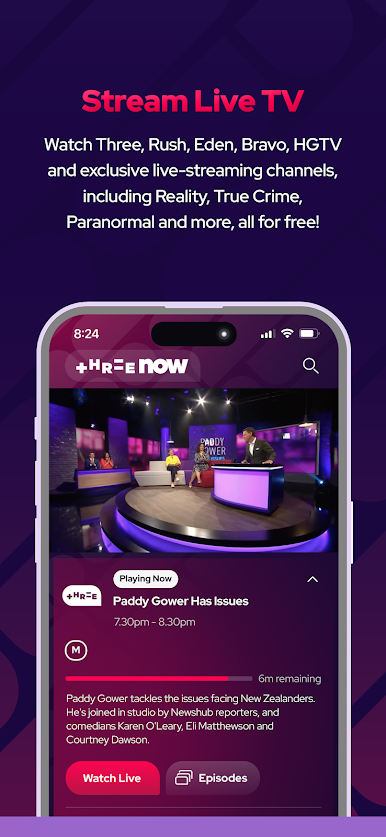
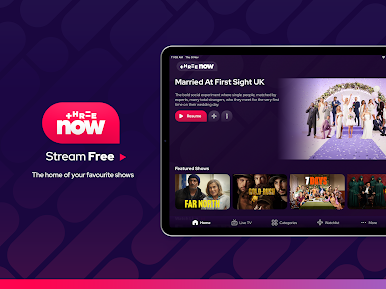
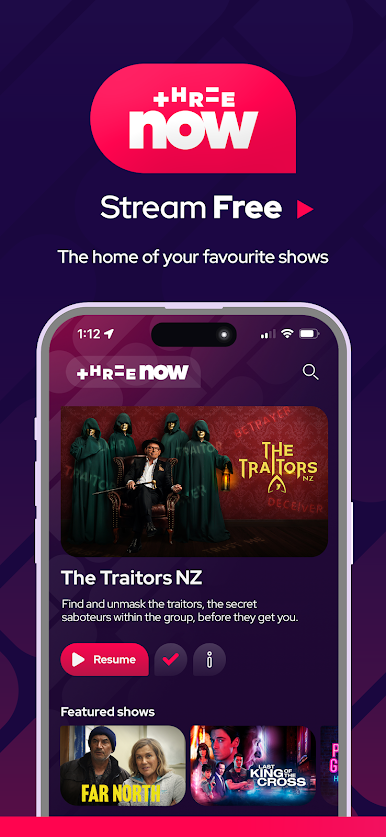
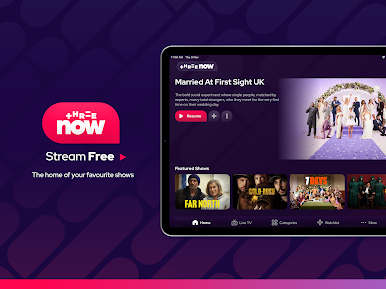
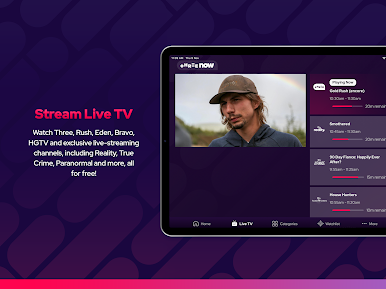
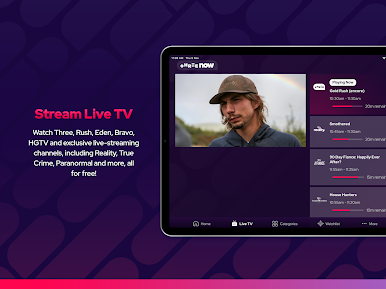
ThreeNow feels like a free TV hub for New Zealand, just on a phone or a PC. It pulls shows from Three, Rush, eden, Bravo, and HGTV, plus some ThreeNow exclusives that do not show up anywhere else in NZ. The big update adds themed channels like Reality, True Crime, and Paranormal, so there is always something running if scrolling feels tiring. Live streams are there when a broadcast is on, and the on-demand library is huge, with thousands of hours sitting in one place.
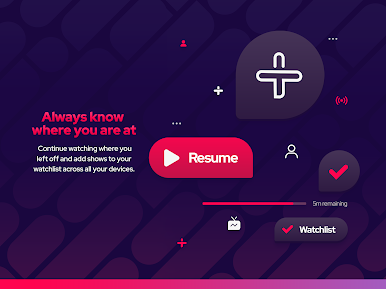
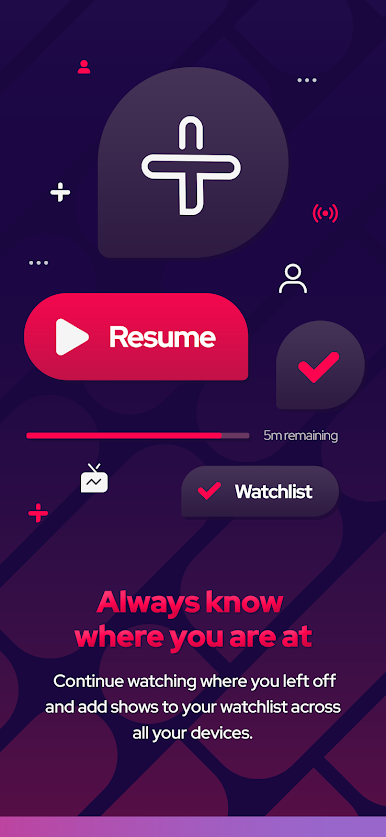
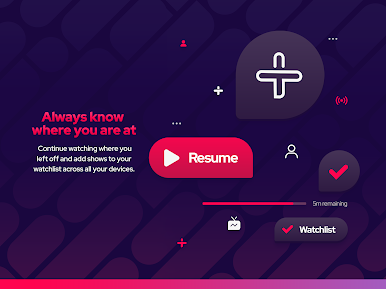
Navigation is simple. Search by show name or jump into categories, or just pick from those curated collections when the brain is blank. There is a Watchlist for saving stuff, and the continue watching works across devices, so starting on a phone and picking up on a TV or a laptop later is smooth. It runs on smart TVs like Samsung, LG, Panasonic, and any Android TV, and on PC it behaves nicely through BlueStacks, so the layout scales and the controls are straightforward with a mouse.
Account setup is quick, and then it is just streaming. Reality, comedy, drama, lifestyle, entertainment, news, documentaries, all free to watch, with a lot of local flavour mixed with international picks. It suits someone who wants live TV when it is on, but also wants to binge older seasons without digging through a dozen apps.
Big screen. Bigger performance. Use BlueStacks on your PC or Mac to run your favorite apps.



Play ThreeNow on PC. It’s easy to get started.
-
Download and install BlueStacks on your PC
-
Complete Google sign-in to access the Play Store, or do it later
-
Look for ThreeNow in the search bar at the top right corner
-
Click to install ThreeNow from the search results
-
Complete Google sign-in (if you skipped step 2) to install ThreeNow
-
Click the ThreeNow icon on the home screen to start playing

