


Photon EDU (for schools)
Play on PC with BlueStacks – the Android Gaming Platform, trusted by 500M+ gamers.

Page Modified on: Mar 10, 2026
Play Photon EDU (for schools) on PC
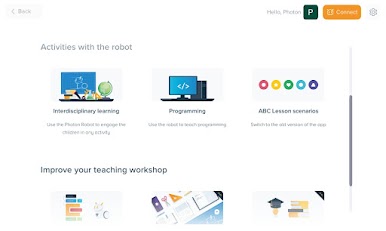
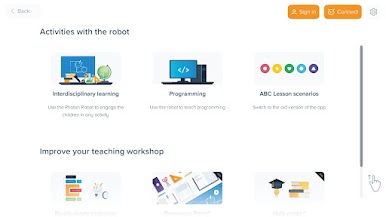
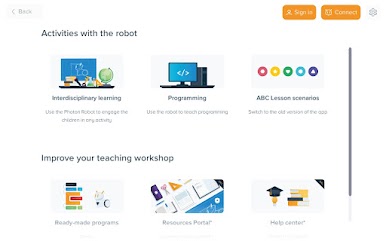
Discover the fascinating world of programming with Photon robot! Photon EDU is an innovative educational app that introduces children to coding basics through play and interaction with a real robot.
What does Photon EDU offer? 🎯
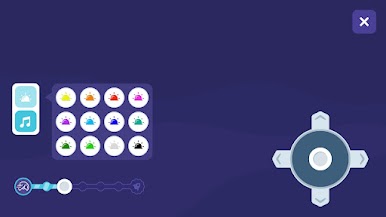
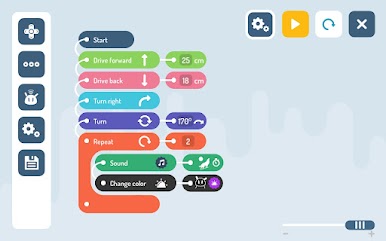
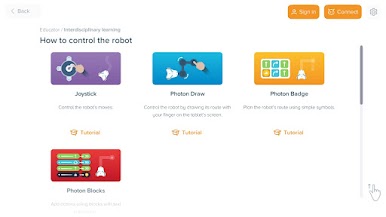
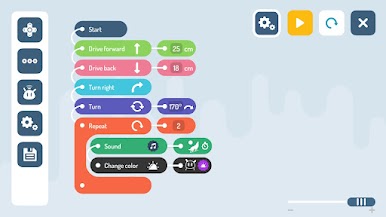
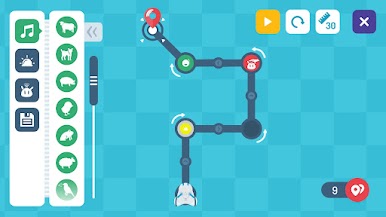
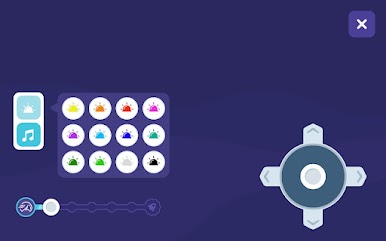
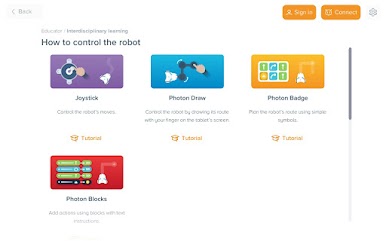
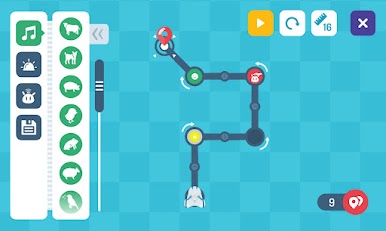
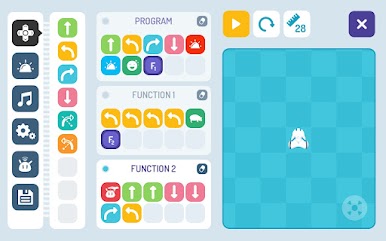
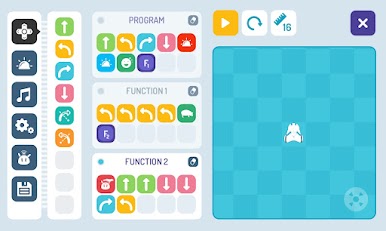
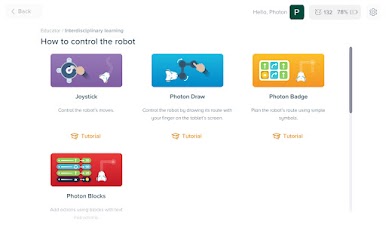
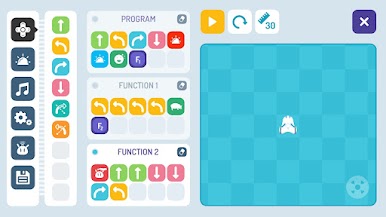
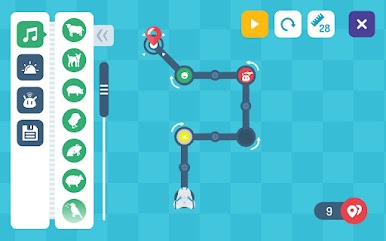
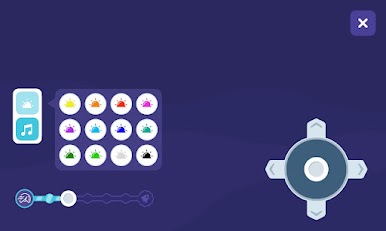
The app enables programming of the Photon robot using intuitive interfaces adapted to student's age and skill level. Children can control the robot's movement, sounds, LED lights, and sensors while learning logical thinking and problem-solving.
Key features: ✨
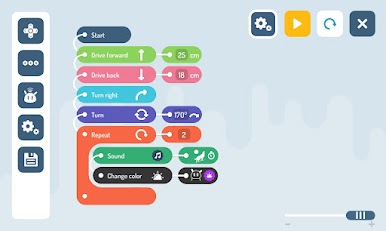
• Block-based programming for beginners
• Advanced coding for older students
• Ready-made lesson scenarios and educational challenges
• Safe, ad-free learning environment
Who is Photon EDU for? 👦👧
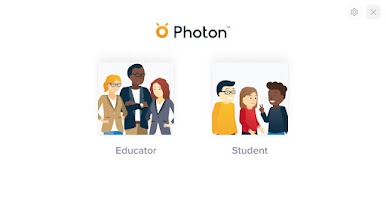
The app is designed for children aged 5-12, but also works great for older students' education. Teachers will find complete tools for conducting programming and robotics classes.
Why choose Photon EDU? 🌟
• Learning through play - children learn programming while playing with the robot
• 21st-century skills development - logical thinking, creativity, teamwork
• Methodological support for teachers
• Regular updates and new features
Join thousands of schools and families who have already discovered the magic of learning with Photon robot! Download the app and start your programming adventure today! 🚀
Play Photon EDU (for schools) on PC. It’s easy to get started.
-
Download and install BlueStacks on your PC
-
Complete Google sign-in to access the Play Store, or do it later
-
Look for Photon EDU (for schools) in the search bar at the top right corner
-
Click to install Photon EDU (for schools) from the search results
-
Complete Google sign-in (if you skipped step 2) to install Photon EDU (for schools)
-
Click the Photon EDU (for schools) icon on the home screen to start playing

