


Lootfiend: Idle Dungeons
Play on PC with BlueStacks – the Android Gaming Platform, trusted by 500M+ gamers.

Page Modified on: Aug 12, 2026
Main Lootfiend: Idle Dungeons on PC
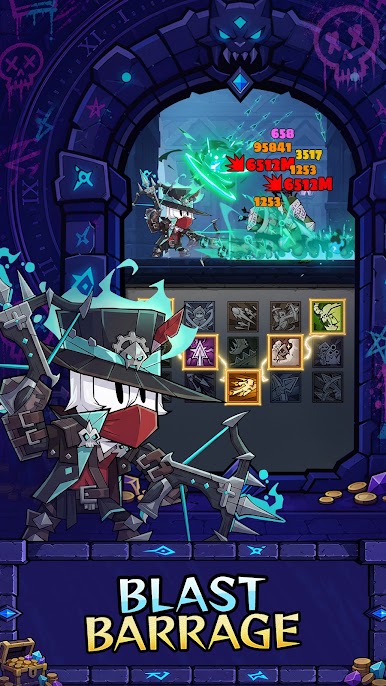
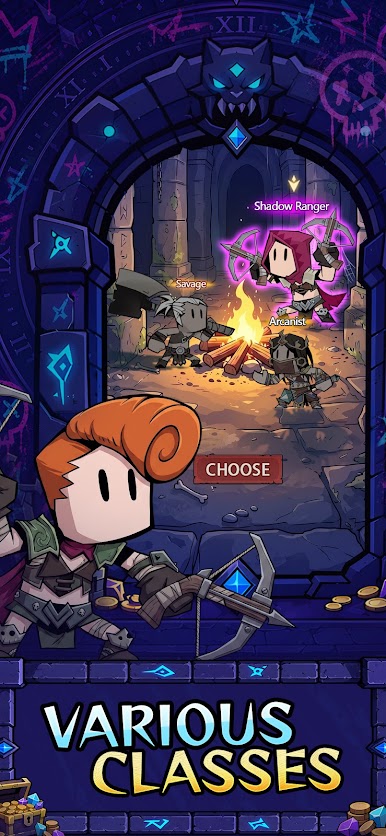
◆ New Class: Shadow Ranger ◆
Rain arrows from the shadows, exploit enemy weak points, and dominate the battlefield with unmatched ranged precision.
Why it's fun
• Always Progressing – Make continuous progress with smart auto-mode.
• The Endless Grind – Hunt rare gear, reroll randomized stats, and unlock powerful set bonuses.
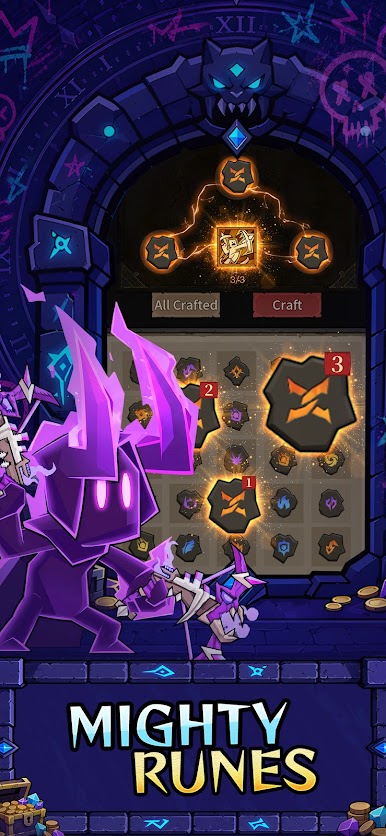
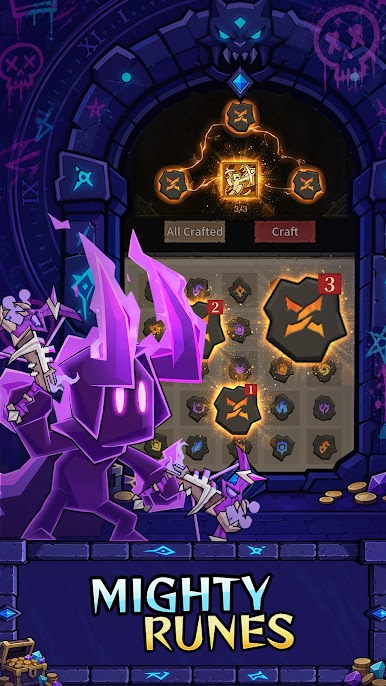
• Build Your Way – Mix skills, passives, and runes for stages or bosses.
• Fight with Sidekicks – Recruit companions to boost your stats and overall power.
• Transmog Your Hero – Convert collected gear into cosmetic outfits for a unique dark fantasy look.
• More Ways to Play – Explore dungeons, Guild Raids, PvP Arena, and PvE challenges.
Official Website: https://lootfiend.megoogames.com









Play Lootfiend: Idle Dungeons on PC. It’s easy to get started.
-
Download and install BlueStacks on your PC
-
Complete Google sign-in to access the Play Store, or do it later
-
Look for Lootfiend: Idle Dungeons in the search bar at the top right corner
-
Click to install Lootfiend: Idle Dungeons from the search results
-
Complete Google sign-in (if you skipped step 2) to install Lootfiend: Idle Dungeons
-
Click the Lootfiend: Idle Dungeons icon on the home screen to start playing

