


Crushon ai
Play on PC with BlueStacks – the Android Gaming Platform, trusted by 500M+ gamers.

Page Modified on: Jun 25, 2026
Play Crushon ai on PC
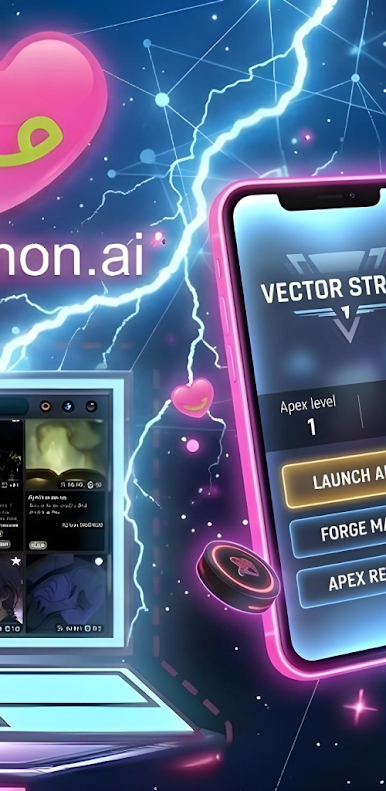
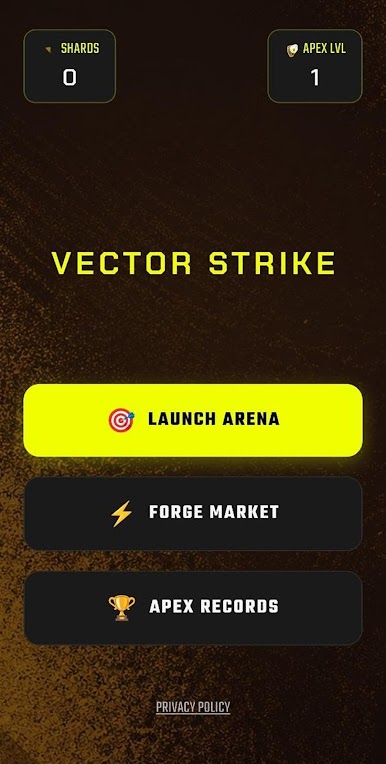
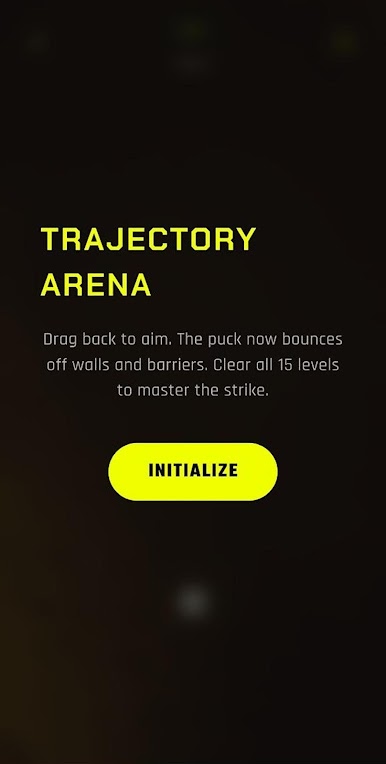
The Core Hub shows your Kinetic Shards balance and Apex Level, with access to Launch Arena, Forge Market, and Apex Records. First-time players complete a scrollable Momentum Intro; returning players go straight to the hub. In the arena, the HUD displays level number, shot count, and a reset button. After each clear, earn +100 Kinetic Shards and a 1–3 star rating based on efficiency (3 stars for ≤2 shots, 2 for 3–4, 1 for 5+). Tap Next Strike to advance — progress saves automatically. The campaign includes 15 unique layouts (Zig Zag, The Tunnel, Narrow Gap, Chaos, and more) that cycle as you continue.
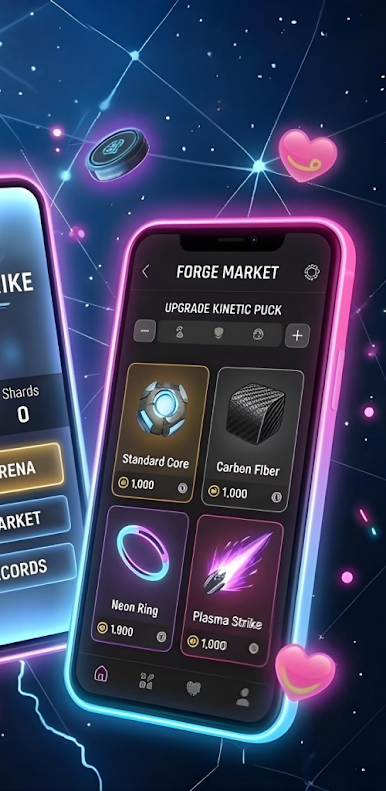
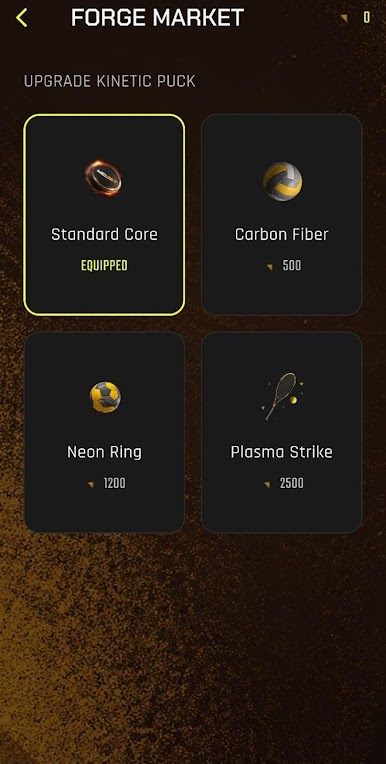
Spend shards in the Forge Market on puck skins: Standard Core (free), Carbon Fiber (500), Neon Ring (1,200), Plasma Strike (2,500). Track milestones in Apex Records — First Strike, Trick Shot, Kinetic Master, Shard Hunter, and Precision Expert. All progress is stored locally; no account required. Portrait-only, graphite-and-neon UI with particle effects on every bounce.
Play Crushon ai on PC. It’s easy to get started.
-
Download and install BlueStacks on your PC
-
Complete Google sign-in to access the Play Store, or do it later
-
Look for Crushon ai in the search bar at the top right corner
-
Click to install Crushon ai from the search results
-
Complete Google sign-in (if you skipped step 2) to install Crushon ai
-
Click the Crushon ai icon on the home screen to start playing

