


Foodstars: Merge & Cook
Play on PC with BlueStacks – the Android Gaming Platform, trusted by 500M+ gamers.

Page Modified on: Oct 20, 2026
Main Foodstars: Merge & Cook on PC
Ever imagined learning the secrets to perfect macarons in a Parisian kitchen under a Michelin-starred chef?
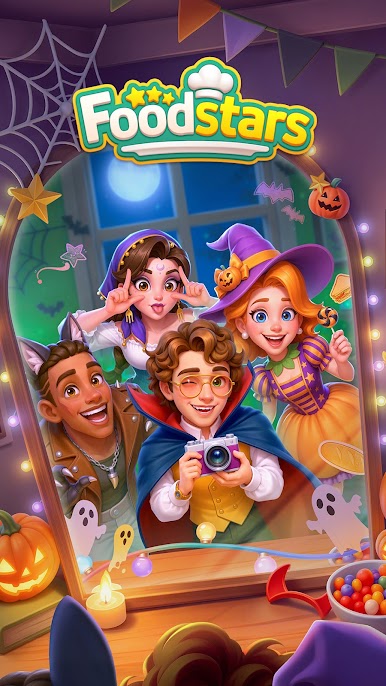
Welcome to Foodstars – the ultimate cooking adventure where global flavors meet culinary creativity!
🍅 Merge Ingredients & Discover Secret Recipes
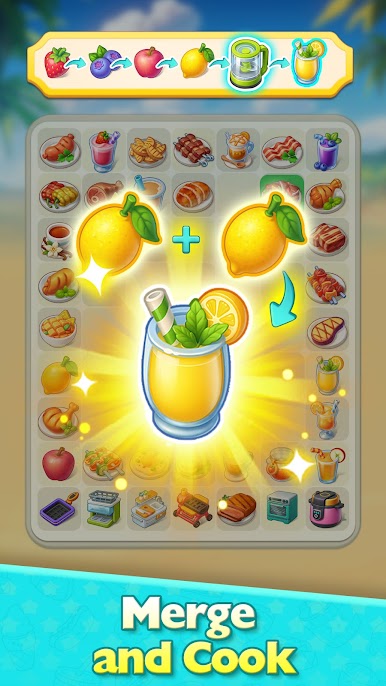
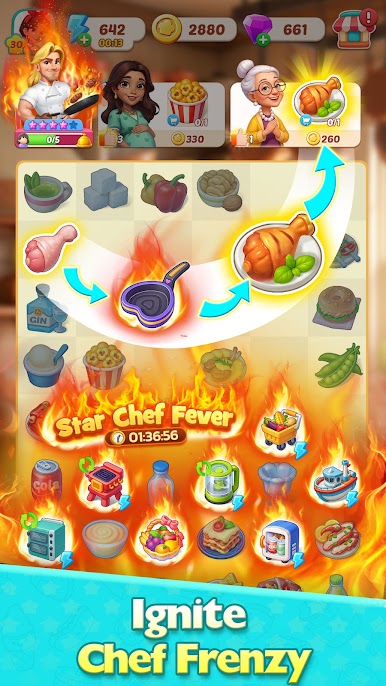
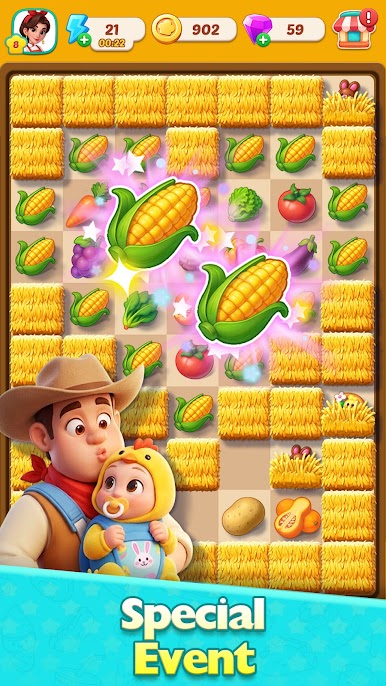
From recreating Italian classics with tomatoes and basil, to savoring refined French flair with gin and lemons, and even to experiencing the authentic taste of Germany with sausages and bread rolls, you can merge ingredients and unlock hundreds of mouthwatering recipes from around the world.
🍽️ Design Dream Restaurants Across the Globe
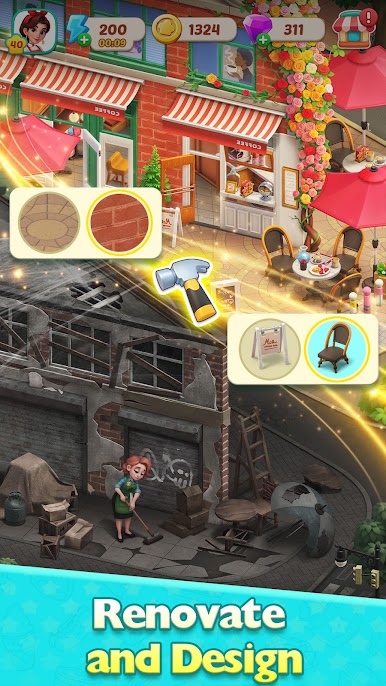
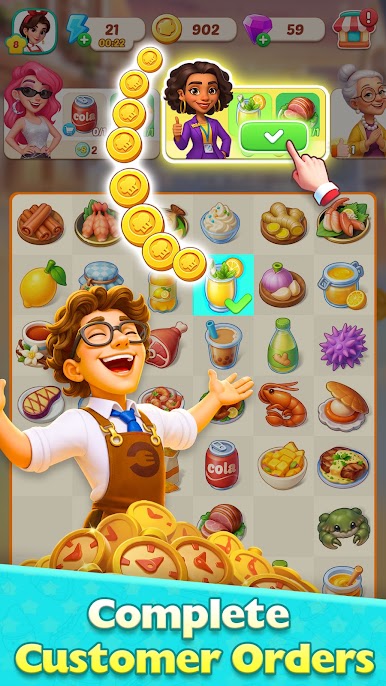
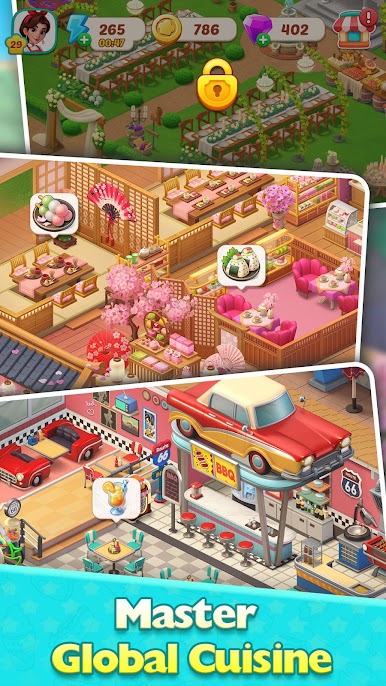
Renovate unique restaurants, from a roadside diner in New York to a traditional Kaiseki eatery in Tokyo, from Marseille’s bustling seafood bistro to a cozy coconut curry spot in Thailand. Complete orders and renovation tasks to rise to culinary fame!
👨🍳 Train Under World-Class Chefs
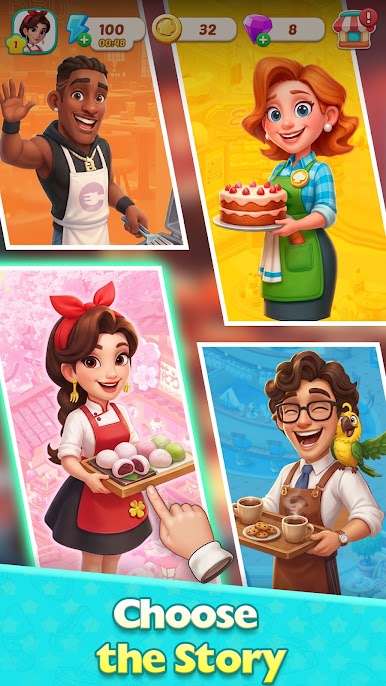
Travel the world and take on challenges from world-class chefs with different personalities. Complete Chef's Trials to earn their recognition and master their signature dishes!
🌍 Collect 500+ Recipes & Earn Michelin-Level Chef Stars
Show off your skills in global cooking challenges, master regional cuisines, and earn prestigious Chef Star badges. Will you rise to become a Foodstars legend?
✨ Download Foodstars now and start your journey from kitchen rookie to star chef!

Play Foodstars: Merge & Cook on PC. It’s easy to get started.
-
Download and install BlueStacks on your PC
-
Complete Google sign-in to access the Play Store, or do it later
-
Look for Foodstars: Merge & Cook in the search bar at the top right corner
-
Click to install Foodstars: Merge & Cook from the search results
-
Complete Google sign-in (if you skipped step 2) to install Foodstars: Merge & Cook
-
Click the Foodstars: Merge & Cook icon on the home screen to start playing

