


Merge Drop Master
Play on PC with BlueStacks – the Android Gaming Platform, trusted by 500M+ gamers.

Page Modified on: Mar 8, 2026
Main Merge Drop Master on PC
Get ready for the most addictive merge puzzle game ever! 🎉
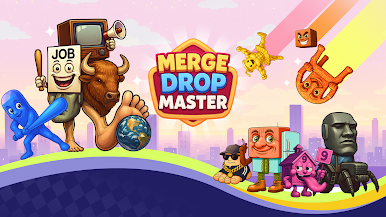
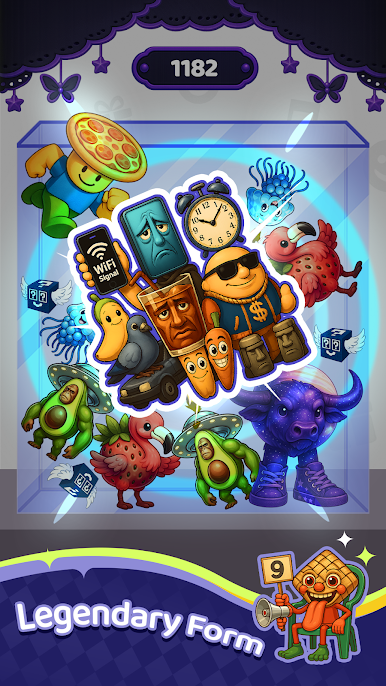
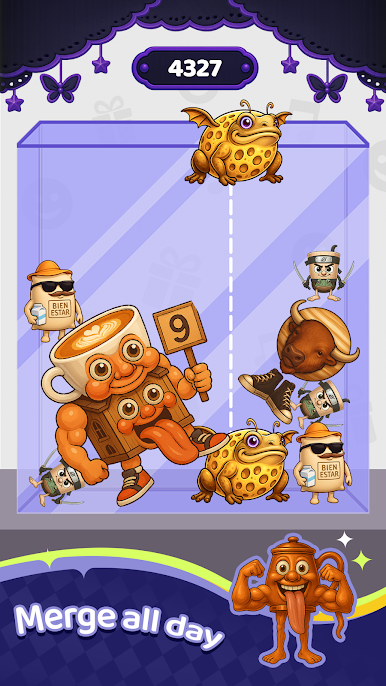
In Merge Drop Master, your mission is simple: drop, merge, and match adorable animals, juicy fruits, and wacky surprises to create even bigger combos! Whether you’re waiting for a bus or chilling on the couch, this cozy, satisfying puzzle game is your perfect time-killer.
🧠 Easy to learn, impossible to quit – just drag, drop, and merge your way to epic combos!
🌟 Game Modes:
Animal Mode 🐶 – Merge cute pets into wild new creatures! Can you create the ultimate rainbow capybara?
Fruit Mode 🍓 – Juicy fun awaits! Drop fruits and discover crazy combos like melon-cats or banana-bears!
🕹 How to Play:
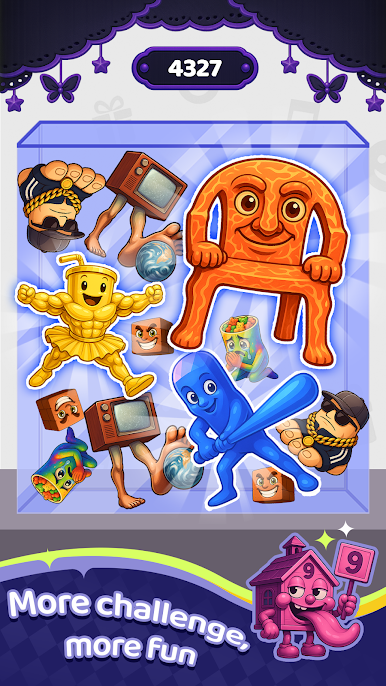
Tap and drop animals or fruits onto the board
Merge two of the same kind to evolve them into something new
Use logic, strategy, and a little bit of chaos
Don’t let the board fill up – or it’s game over!
🔥 Features:
😄 Fun and casual gameplay – great for all ages
⏱ Quick games, perfect for short breaks
🎨 Cute art, relaxing vibes, and satisfying sounds
🚀 Endless merging combos and funny surprises!
Whether you're a puzzle pro or just looking for some light-hearted fun, Merge Drop Master delivers endless entertainment in a pocket-sized game. It's time to merge, laugh, and master the drop!
📲 Download Merge Drop Master now – and become the king of combo chaos!

Play Merge Drop Master on PC. It’s easy to get started.
-
Download and install BlueStacks on your PC
-
Complete Google sign-in to access the Play Store, or do it later
-
Look for Merge Drop Master in the search bar at the top right corner
-
Click to install Merge Drop Master from the search results
-
Complete Google sign-in (if you skipped step 2) to install Merge Drop Master
-
Click the Merge Drop Master icon on the home screen to start playing

