


Merry Christmas Color
Play on PC with BlueStacks – the Android Gaming Platform, trusted by 500M+ gamers.

Page Modified on: Sep 22, 2026
Play Merry Christmas Color on PC or Mac
Bring your A-game to Merry Christmas Color, the Board game sensation from LoveColoring Game. Give your gameplay the much-needed boost with precise game controls, high FPS graphics, and top-tier features on your PC or Mac with BlueStacks.
About the Game
Merry Christmas Color is your cozy holiday coloring escape—pick a scene, match the numbers, and watch it warm up with color one tap at a time. It’s a gentle Board experience built for unwinding, with festive art that ranges from sparkling tree lights to quiet snowy streets. Prefer a bigger canvas? It plays comfortably on BlueStacks, too.
Game Features
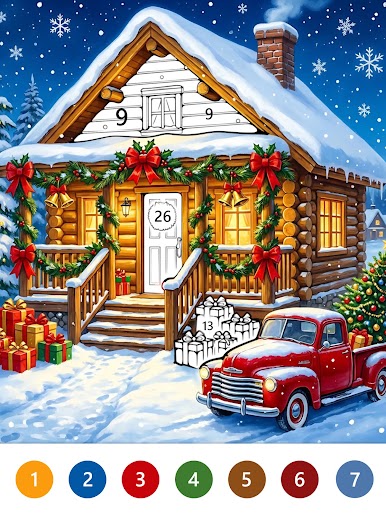
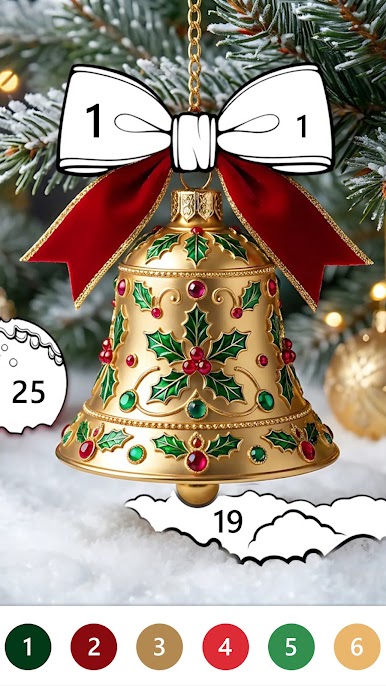
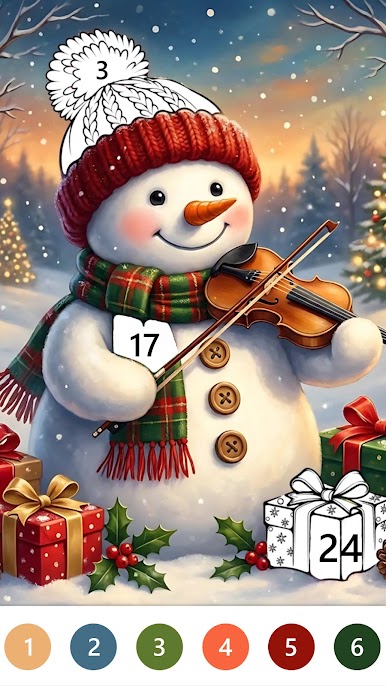
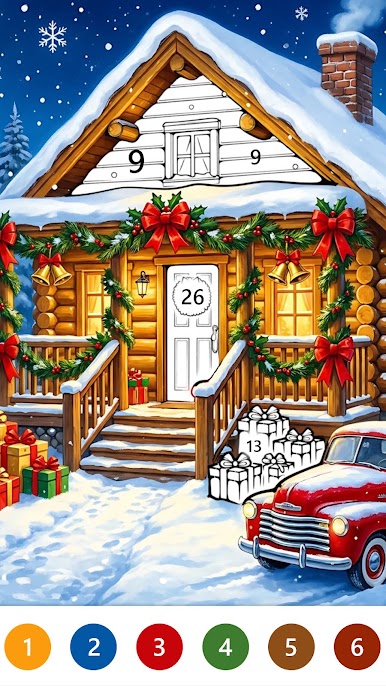
- Festive gallery: Explore a cheerful mix of Santa moments, reindeer cameos, snowmen, twinkling trees, wreaths, stockings, gingerbread, and glowing fireplaces—plus calm winter villages and decorated rooms.
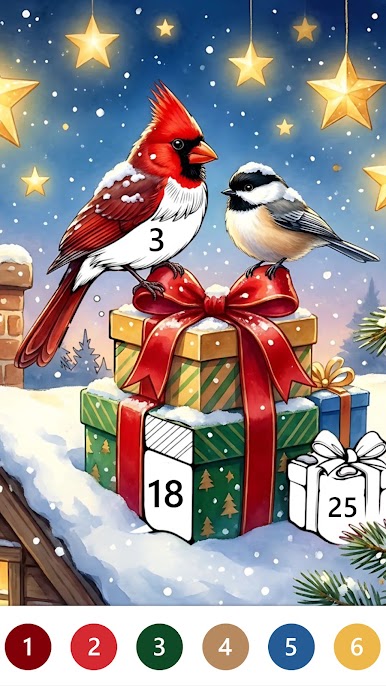
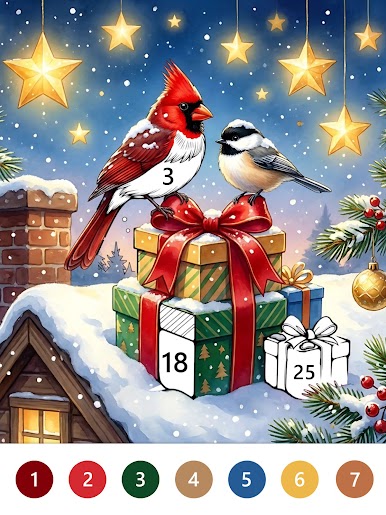
- Tap-to-color numbers: Pick an illustration, follow the simple number guides, and fill each area with a tap—no drawing skills, no pressure, just soothing progress.
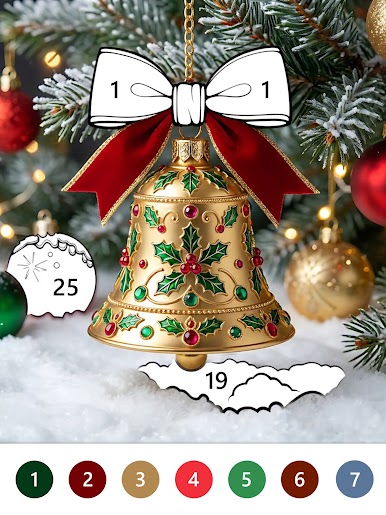
- Visible progress: See each picture take shape as tiny details pop—ornaments shine, rooftops frost over, and gift bows appear one color at a time.
- Your pace, your vibe: Want a bright party scene or a hushed snowy evening? Color whatever fits your mood and come back whenever you’re ready.
- Cozy, low-effort flow: Clear layouts and numbered areas keep everything stress-free, turning a few spare minutes into a relaxing break.
- Little surprises to find: Look closer for charming touches—a golden bell by the door, a favorite ornament, or a present waiting beside Santa.
- A growing keepsake: Build a personal collection of finished holiday art you can revisit whenever you need a bit of seasonal calm.
BlueStacks gives you more room to focus on the game and less time adjusting around mobile limitations.



Play Merry Christmas Color on PC. It’s easy to get started.
-
Download and install BlueStacks on your PC
-
Complete Google sign-in to access the Play Store, or do it later
-
Look for Merry Christmas Color in the search bar at the top right corner
-
Click to install Merry Christmas Color from the search results
-
Complete Google sign-in (if you skipped step 2) to install Merry Christmas Color
-
Click the Merry Christmas Color icon on the home screen to start playing

