

Traffic Car Racer: Driving 3D
Play on PC with BlueStacks – the Android Gaming Platform, trusted by 500M+ gamers.

Page Modified on: Aug 20, 2026
Play Traffic Car Racer: Driving 3D on PC or Mac
Play Traffic Car Racer: Driving 3D by Meta Play Studio on PC or Mac with BlueStacks. Use a bigger screen, mouse and keyboard controls, and smoother performance while you play.
About the Game
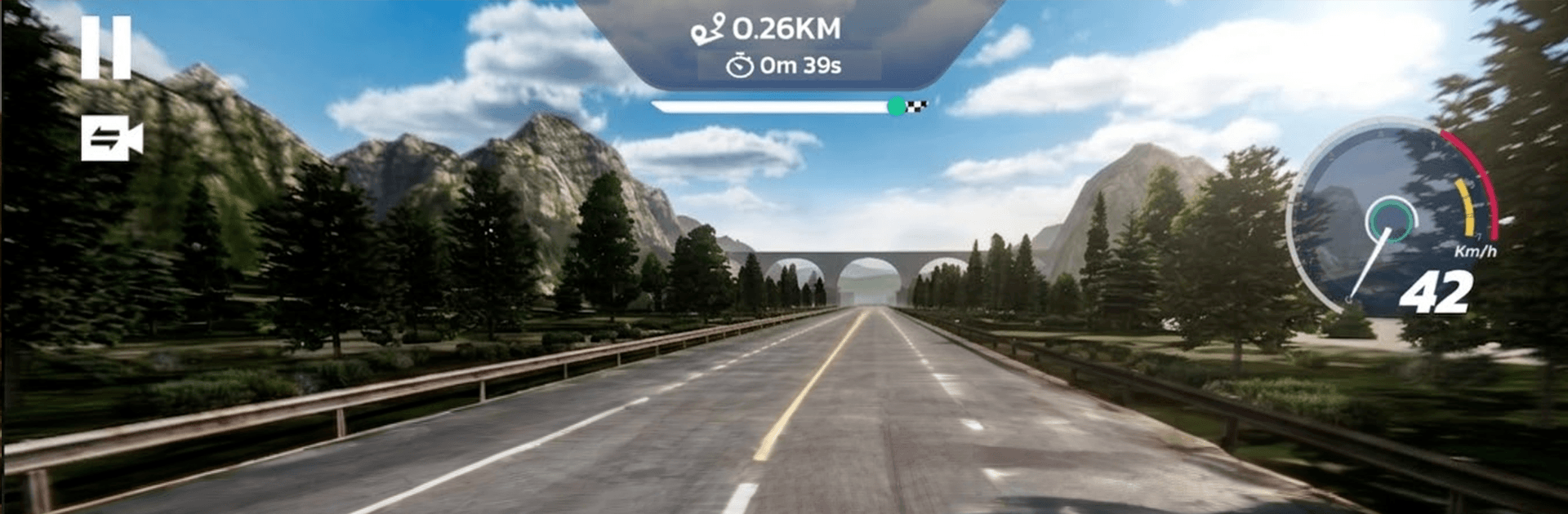
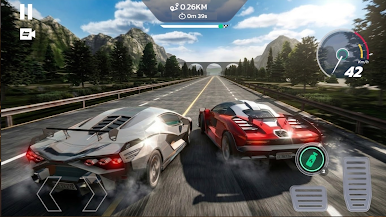
Traffic Car Racer: Driving 3D is a fast, no-nonsense highway racer where quick decisions matter more than anything. You’re threading through traffic, squeezing past trucks, and chasing that perfect run while the speedometer keeps climbing. It’s pick-up-and-play simple, but there’s depth in the handling, the modes, and a garage that begs to be tuned.
Game Features
- High-Speed Traffic Runs: Dynamic cars and trucks keep you guessing, while clean, close passes rack up sweet bonus points. It’s all about timing and a steady hand.
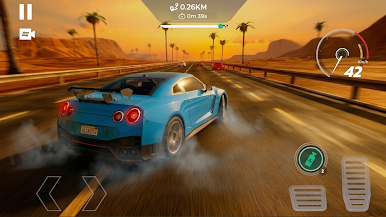
- Weather and Time Variety: Bright afternoons, rainy roads, and late-night drives change visibility and the vibe, so every run feels a little different.
- Modes for Every Mood: Knock out goal-based missions, race smart AI for lane dominance, go endless to test pure endurance, or push your limits in time-focused challenges.
- Deep Garage Collection: Unlock a range of rides—from quick sedans and tough SUVs to full-on supercars—and keep building your dream lineup.
- Performance Tuning: Upgrade engine power, tighten brakes, and sharpen handling so your car feels just right at top speed.
- Style Your Ride: Paint jobs, rims, spoilers, and custom plates let you show up with personality as well as pace.
- Crisp 3D Look and Sound: Detailed interiors and long, open highways paired with punchy engine notes and tire squeals deliver a satisfying racetrack feel.
- Smooth Play Anywhere: Built to run clean and responsive on mobile, and it plays great on BlueStacks if you want the big-screen view.
- Controls Your Way: Tilt or touch—pick what feels natural. Swap camera angles between an immersive cockpit view and a wide, third-person chase cam.
Start playing Traffic Car Racer: Driving 3D on BlueStacks and get a smoother, more comfortable PC or Mac setup.
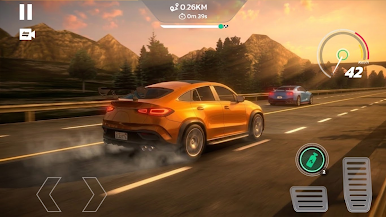
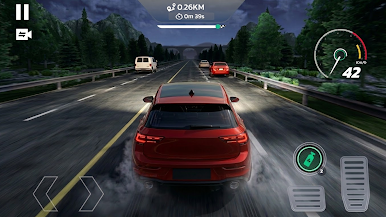
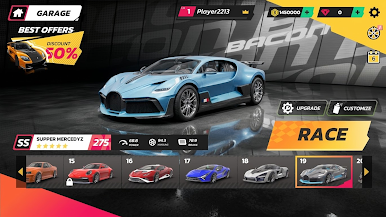
Play Traffic Car Racer: Driving 3D on PC. It’s easy to get started.
-
Download and install BlueStacks on your PC
-
Complete Google sign-in to access the Play Store, or do it later
-
Look for Traffic Car Racer: Driving 3D in the search bar at the top right corner
-
Click to install Traffic Car Racer: Driving 3D from the search results
-
Complete Google sign-in (if you skipped step 2) to install Traffic Car Racer: Driving 3D
-
Click the Traffic Car Racer: Driving 3D icon on the home screen to start playing

